
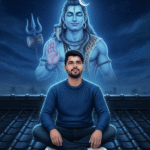
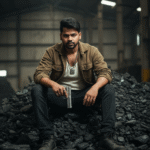


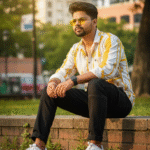


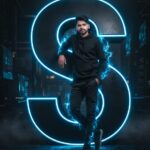
Kaise ai se new styles image generates kare in Gemini se
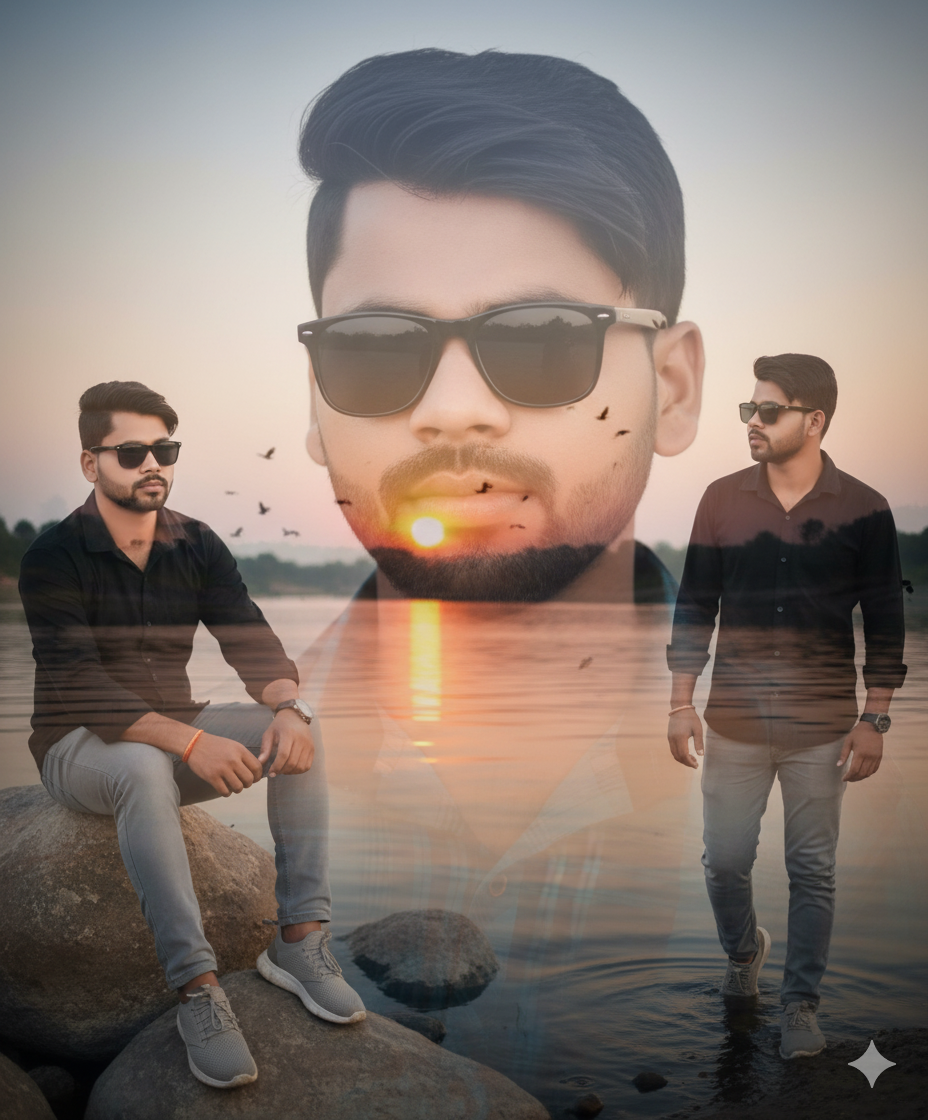
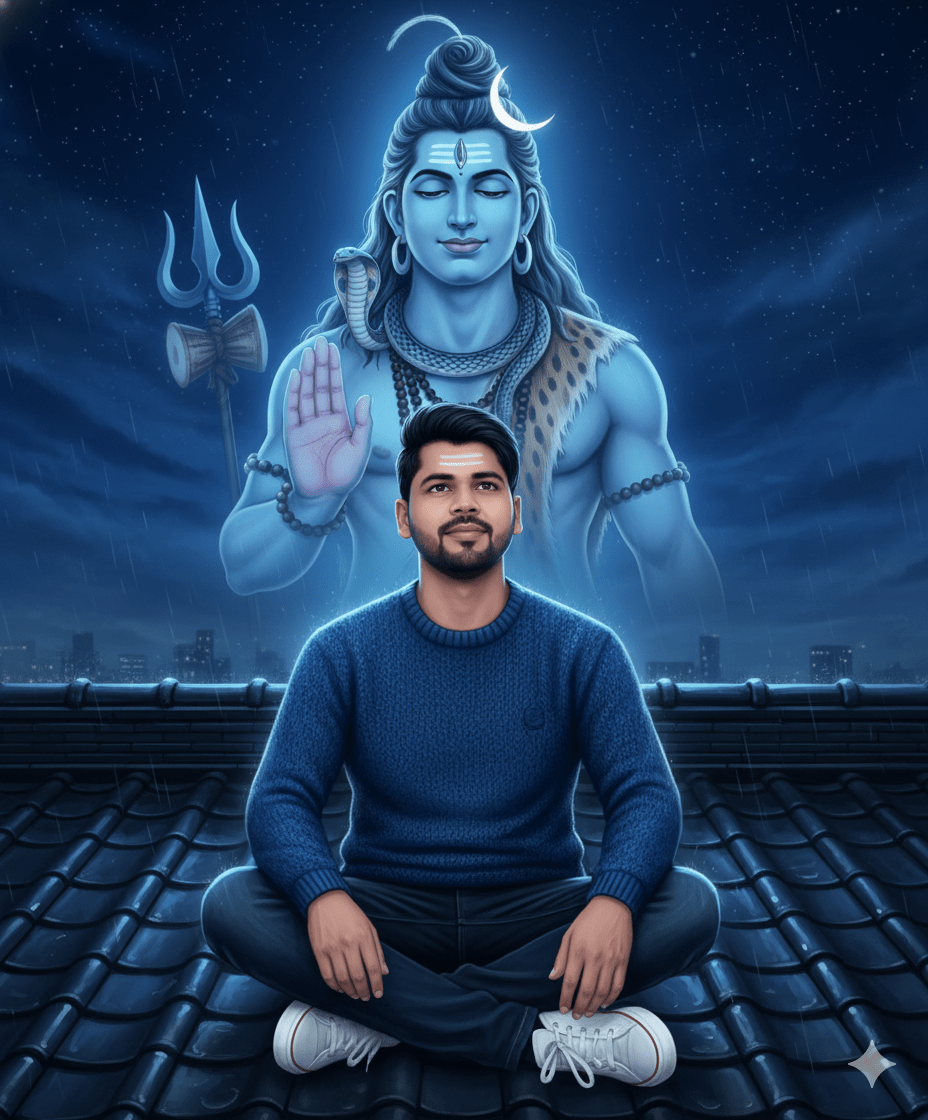
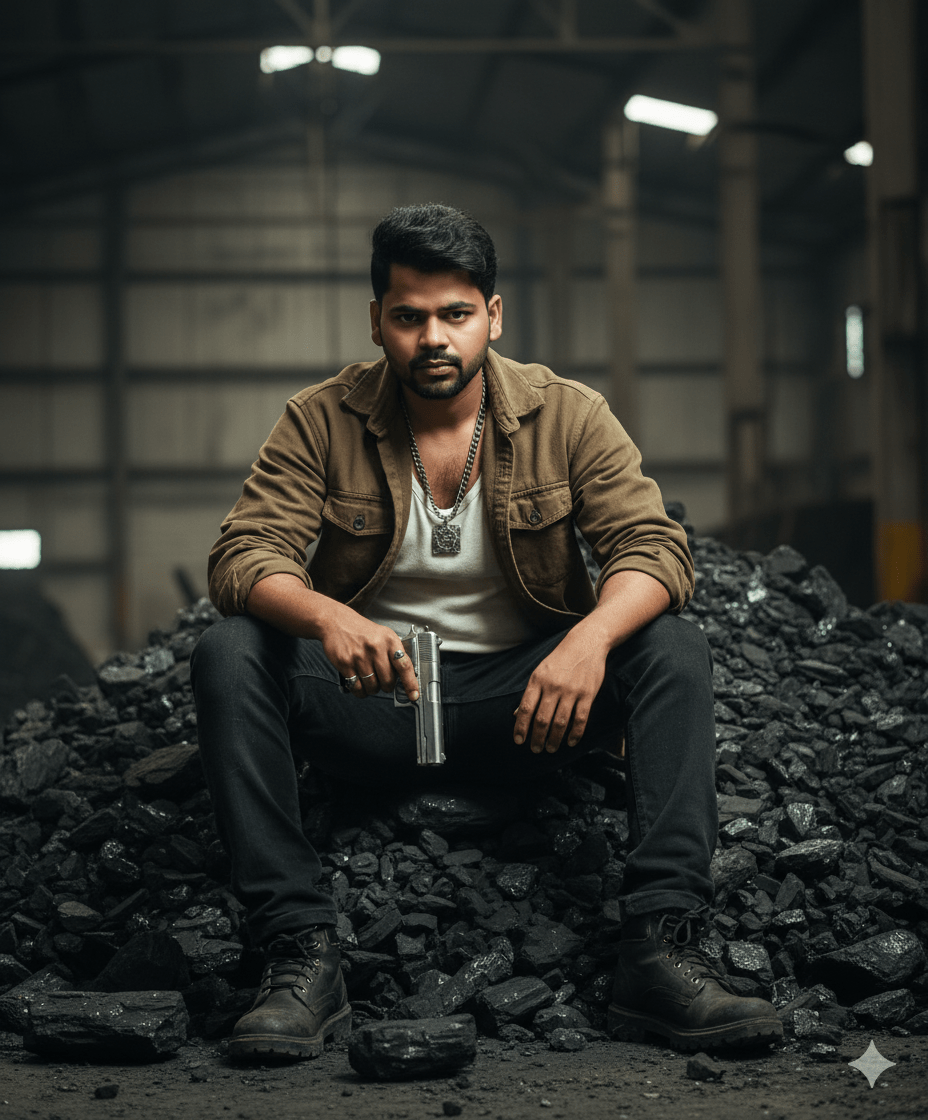
In This Article you will learn about how to convert real image into ai image.
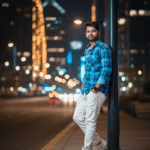
Step 1. You will need to a your original photo.
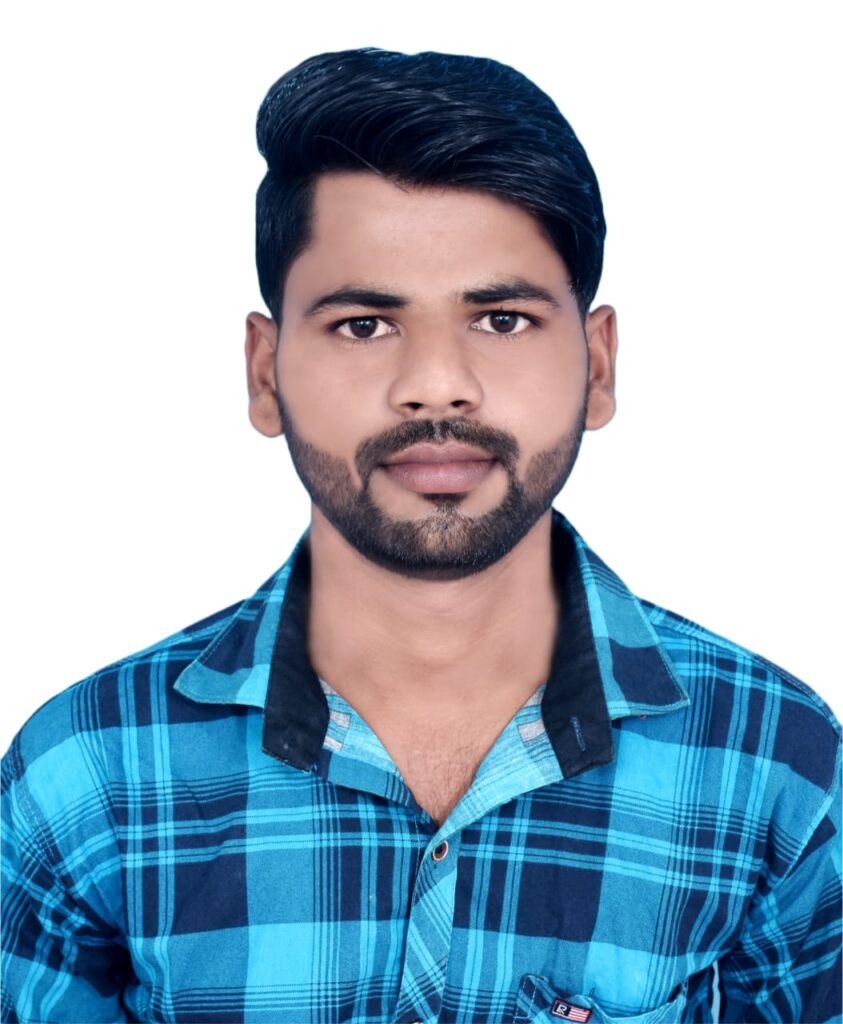
Step 2. You will also need a ai Prompts. Which help to conver your real image to ai image.
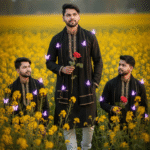
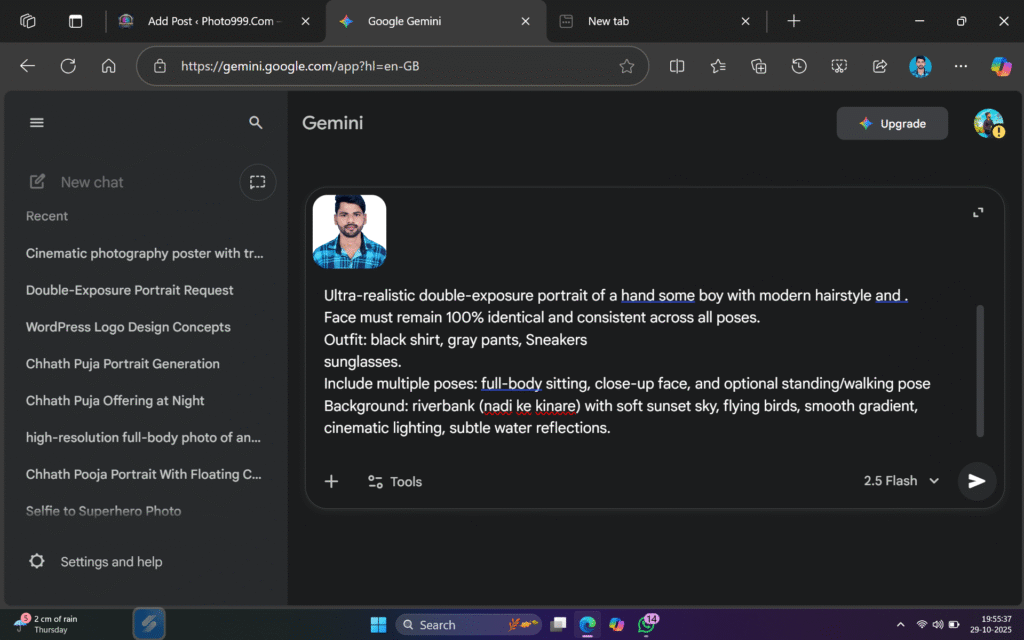
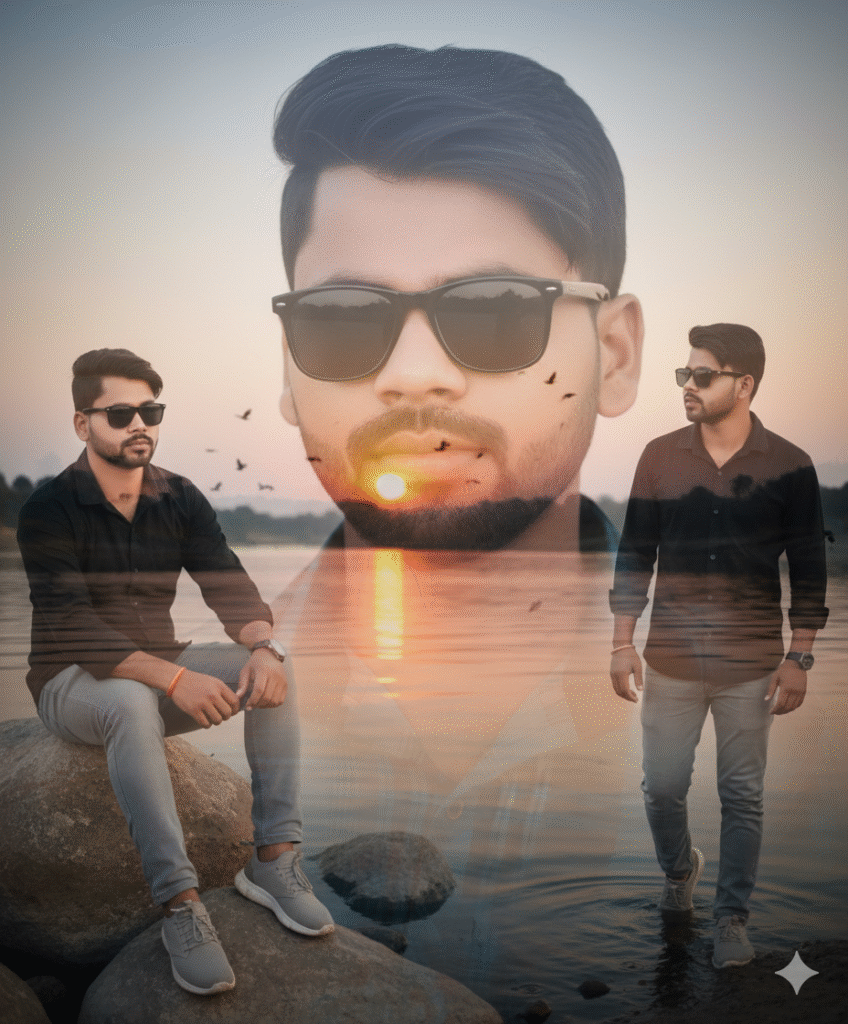
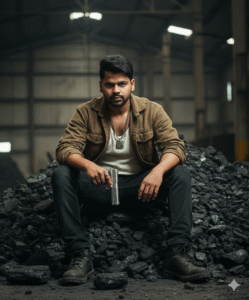
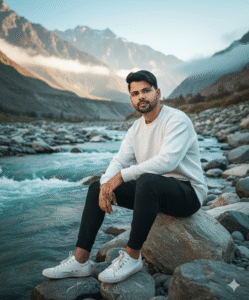
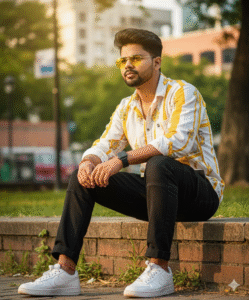
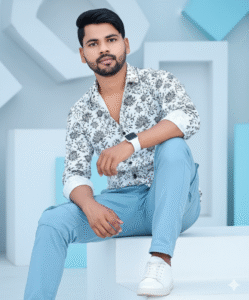
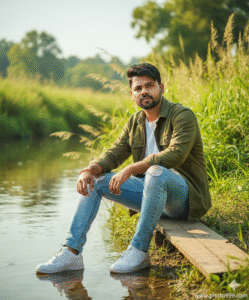
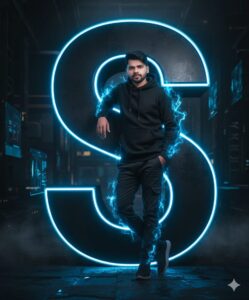
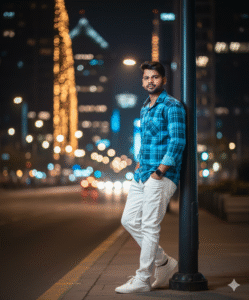
Ultra-realistic double-exposure portrait of a hand some boy with modern hairstyle and .
Face must remain 100% identical and consistent across all poses.
Outfit: black shirt, gray pants, Sneakers
sunglasses.
Include multiple poses: full-body sitting, close-up face, and optional standing/walking pose
Background: riverbank (nadi ke kinare) with soft sunset sky, flying birds, smooth gradient, cinematic lighting, subtle water reflections.
Step 3. And also required a ai plateform. which make your photo into ai model.
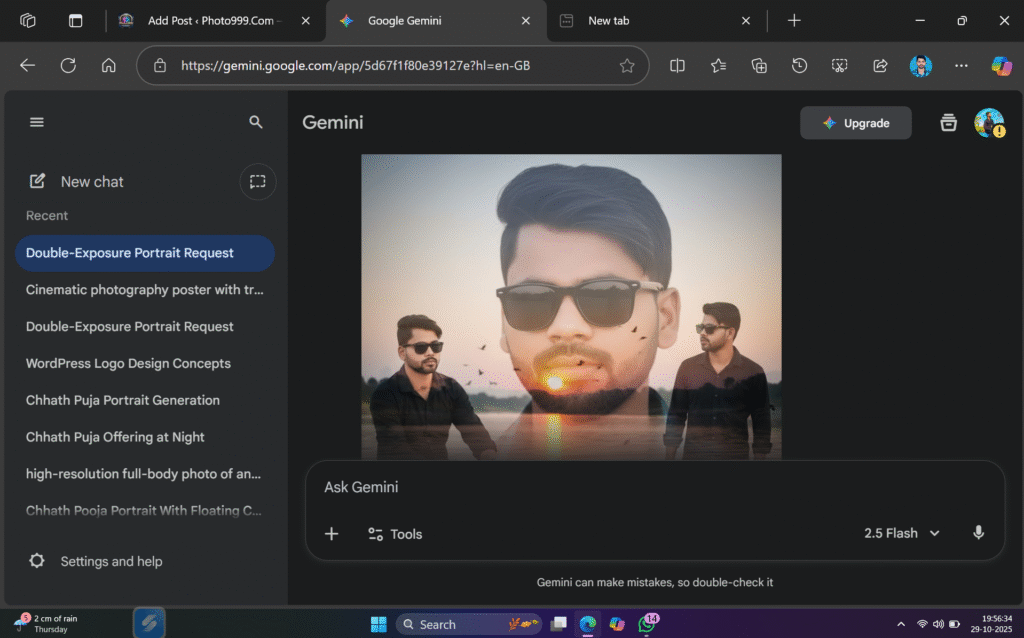
Step 4. Now your photo is ready. You can now upload on any Social Media plateform.
Step 5. If you don’t understand then you can watch the video.

Post Comment