




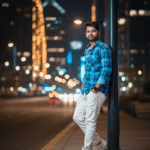
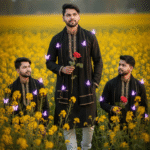
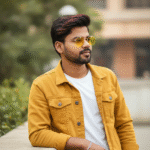
How to generate new styles image with Ai in Gemini (Part 03)
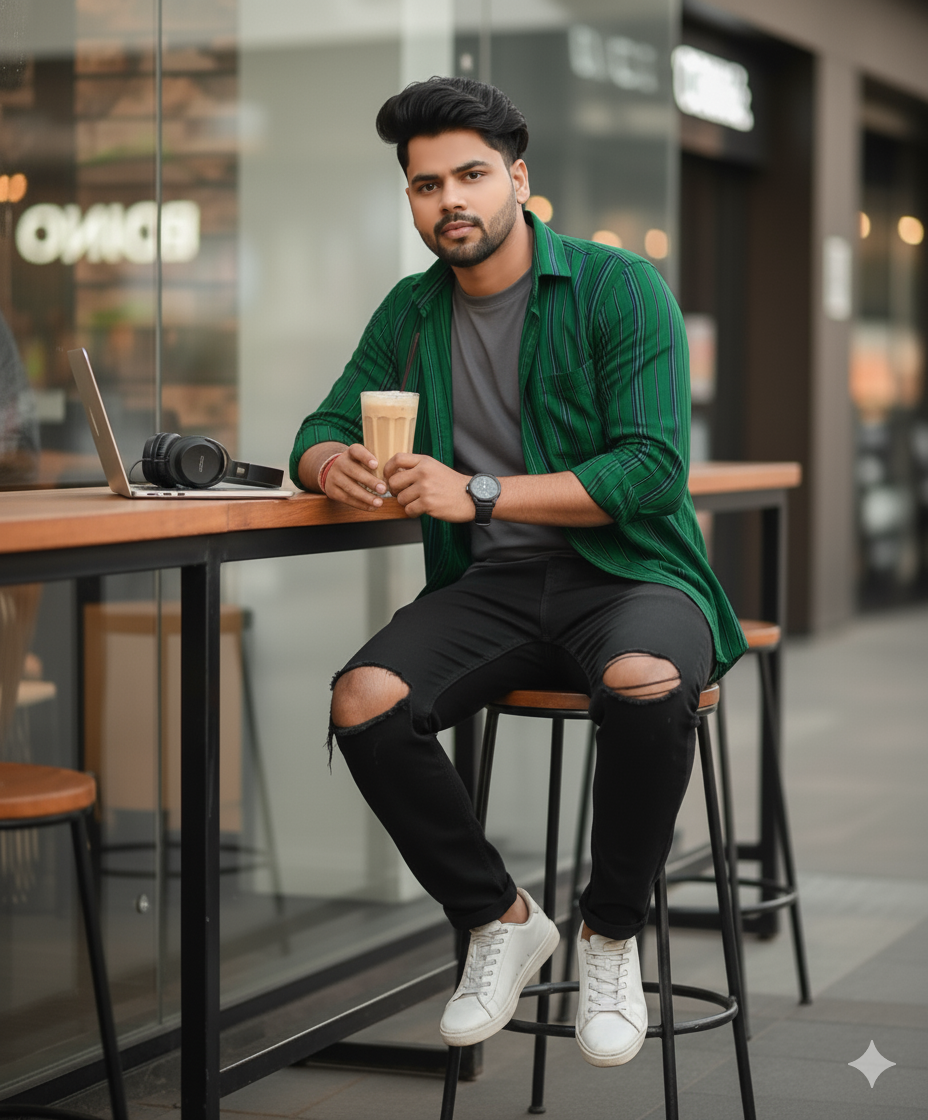
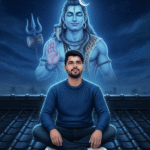
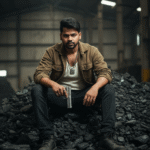
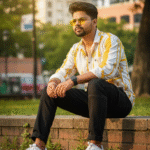
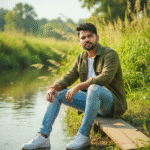
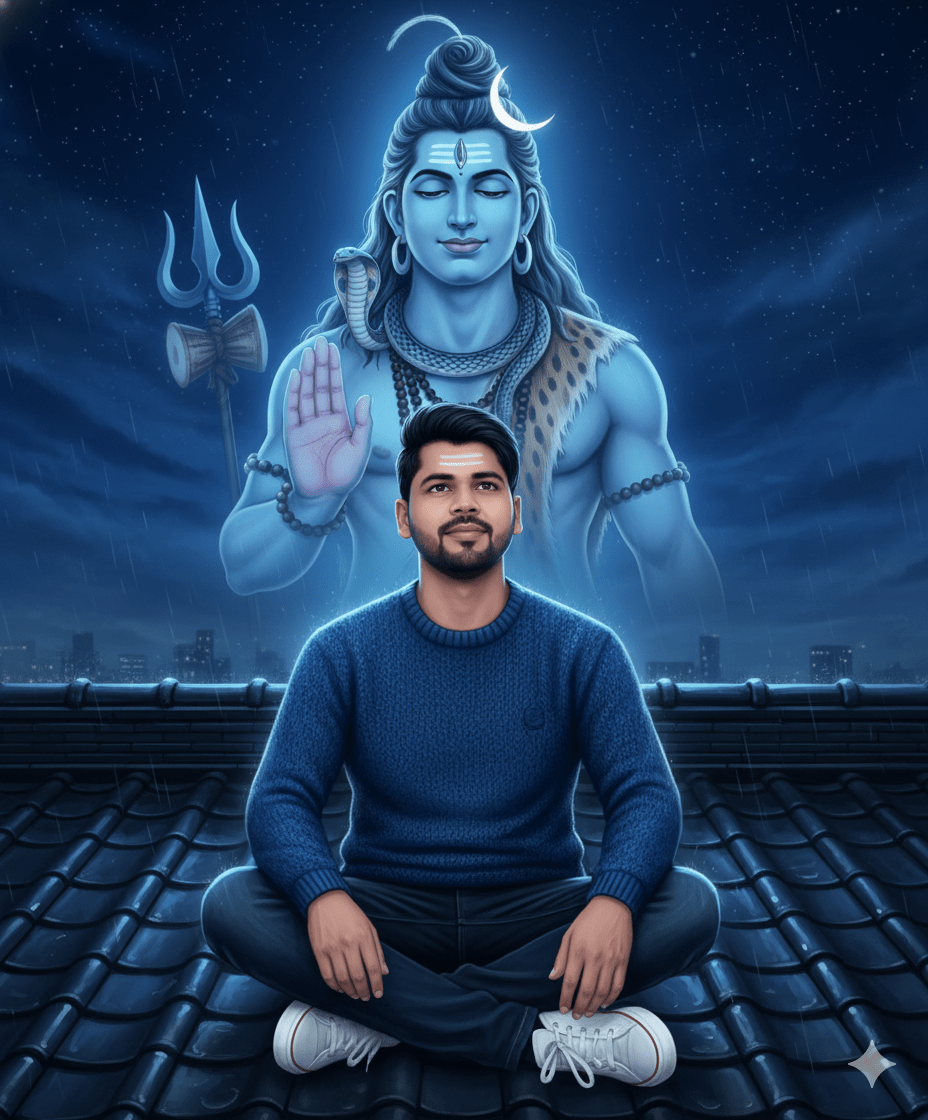
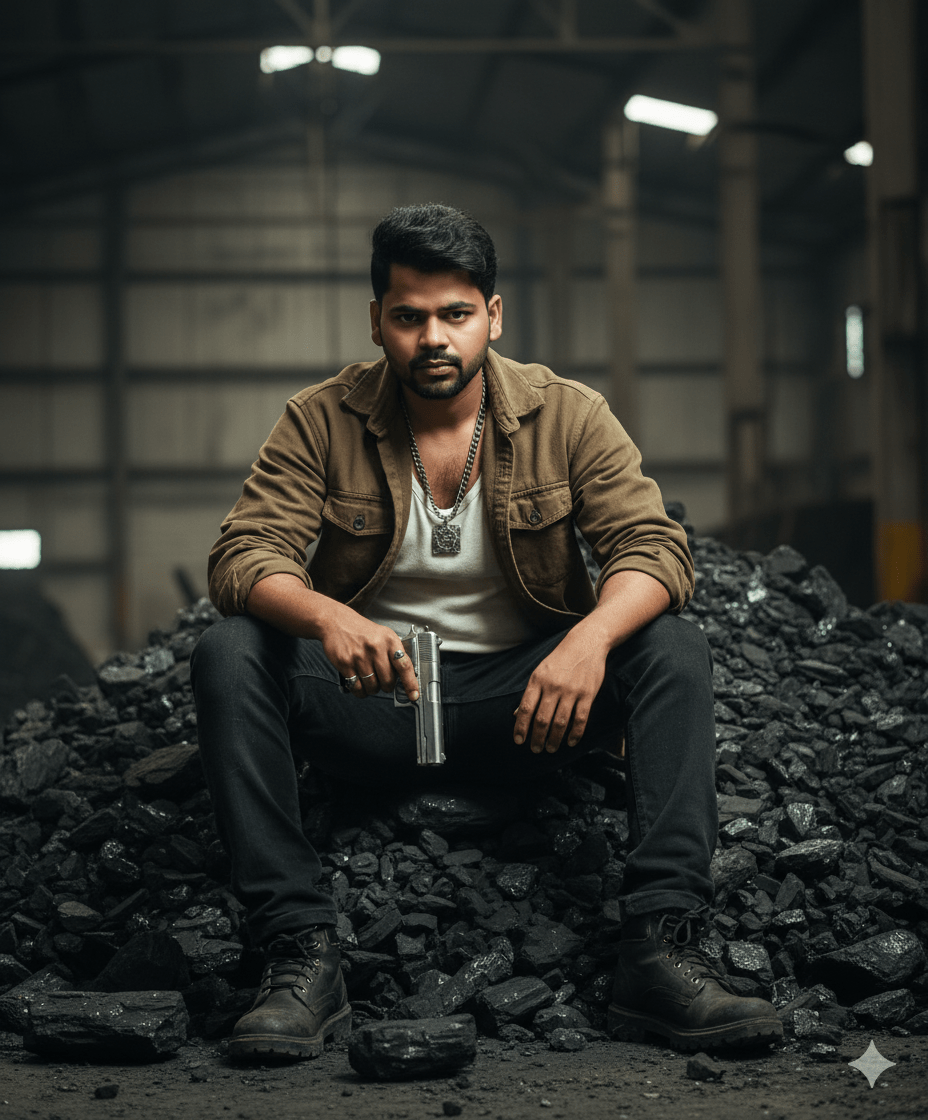
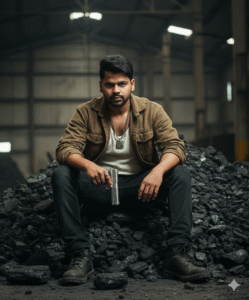
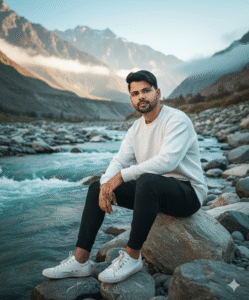
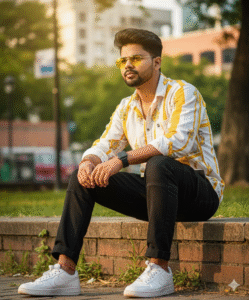
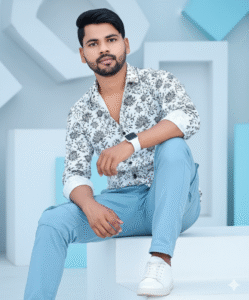
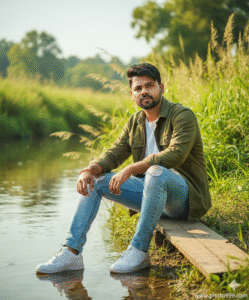
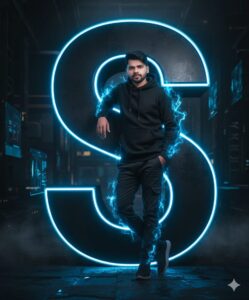
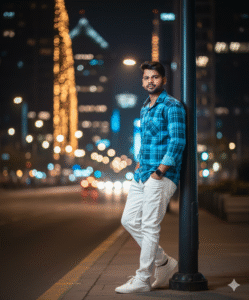
In This Article you will learn about how to convert real image into ai image.
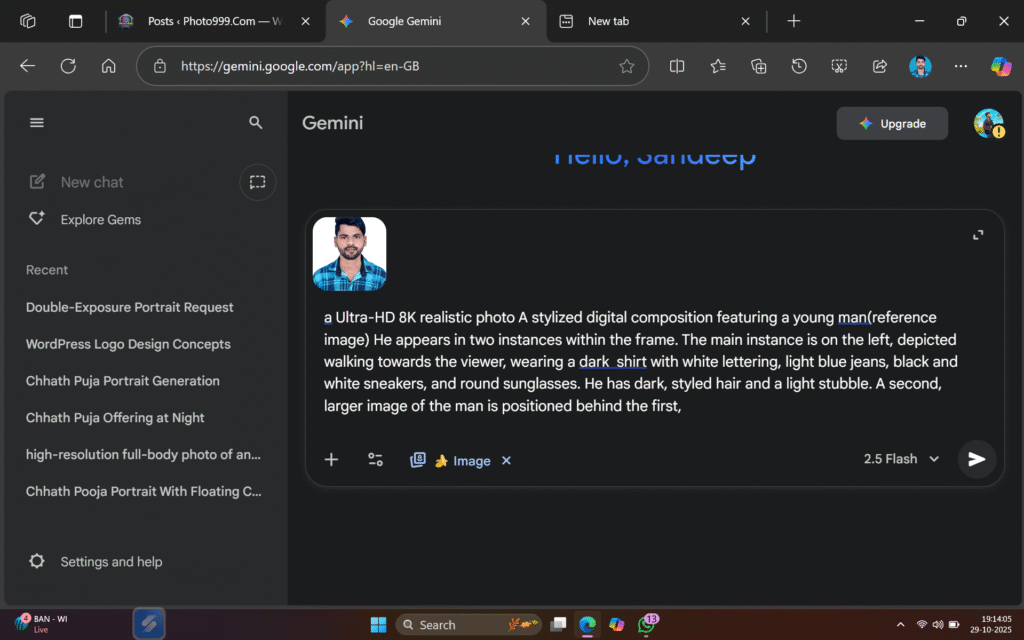
Step 1. You will need to a your original photo.
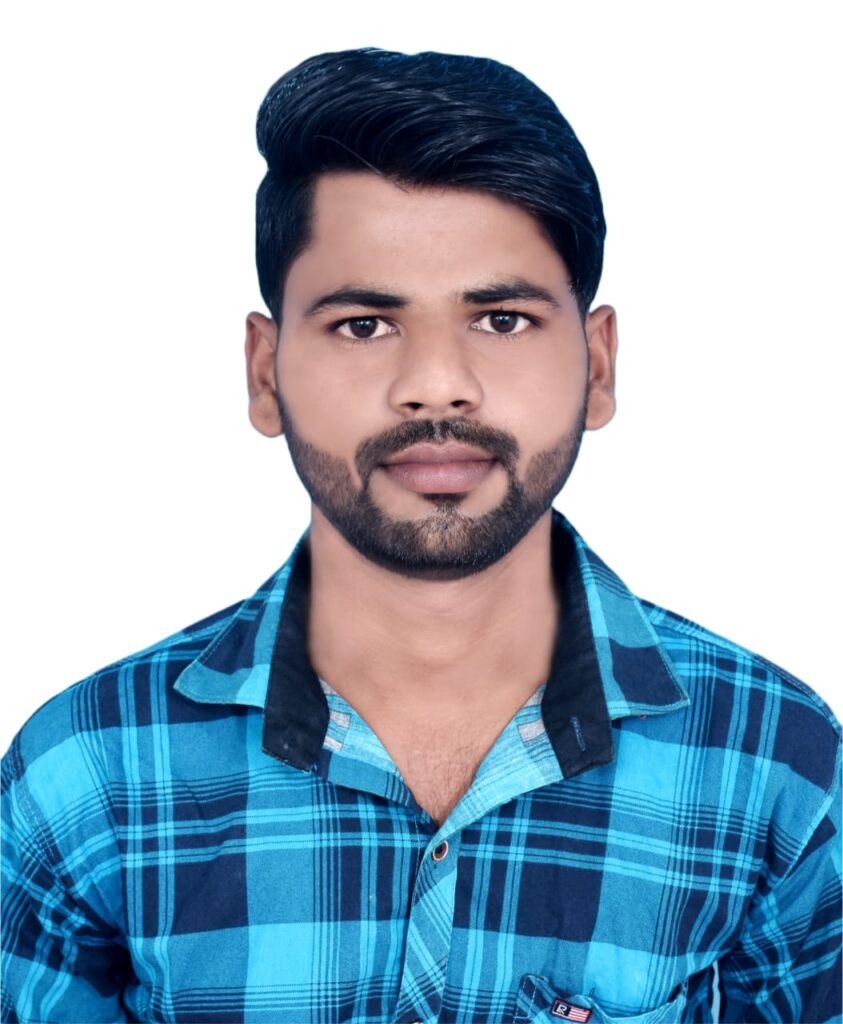
Step 2. You will also need a ai Prompts. Which help to conver your real image to ai image.
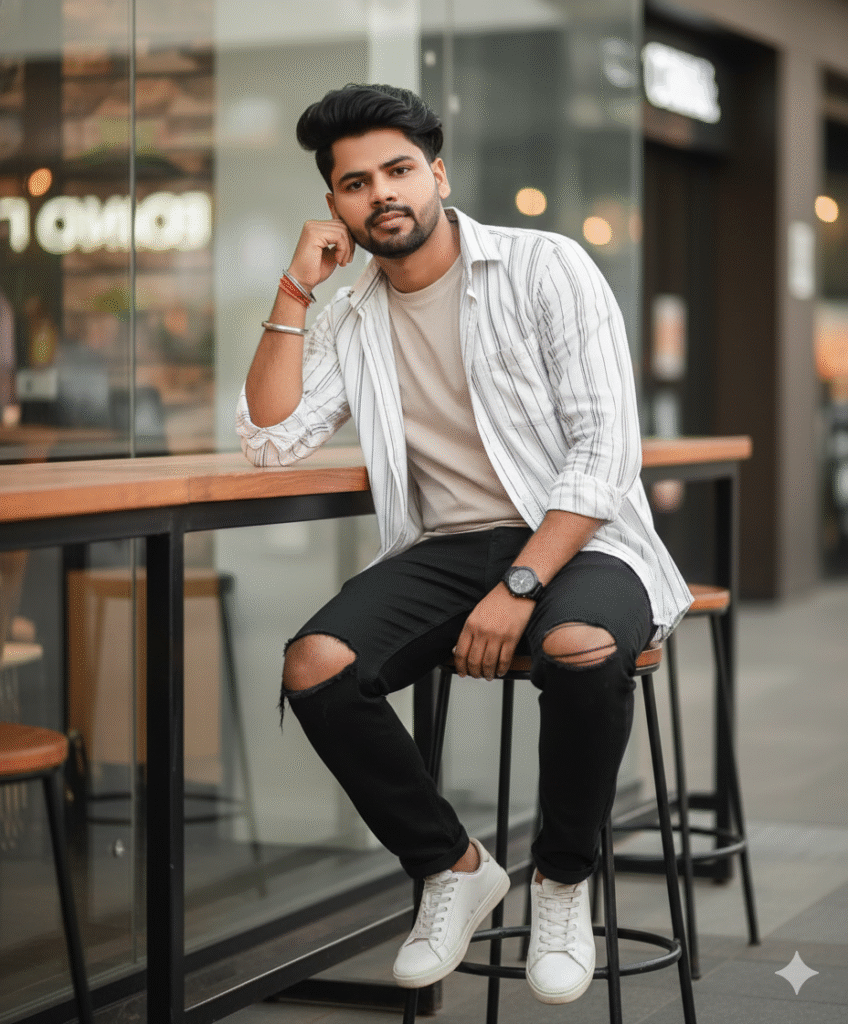
Prompt📷👀👇

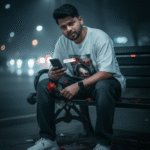
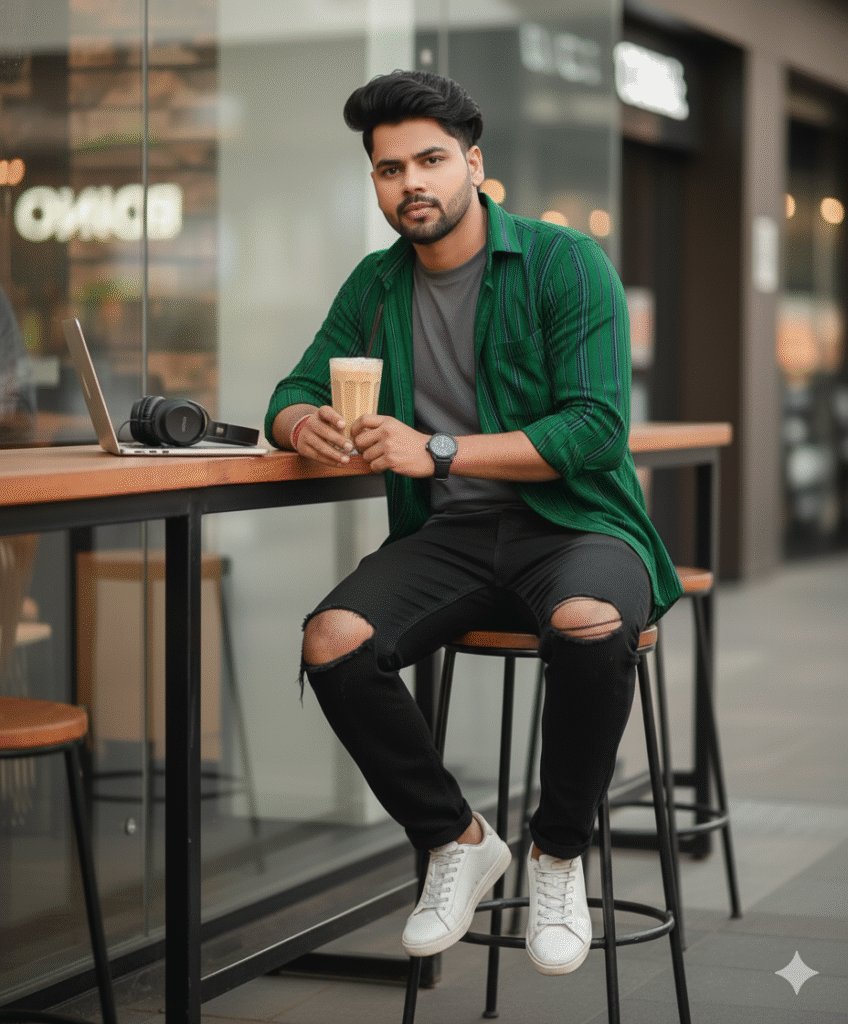
"A stylish young man with voluminous hairstyle and sharp jawline, wearing an open striped white shirt over a plain t-shirt and loose ripped black jeans with big knee holes. He is sitting casually on a high metal bar stool, relaxed pose with one arm resting on the table and other hand near his face, wearing white sneakers, bracelets, and a watch. The background is a modern outdoor cafe or food court with blurred lights and glass, neutral color tones, cinematic soft focus, ultra-realistic DSLR 8K
Step 3. And also required a ai plateform. which make your photo into ai model.
Step 4. Now your photo is ready. You can now upload on any Social Media plateform.
Step 5. If you don’t understand then you can watch the video.

Post Comment