
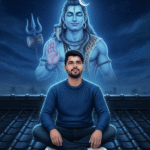
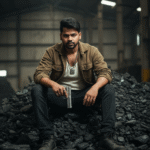


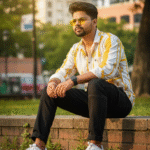



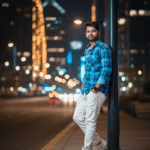
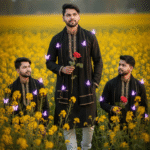
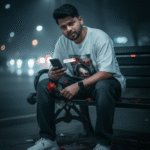
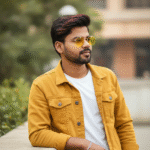
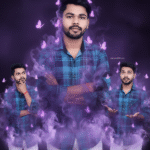
How to generate new styles image with Ai in Gemini (Part 04)
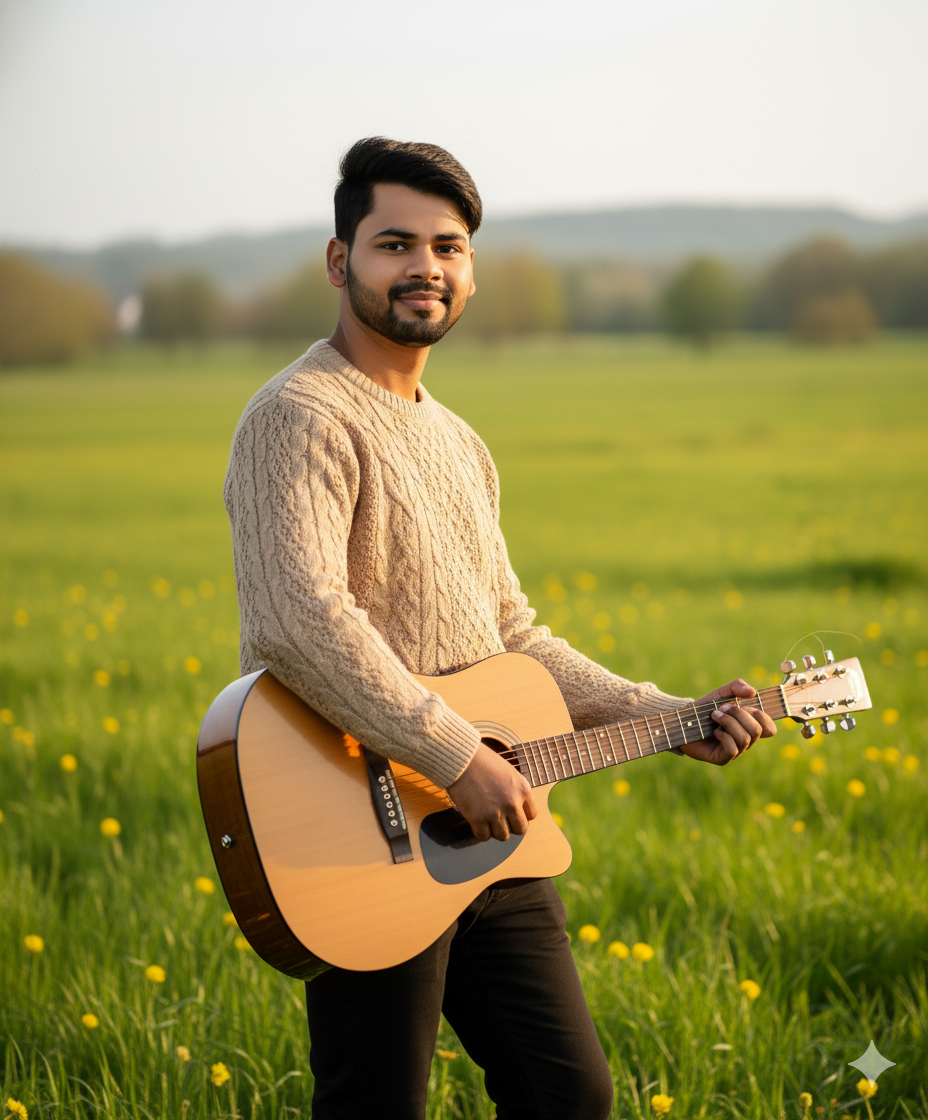
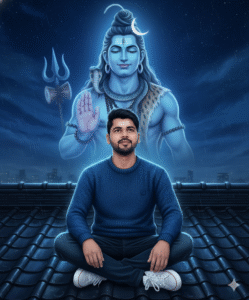
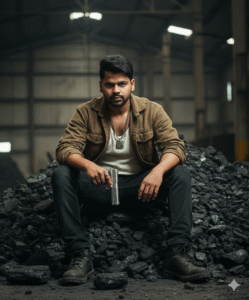
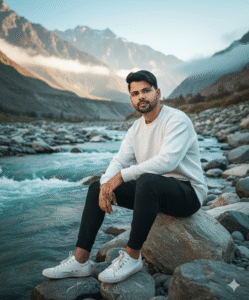
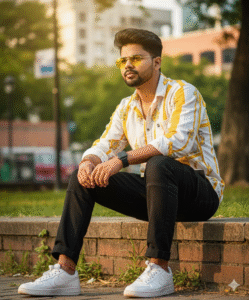
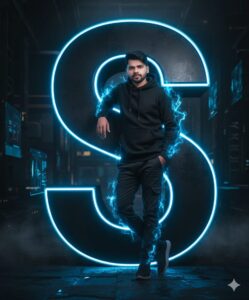
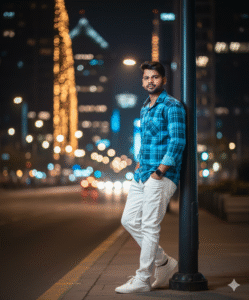
In This Article you will learn about how to convert real image into ai image.
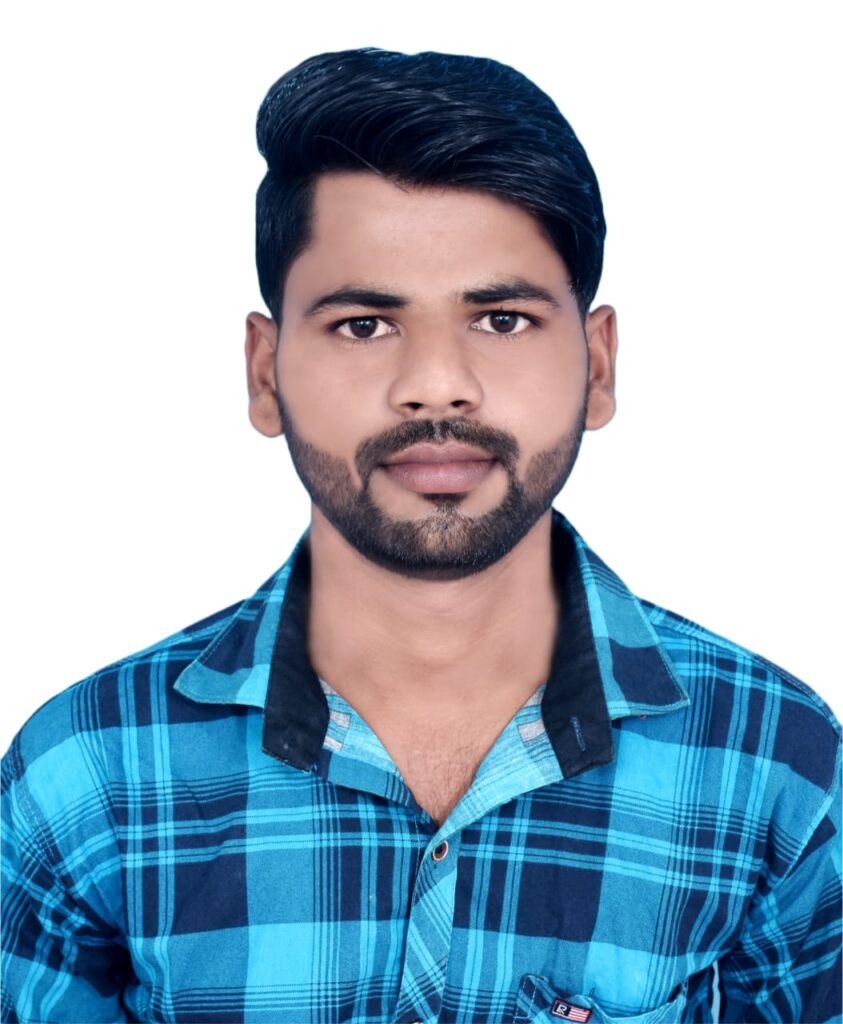
Step 1. You will need to a your original photo.
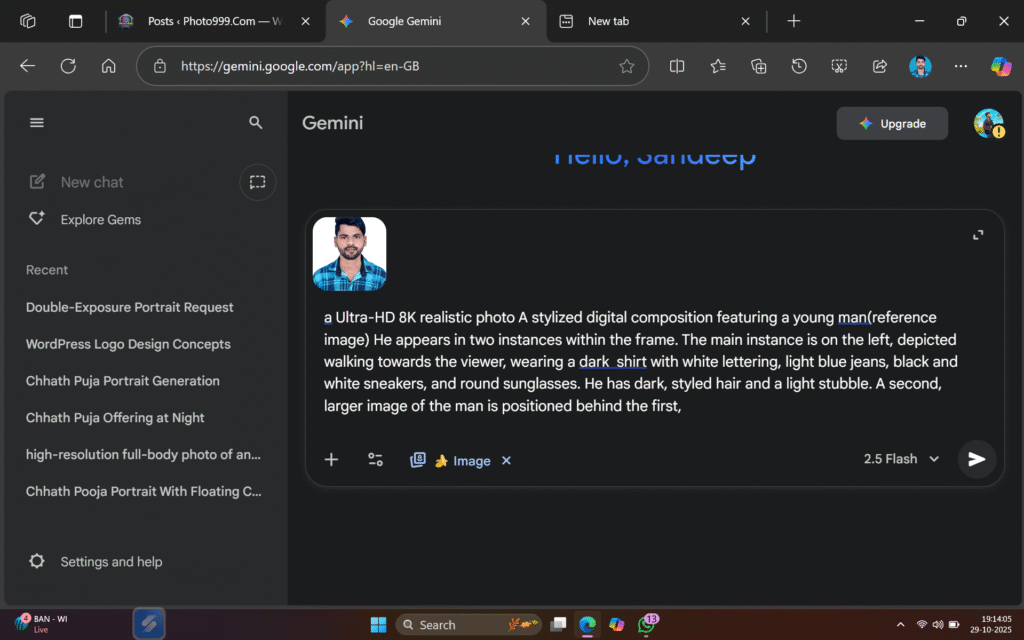
Step 2. You will also need a ai Prompts. Which help to conver your real image to ai image.
Prompt📷👀👇

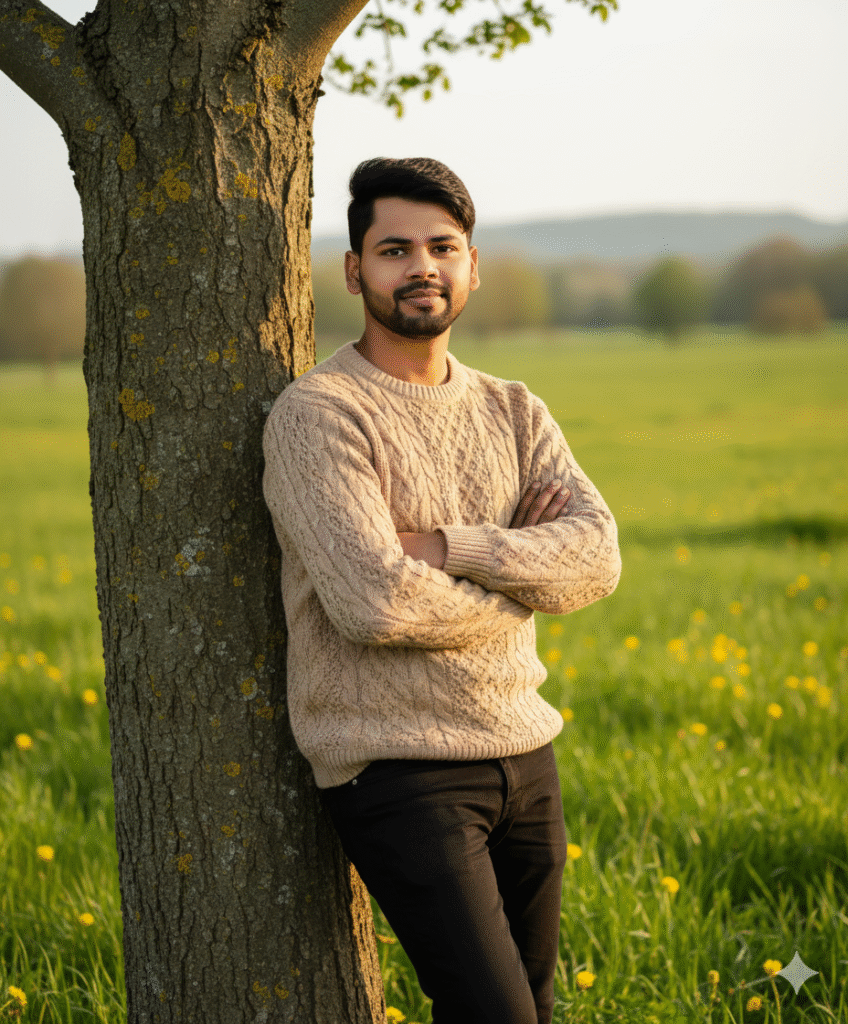
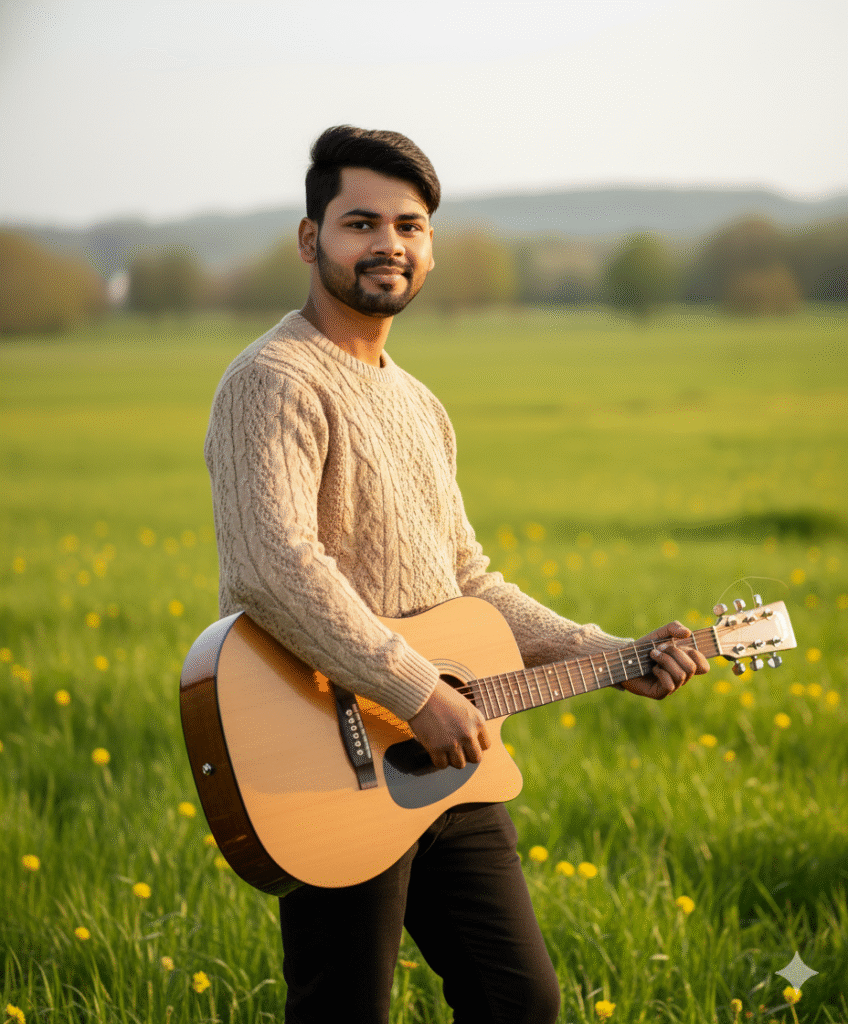
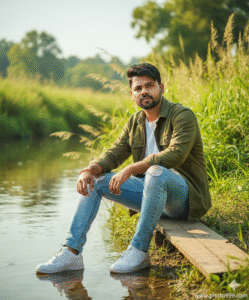
A hyper-realistic cinematic 9:16 portrait based on the uploaded image, keeping the same face and hairstyle of A young man standing outdoors in a lush green field filled with scattered yellow wildflowers, leaning casually against a tree trunk with arms crossed and a soft, confident smile. He wears a beige cable-knit sweater with visible texture and fitted black pants.
Step 3. And also required a ai plateform. which make your photo into ai model.
Step 4. Now your photo is ready. You can now upload on any Social Media plateform.
Step 5. If you don’t understand then you can watch the video.




Post Comment