





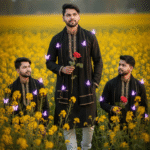
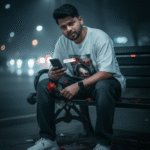
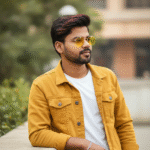
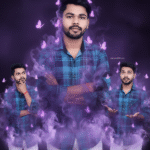
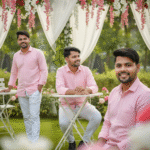
How to generate new styles image with Ai in Gemini (Part 06)
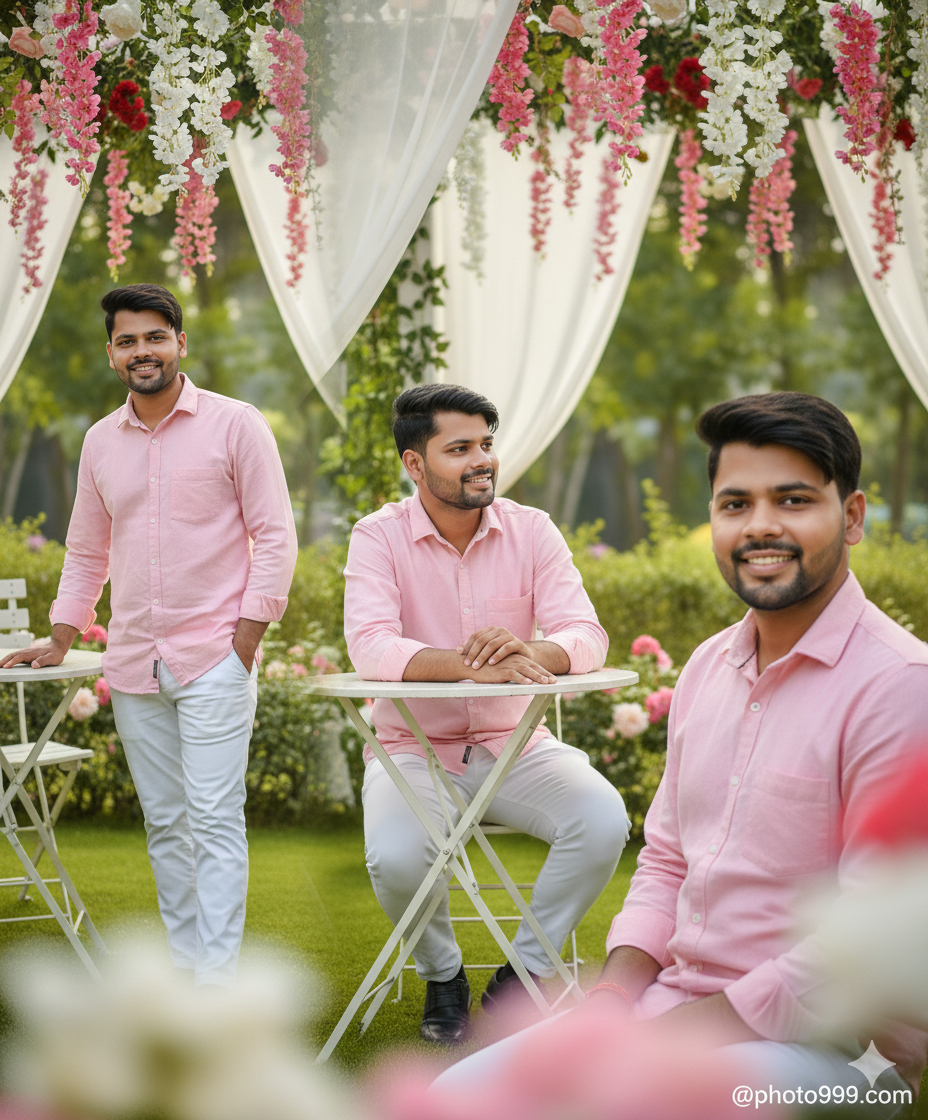
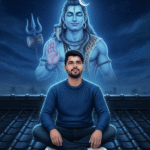
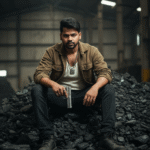
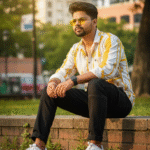
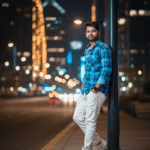
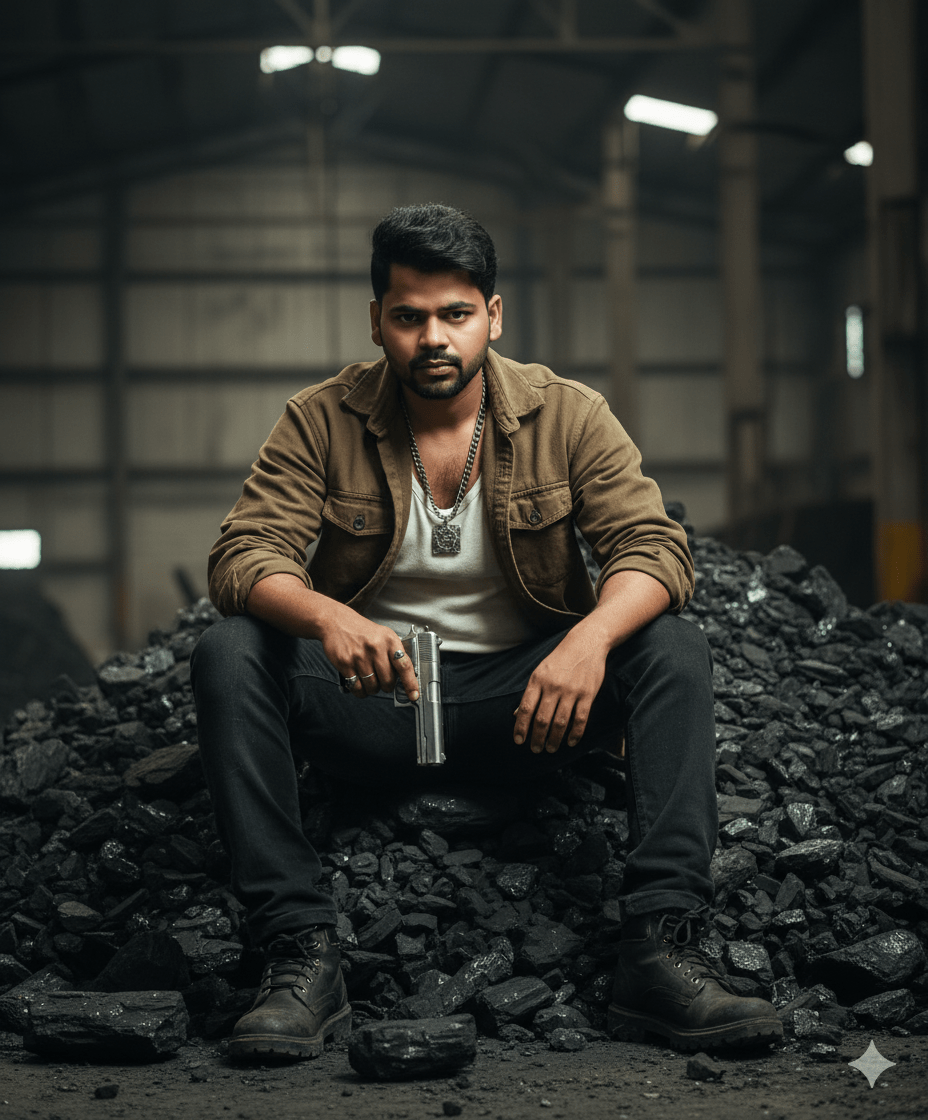
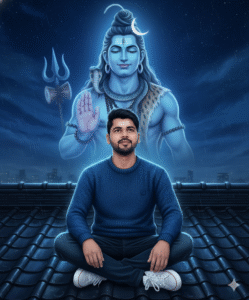
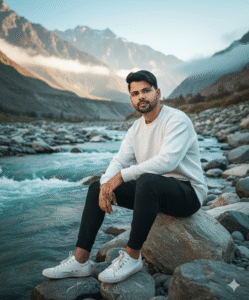
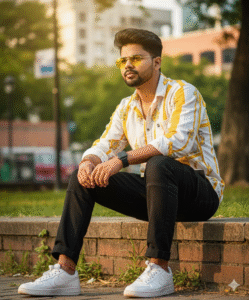
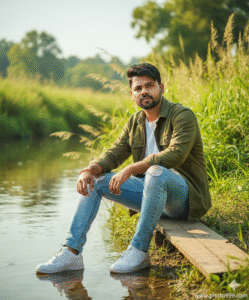
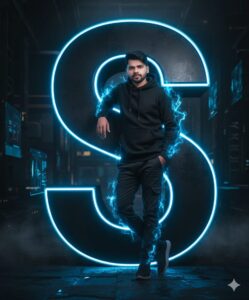
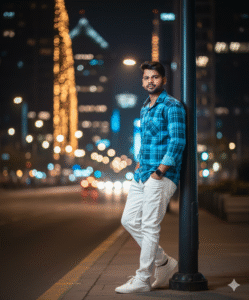
In This Article you will learn about how to convert real image into ai image.
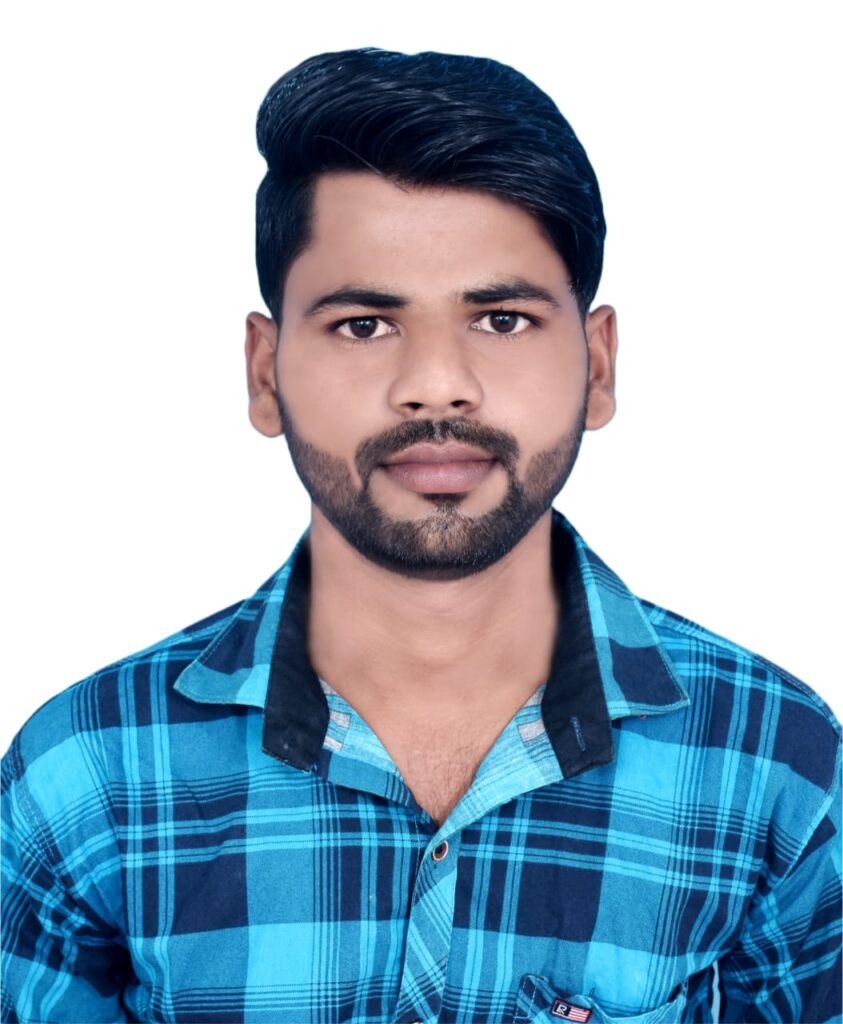
Step 1. You will need to a your original photo.
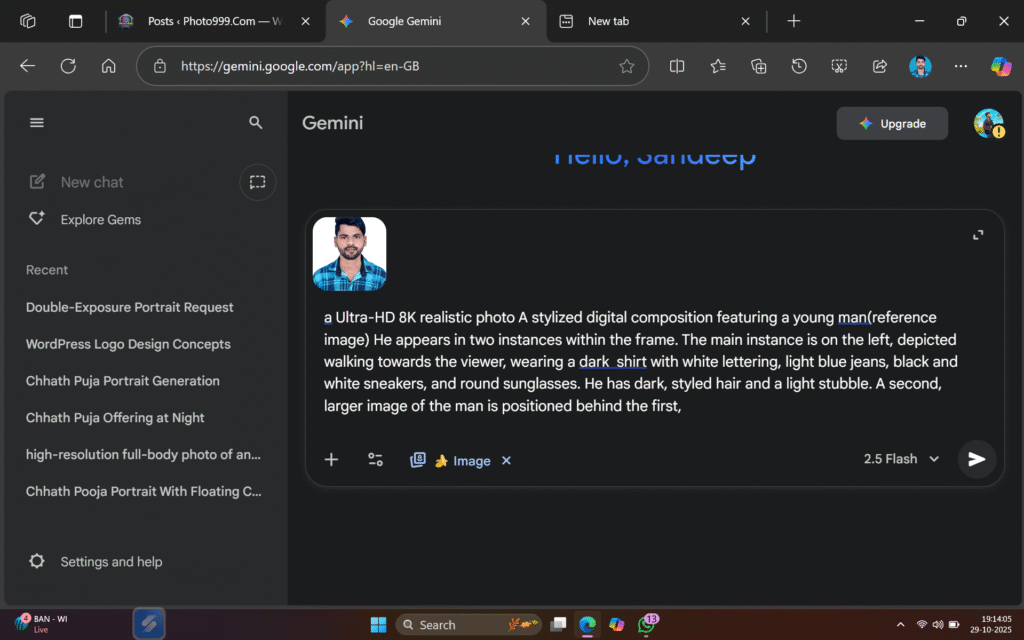
Step 2. You will also need a ai Prompts. Which help to conver your real image to ai image.
Prompt📷👀👇

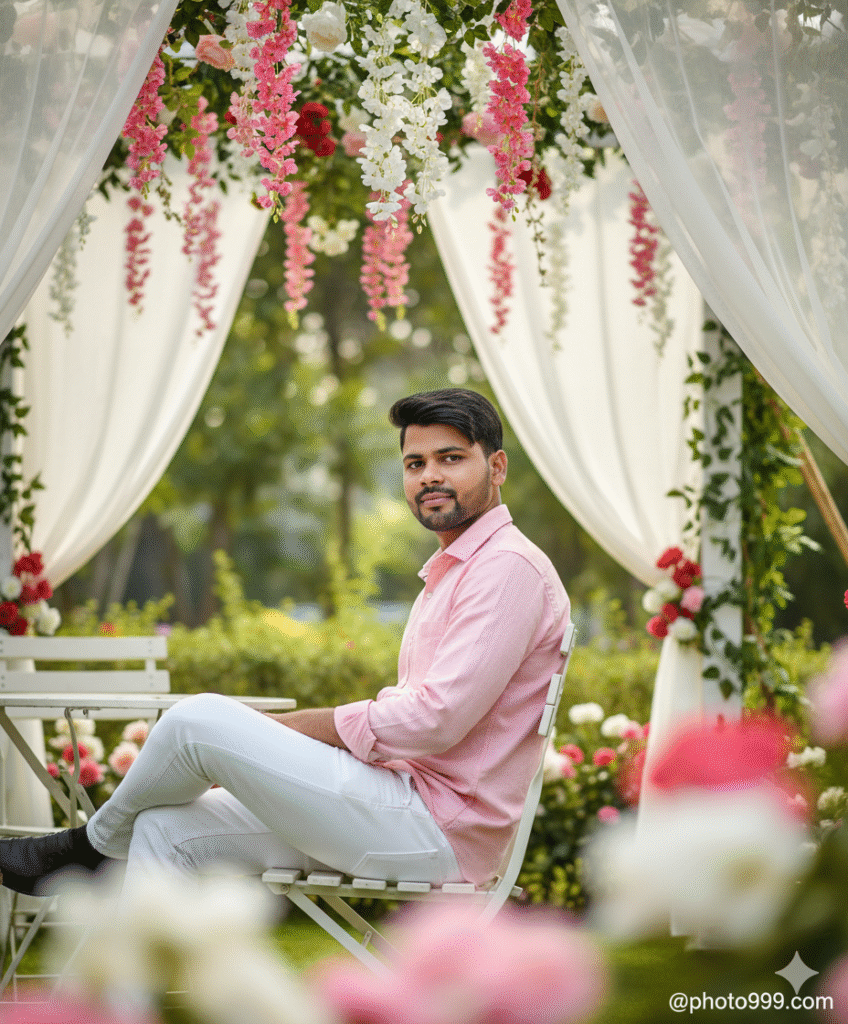
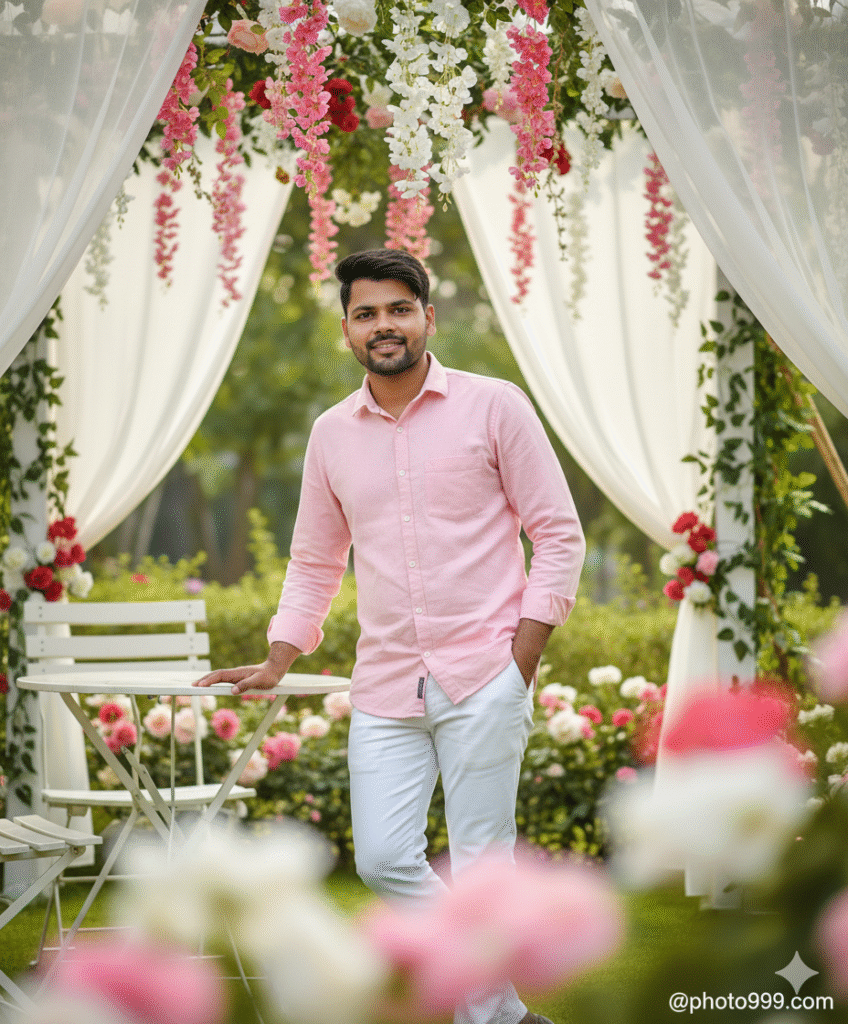
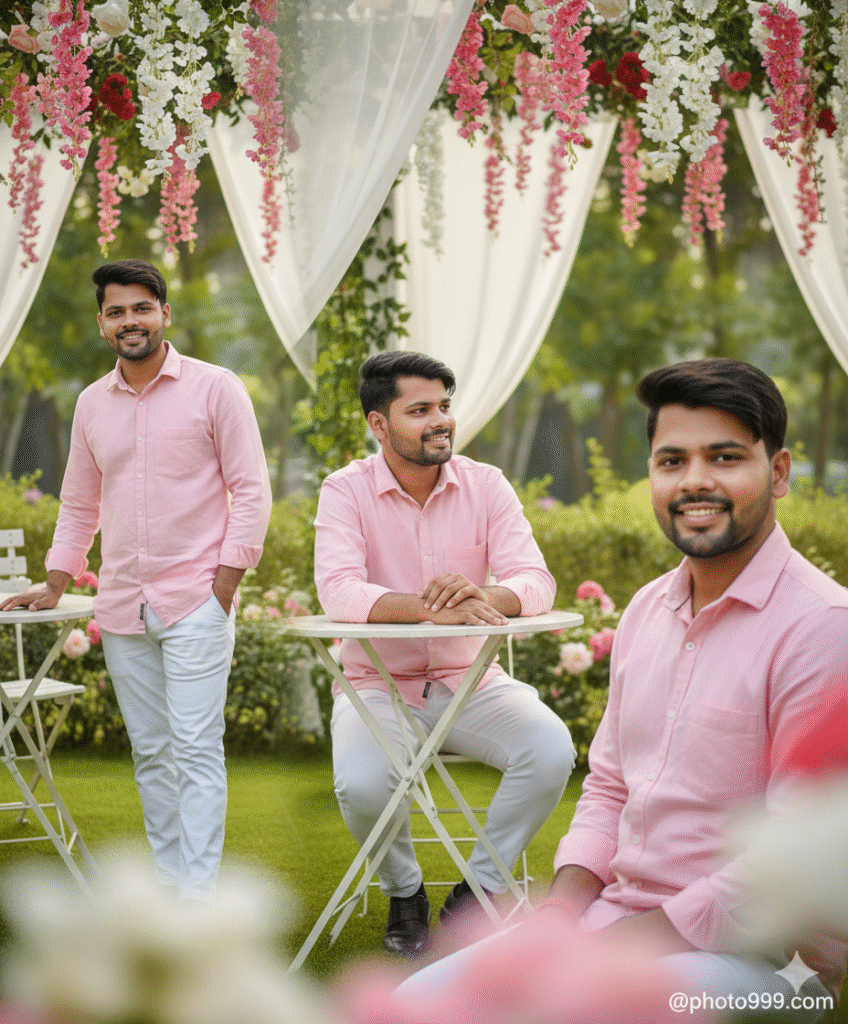
Ultra hyper-realistic 4K cinematic portrait of a handsome young boy.wearing an lightpink button shirt and white pant outfit. Sitting sideways on a white chair, legs crossed, slightly turning his face toward the camera. Background: beautiful garden café, hanging pink white, red flowers, white curtains, green foliage. Foreground: soft blurred flowers. Natural daylight, cinematic soft glow,highly detailed facial features.@photo999.com
Step 3. And also required a ai plateform. which make your photo into ai model.
Step 4. Now your photo is ready. You can now upload on any Social Media plateform.
Step 5. If you don’t understand then you can watch the video.




Post Comment