






How to generate new styles image with Ai in Gemini (Part 08)
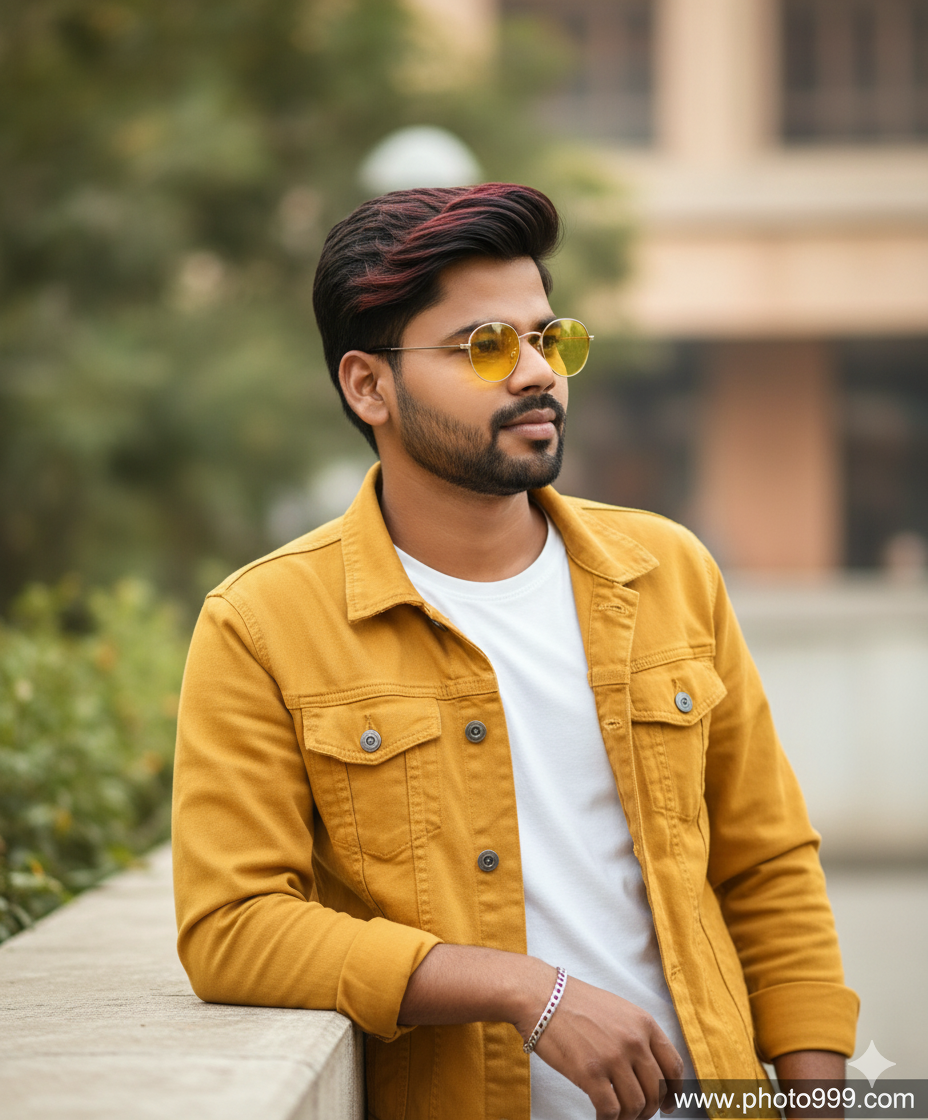
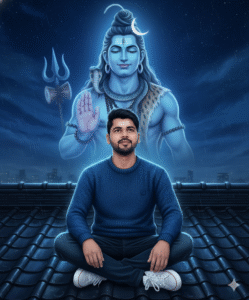
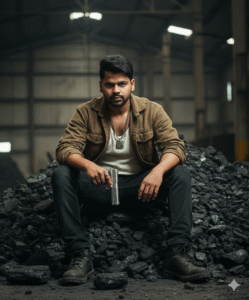
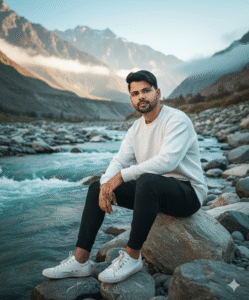
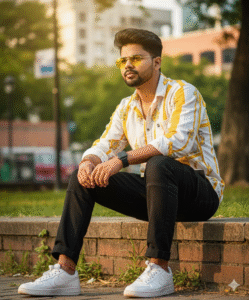
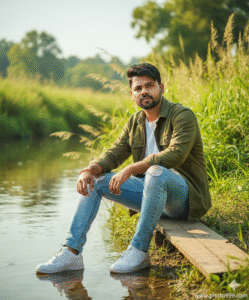
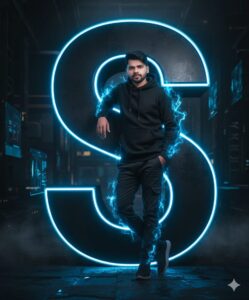
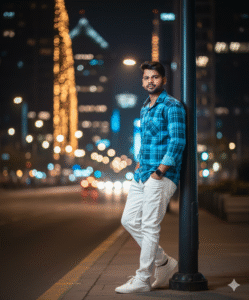
In This Article you will learn about how to convert real image into ai image.
Step 1. You will need to a your original photo.
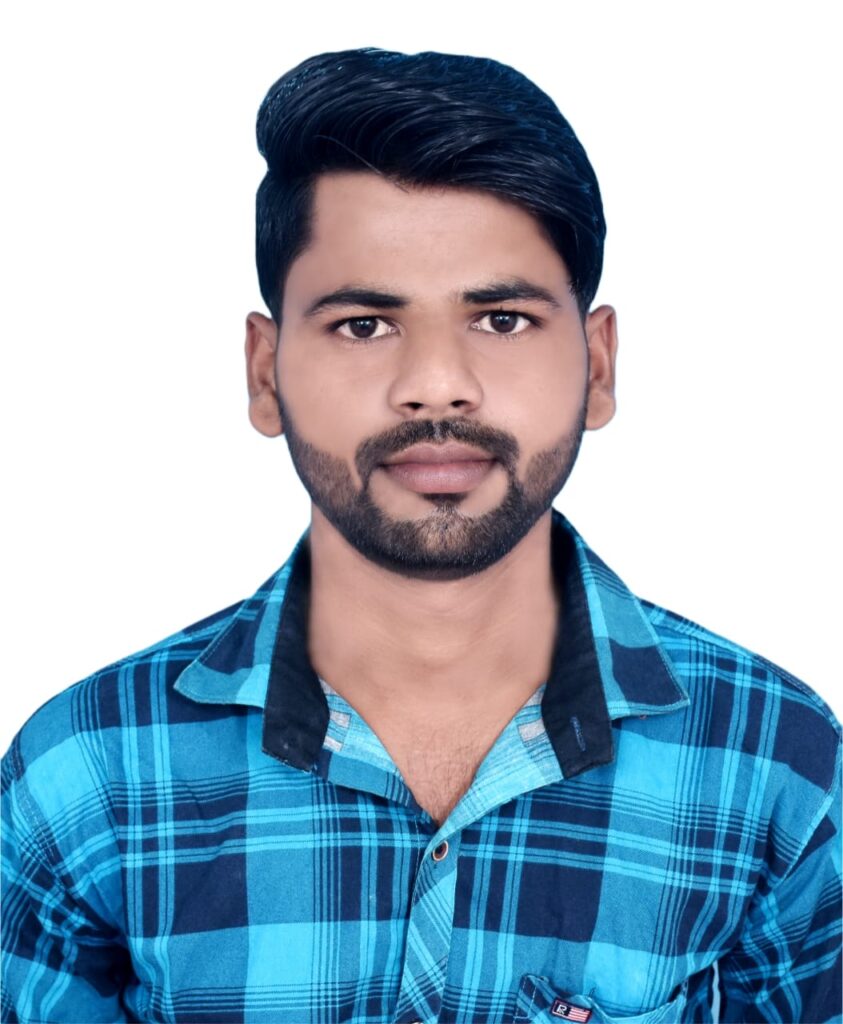
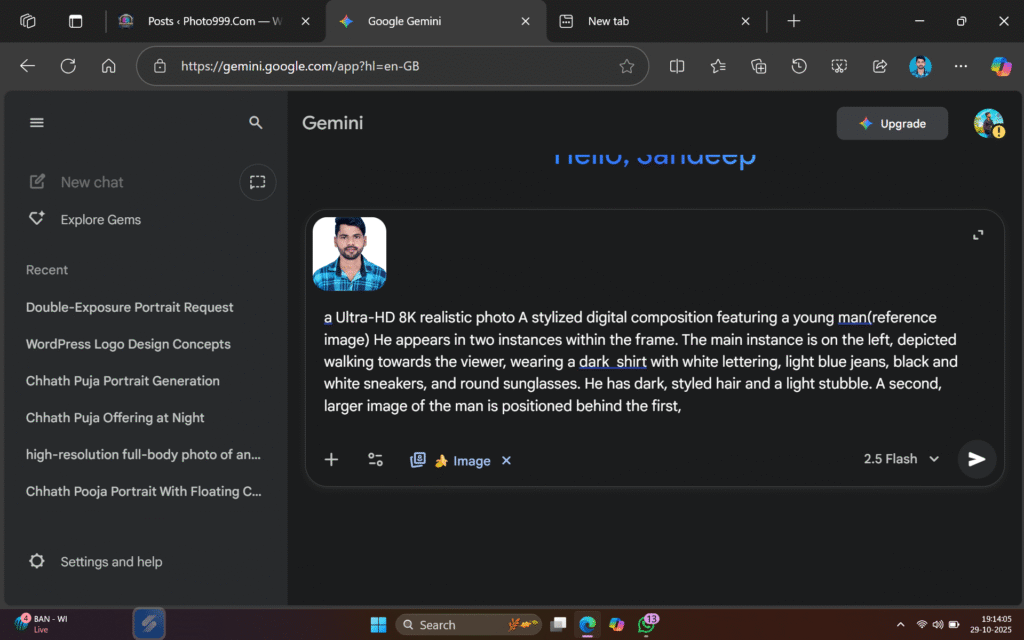
Step 2. You will also need a ai Prompts. Which help to conver your real image to ai image.
Prompt📷👀👇

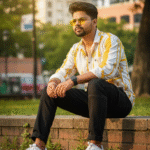
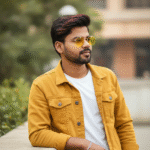
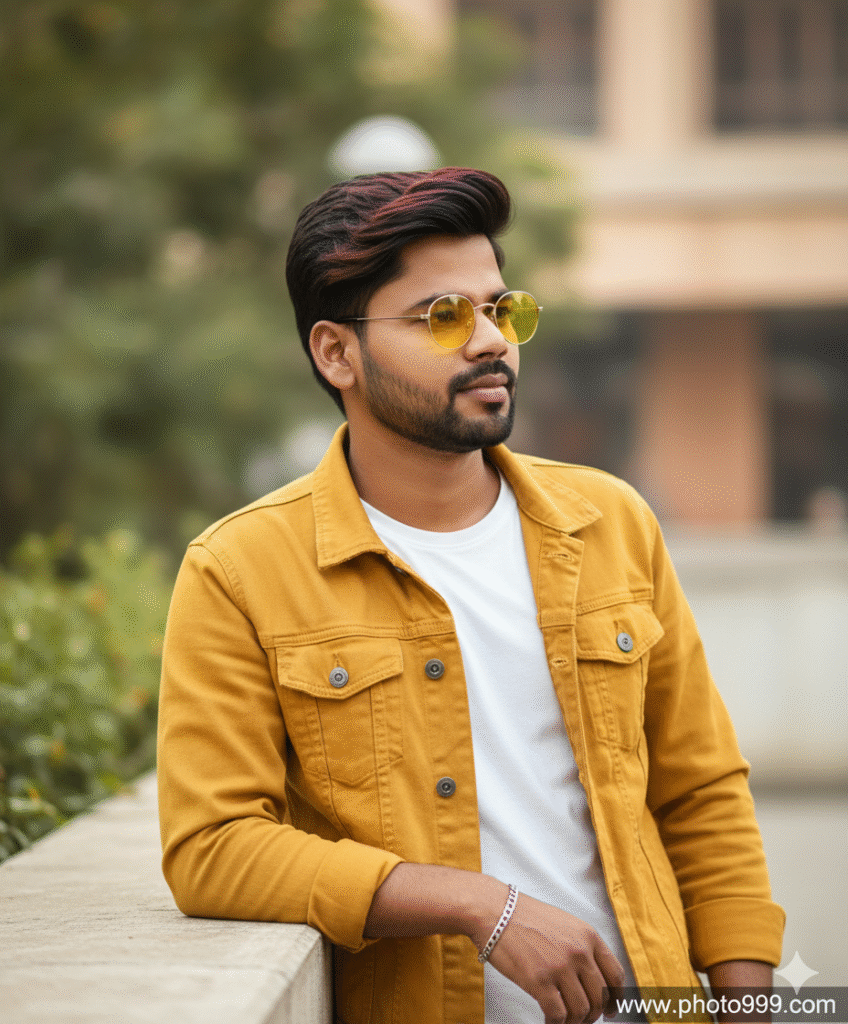
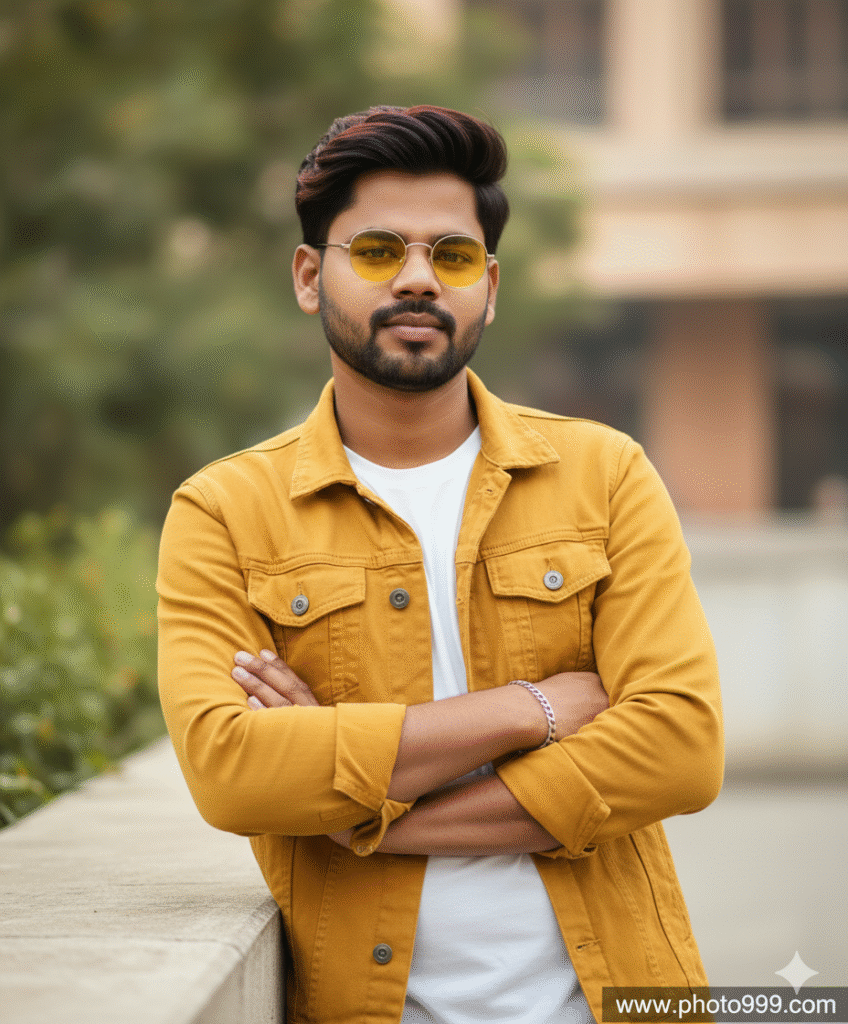
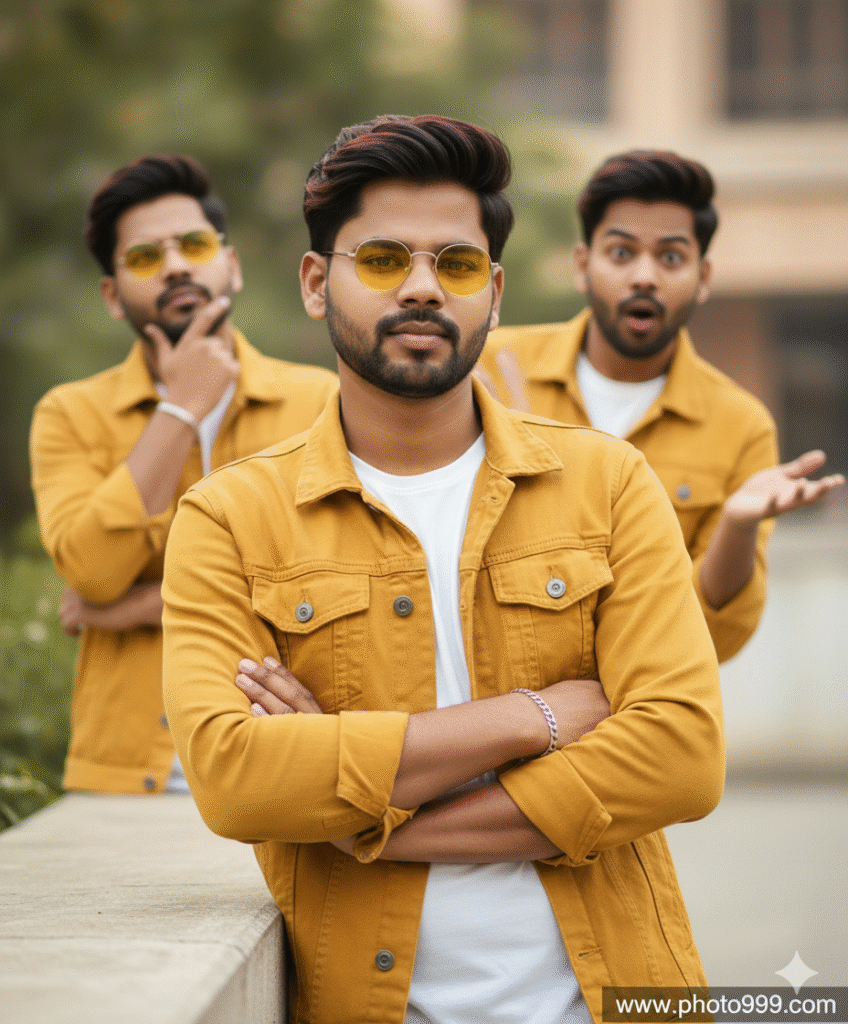
A dark, swept-back hair that has reddish-brown highlights is looking to his right, wearing small, round, yellow-tinted sunglasses. He is wearing a mustard yellow denim jacket over a white t-shirt and has a silver bracelet on his left wrist. He is leaning against a light-colored ledge. The background is softly blured, showing hints of foliage and a building."( Don't face change realistic face and slim fit body ) www.photo999.com
Step 3. And also required a ai plateform. which make your photo into ai model.
Step 4. Now your photo is ready. You can now upload on any Social Media plateform.
Step 5. If you don’t understand then you can watch the video.




Post Comment