
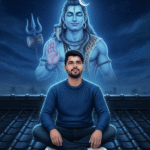
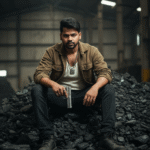
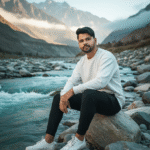

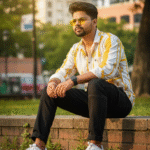


How to generate new styles image with Ai in Gemini (Part 10)
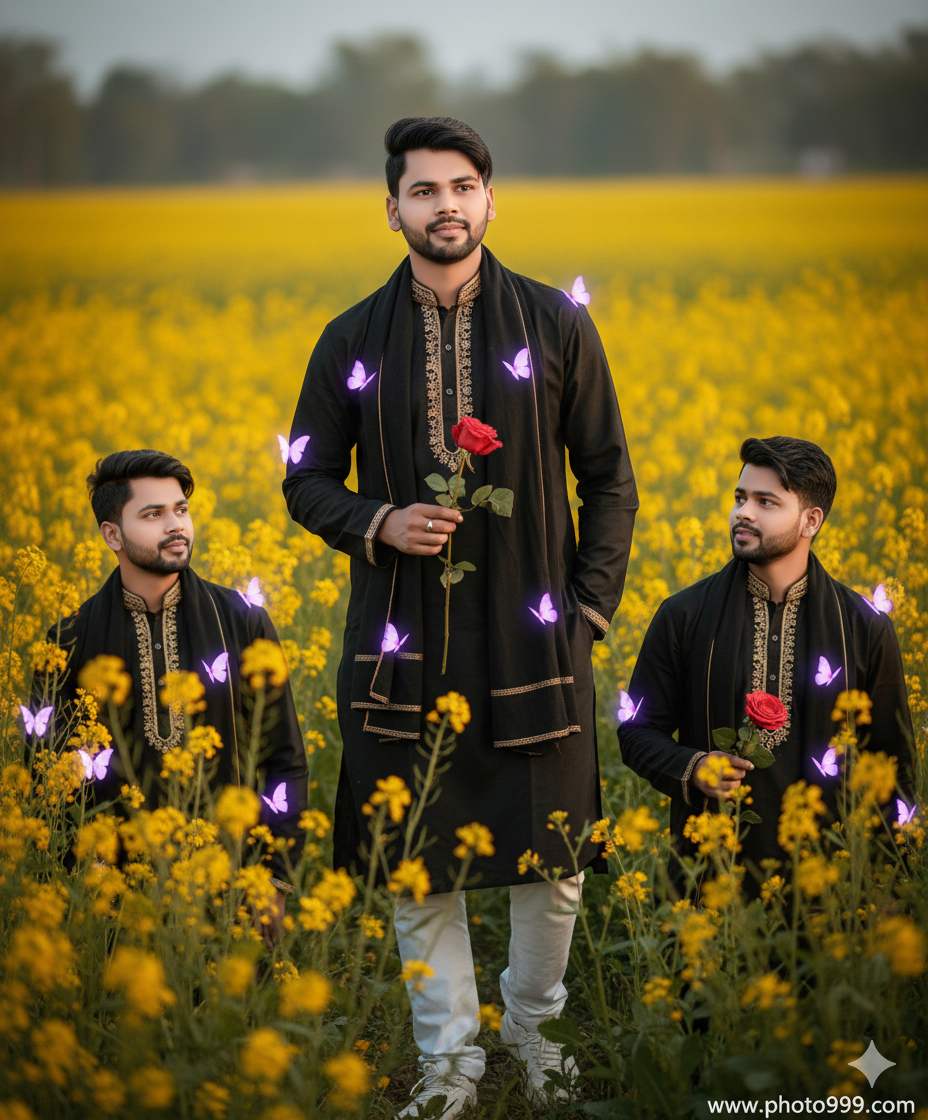
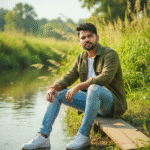
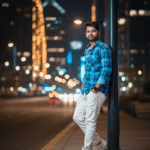
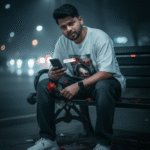
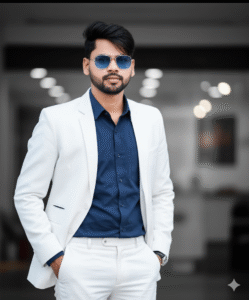
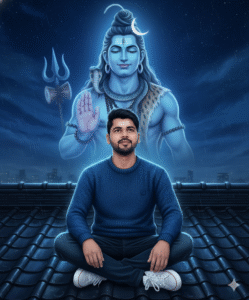
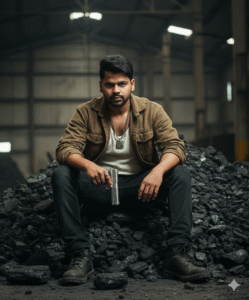
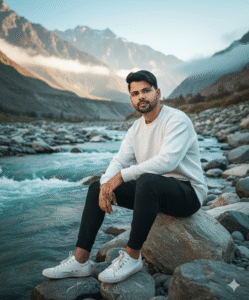
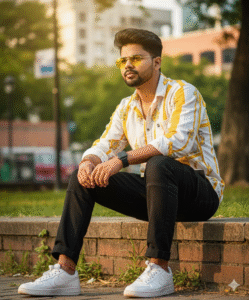
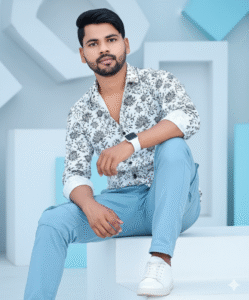
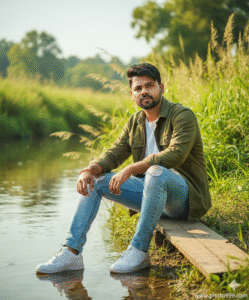
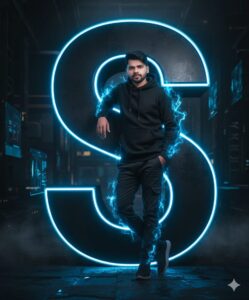
In This Article you will learn about how to convert real image into ai image.
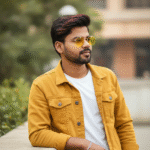
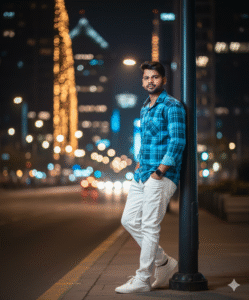
Step 1. You will need to a your original photo.
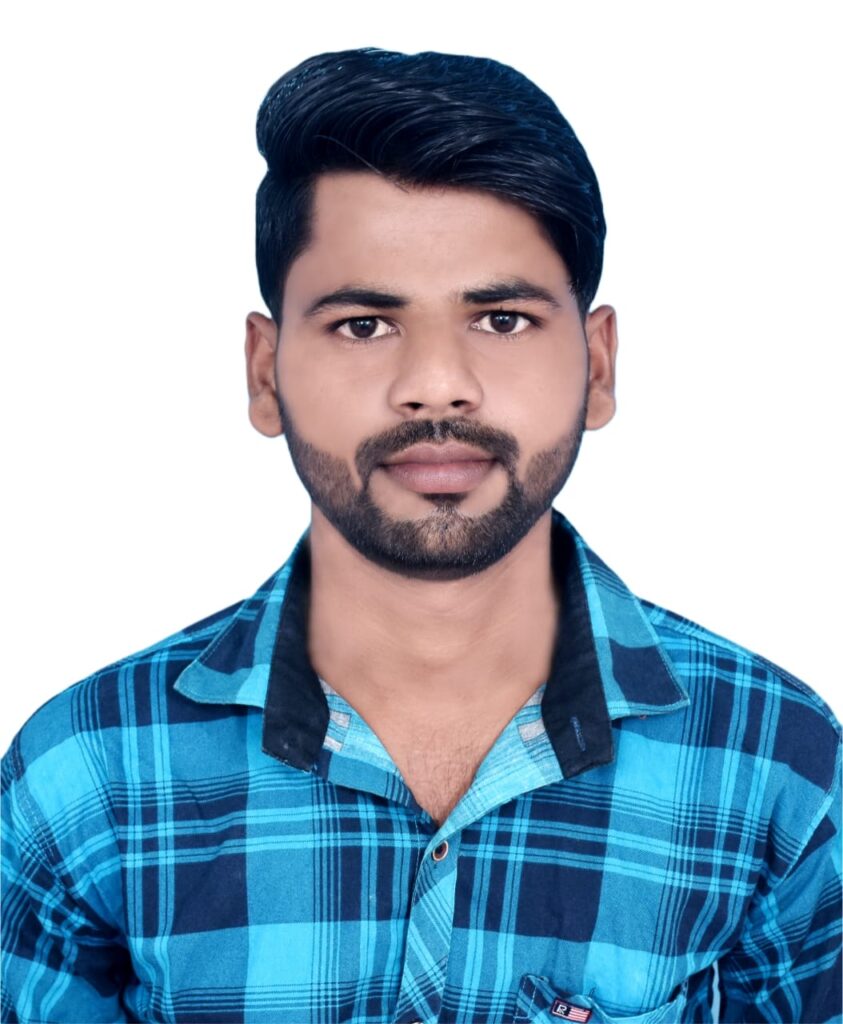
Step 2. You will also need a ai Prompts. Which help to conver your real image to ai image.
Prompt📷👀👇

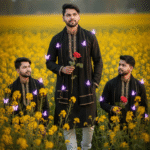
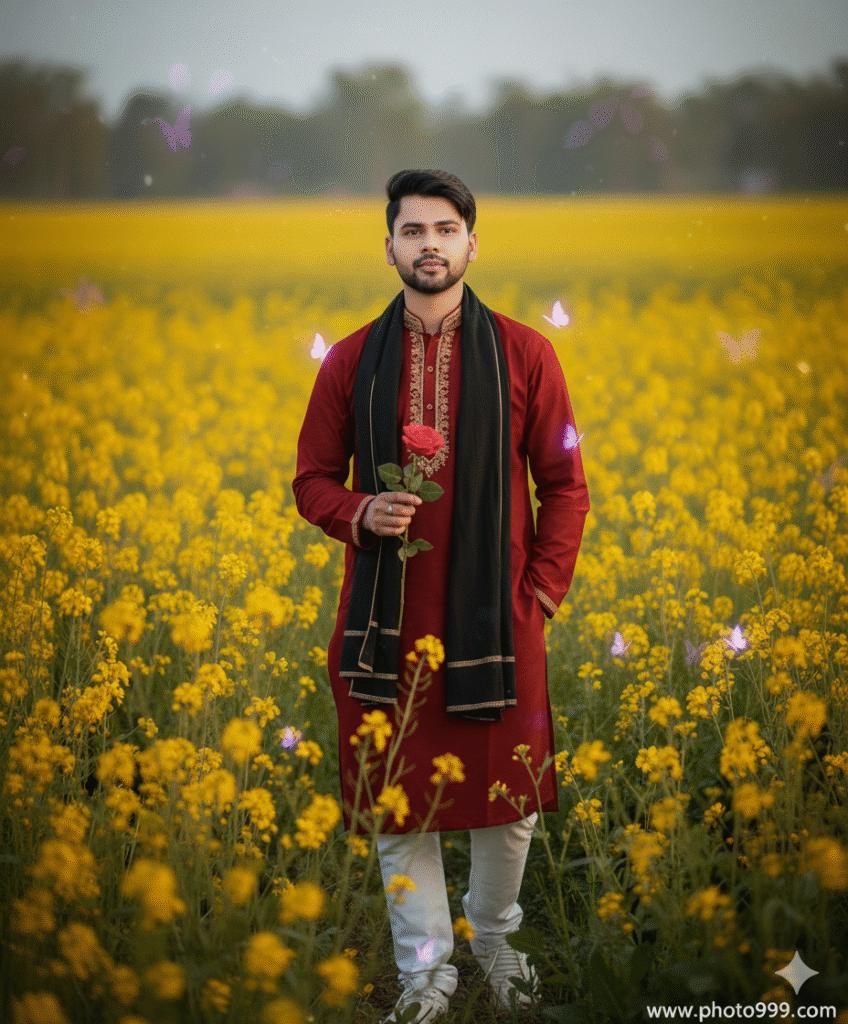
Ultra realistic cinematic portraits of a stylish 25-year-old man wearing a modern designed black panjabi with golden embroidery details and a black shawl, standing in a vibrant yellow mustard flower field. Clear sharp face, DSLR quality, soft natural sunlight, hyper-realistic background blur. Create 3 variations:. www.photo999.com
Step 3. And also required a ai plateform. which make your photo into ai model.
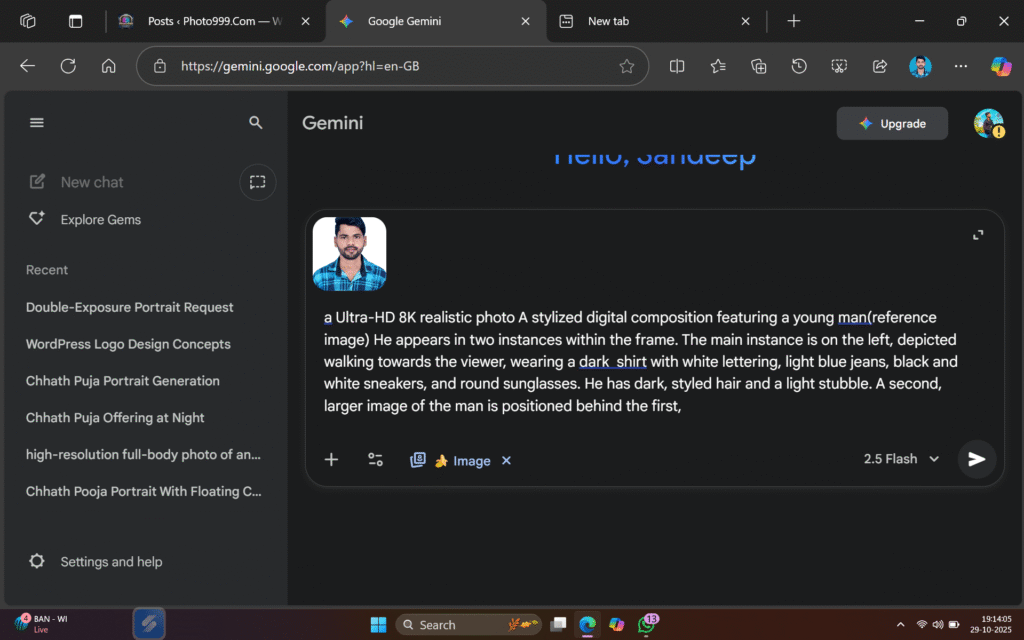
Step 4. Now your photo is ready. You can now upload on any Social Media plateform.
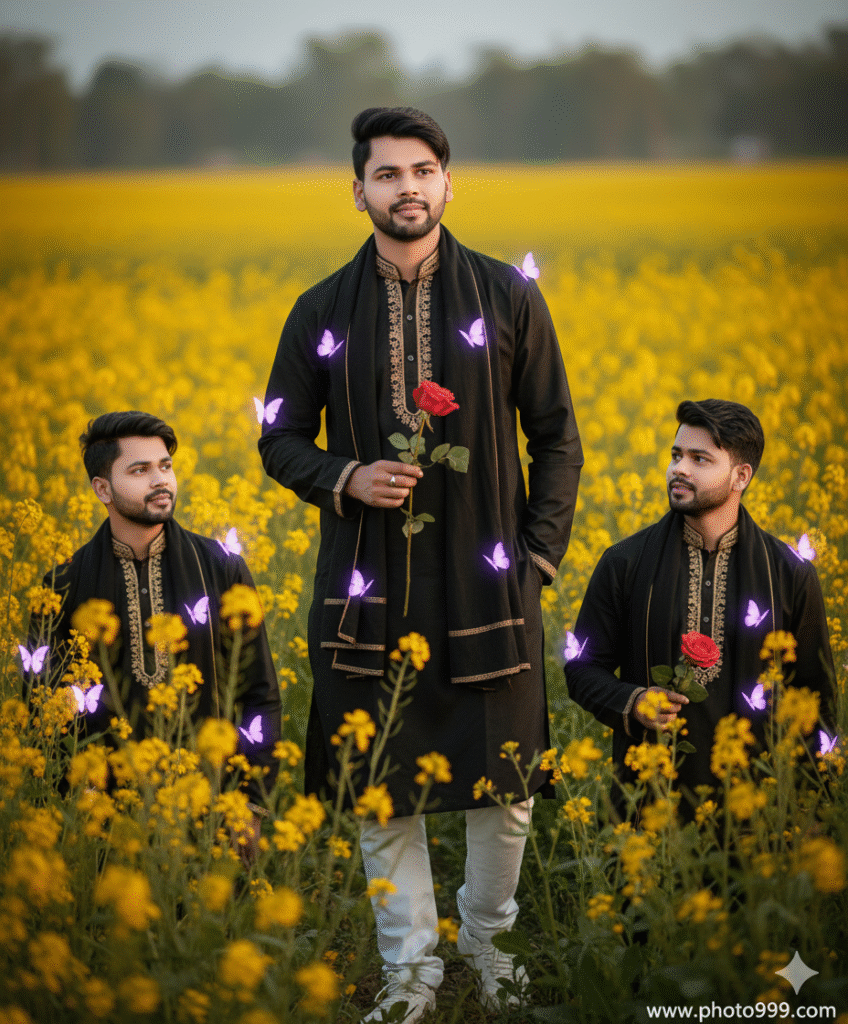
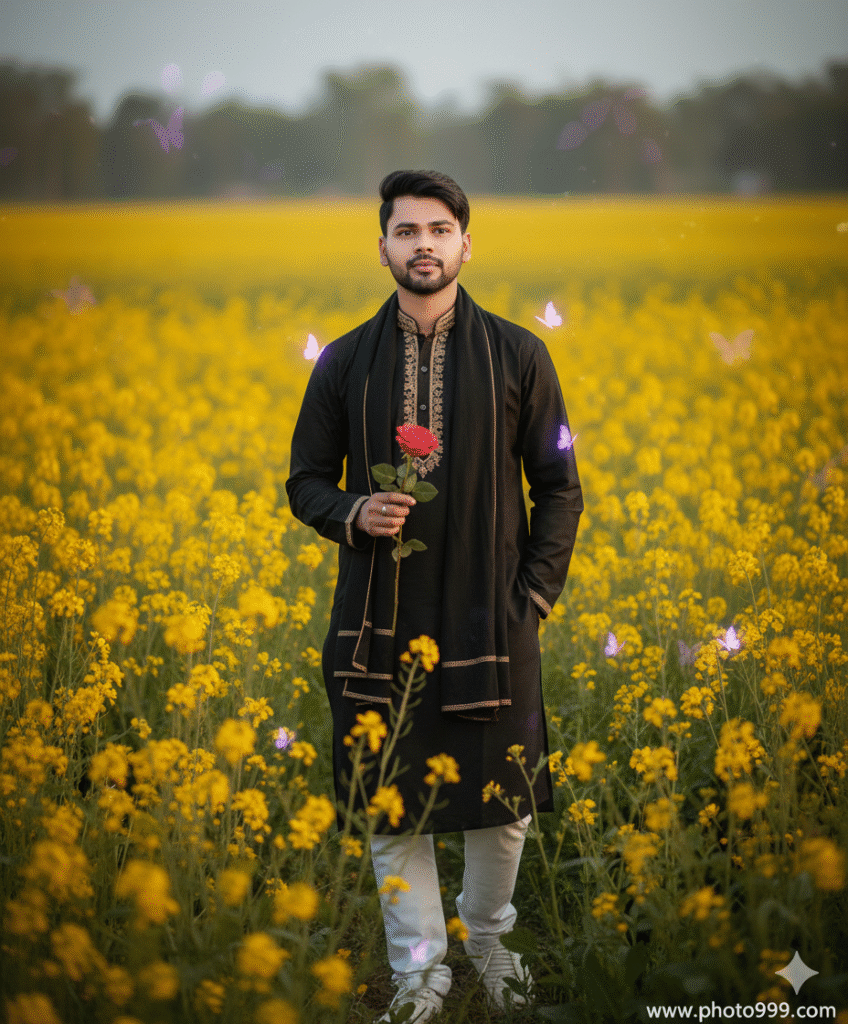
Step 5. If you don’t understand then you can watch the video.

Post Comment