





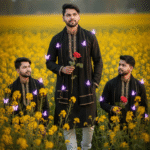
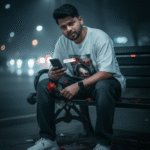
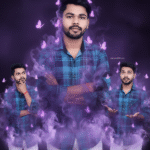
How to generate new styles image with Ai in Gemini (Part 12)
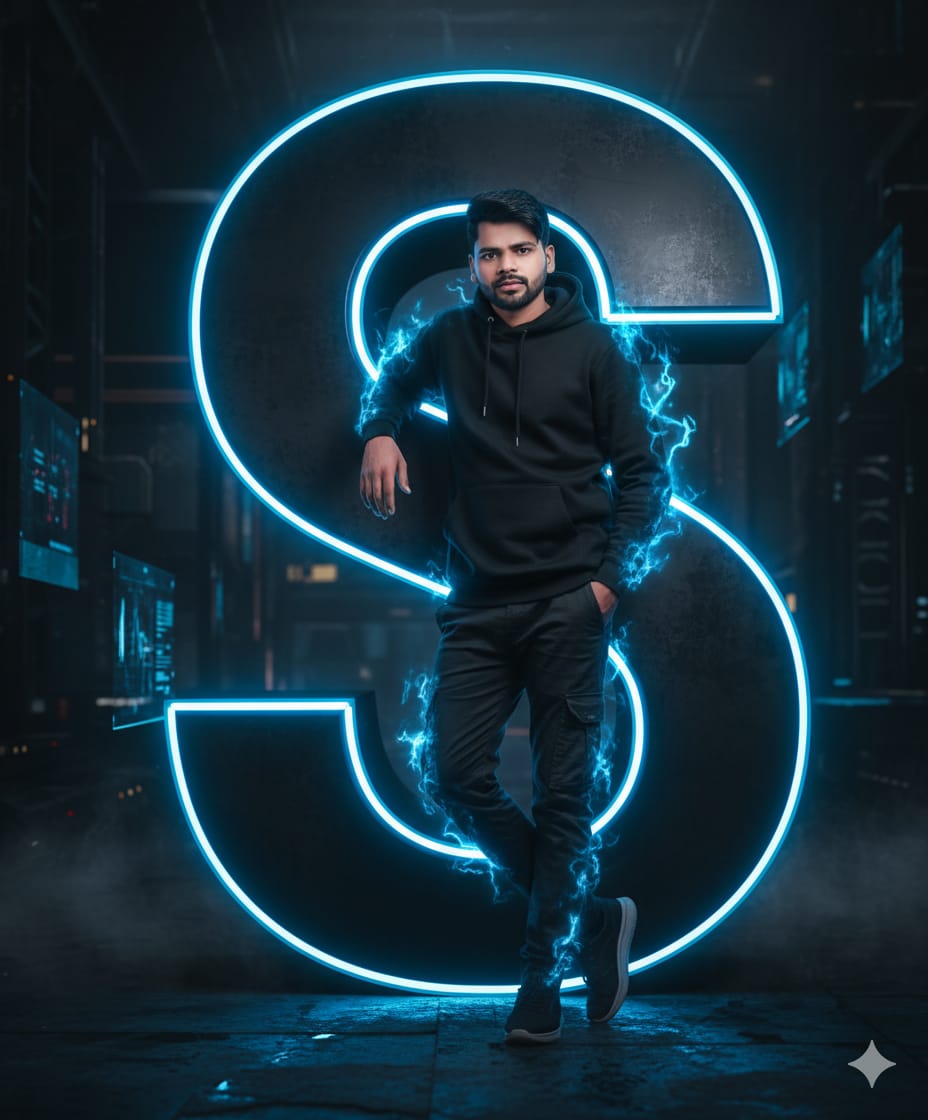
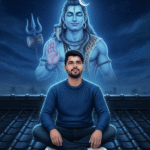
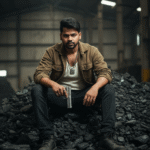
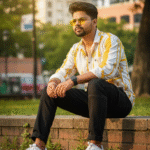
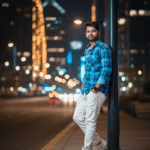
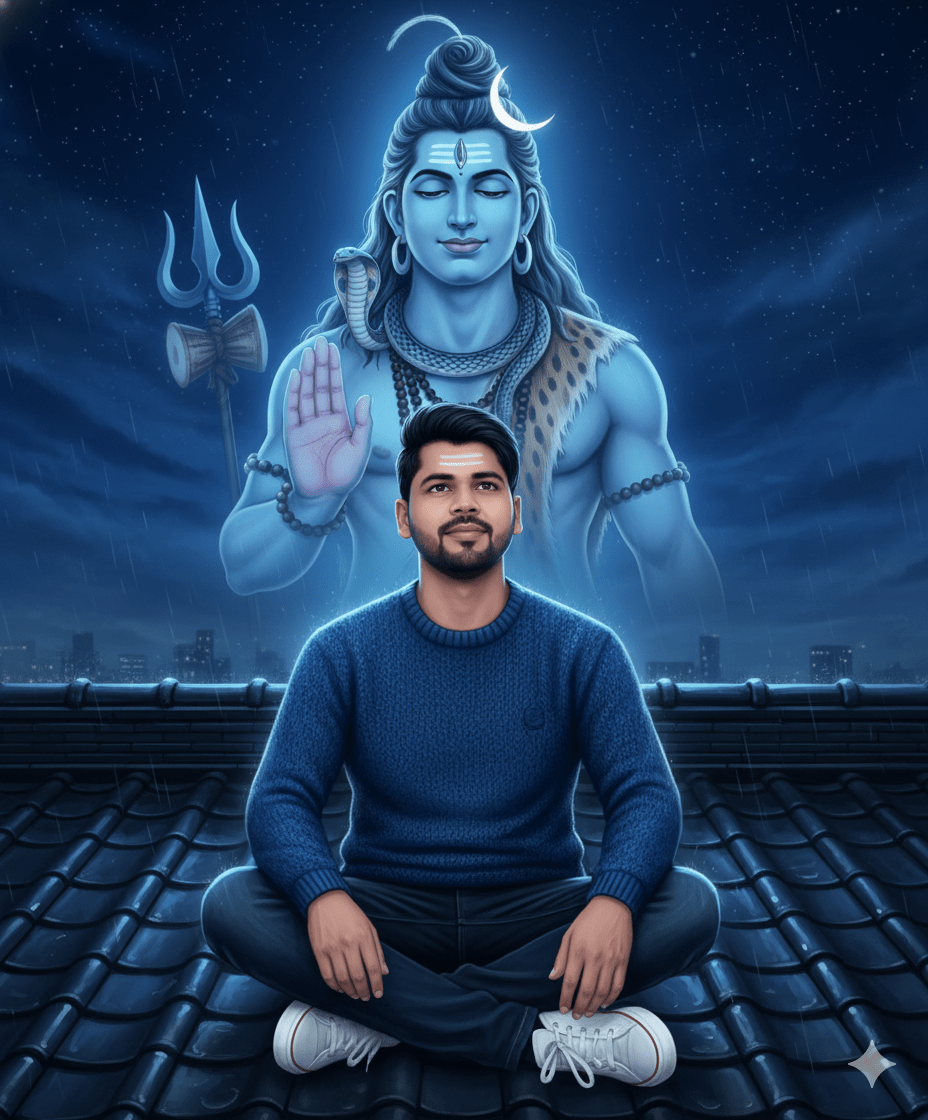
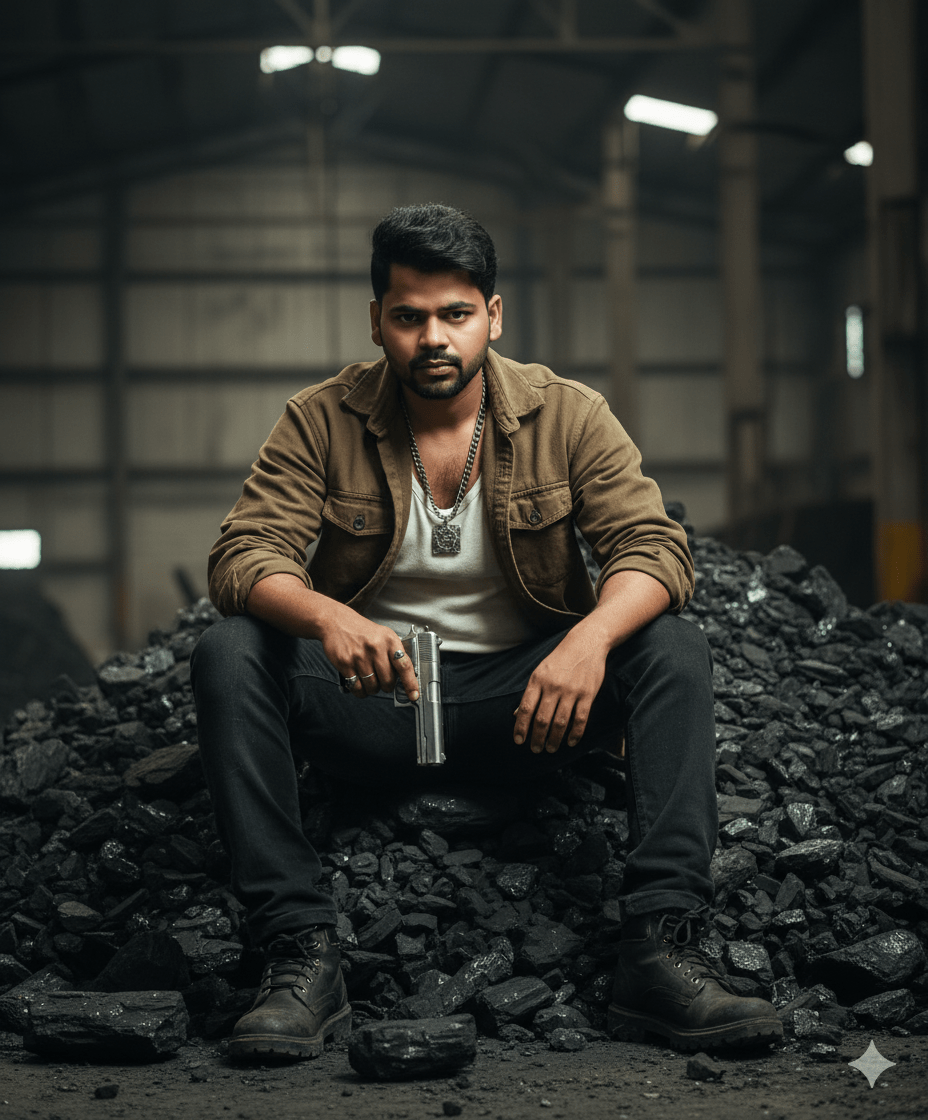
In This Article you will learn about how to convert real image into ai image.
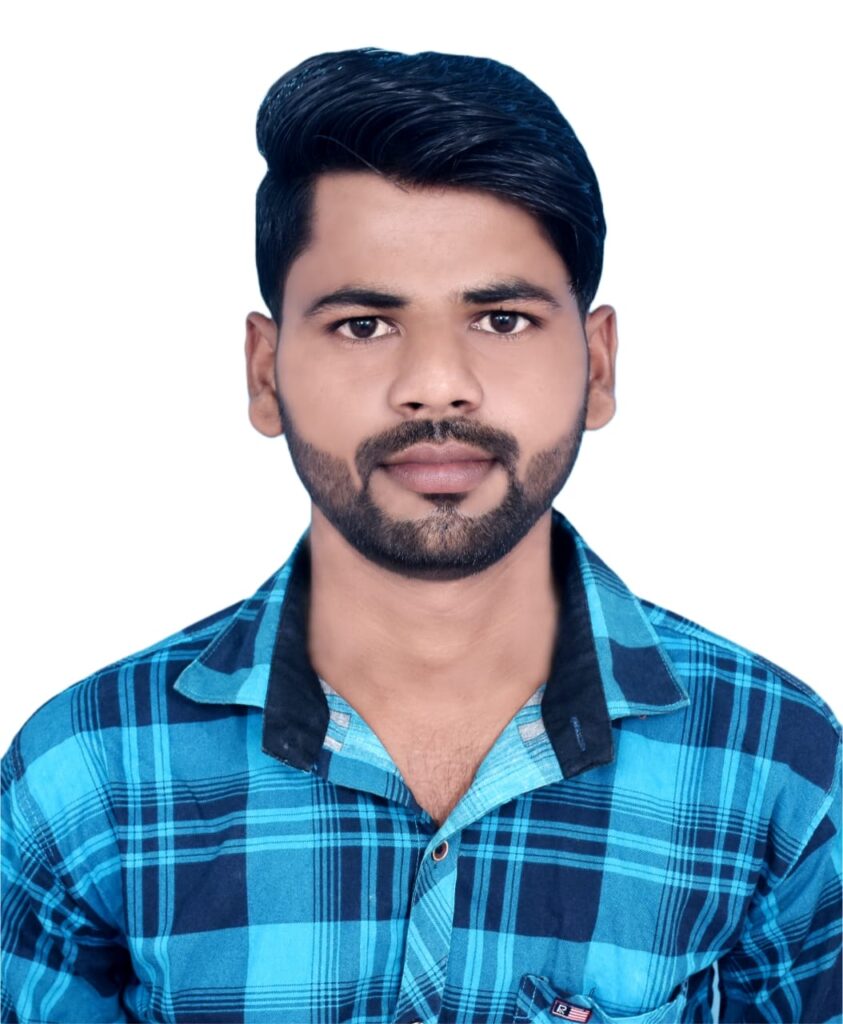
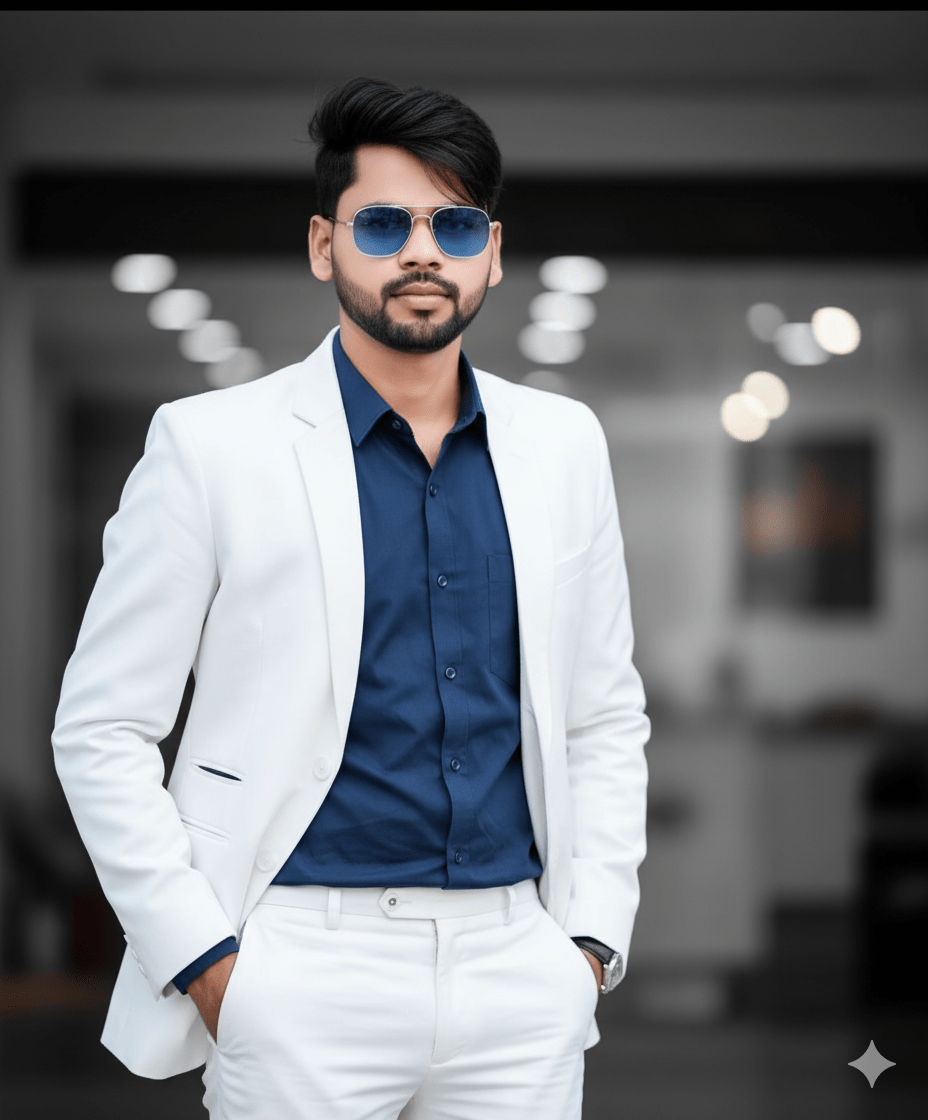
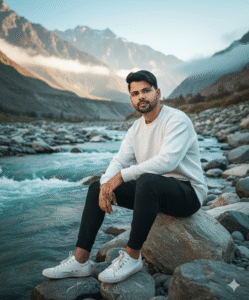
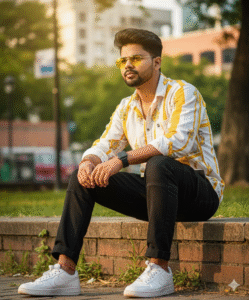
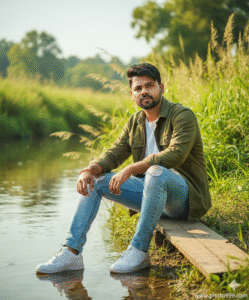
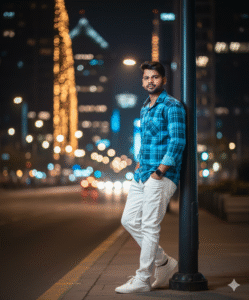
Step 1. You will need to a your original photo.
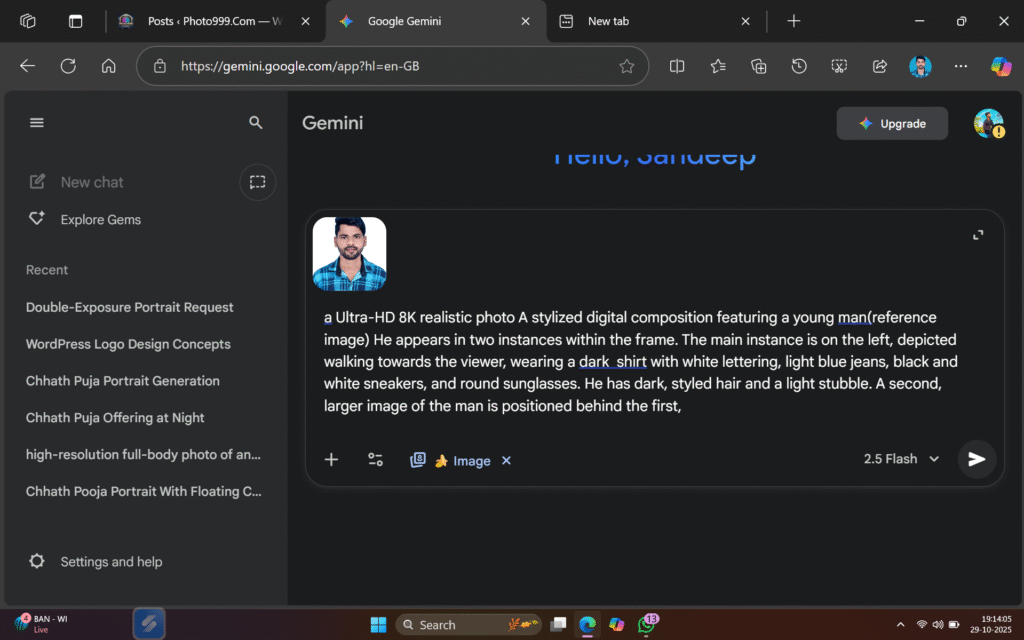
Step 2. You will also need a ai Prompts. Which help to conver your real image to ai image.
Prompt✨🤯
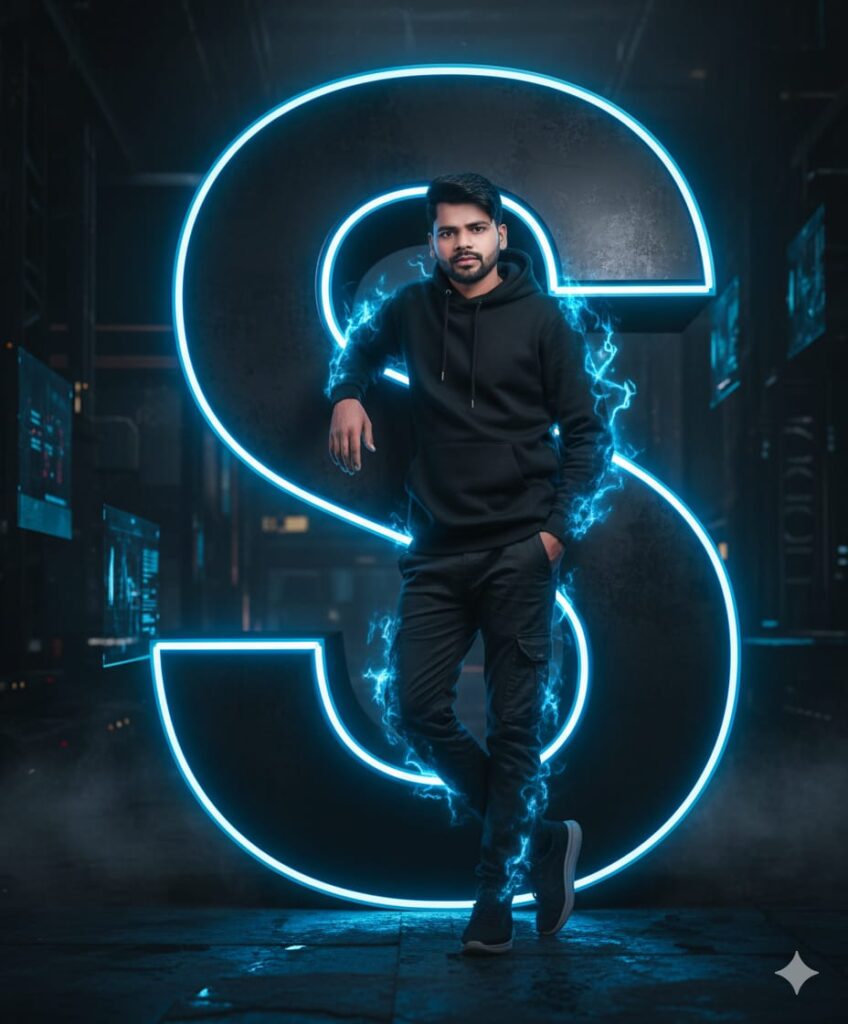
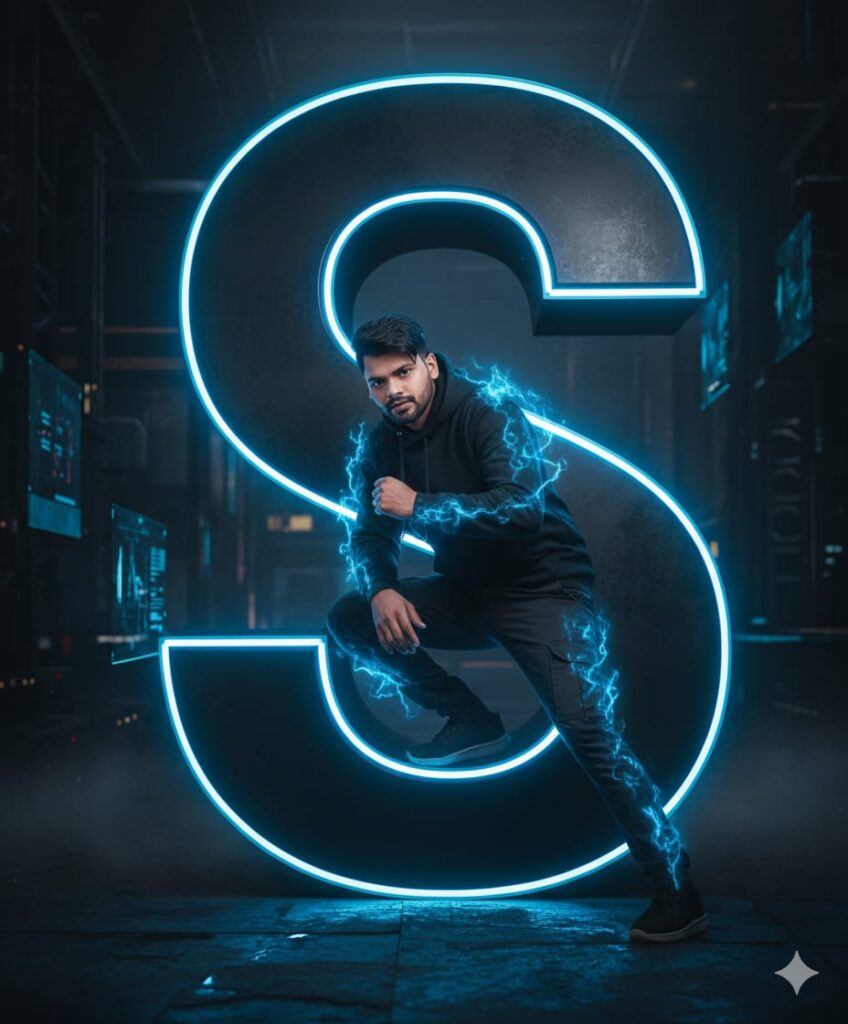
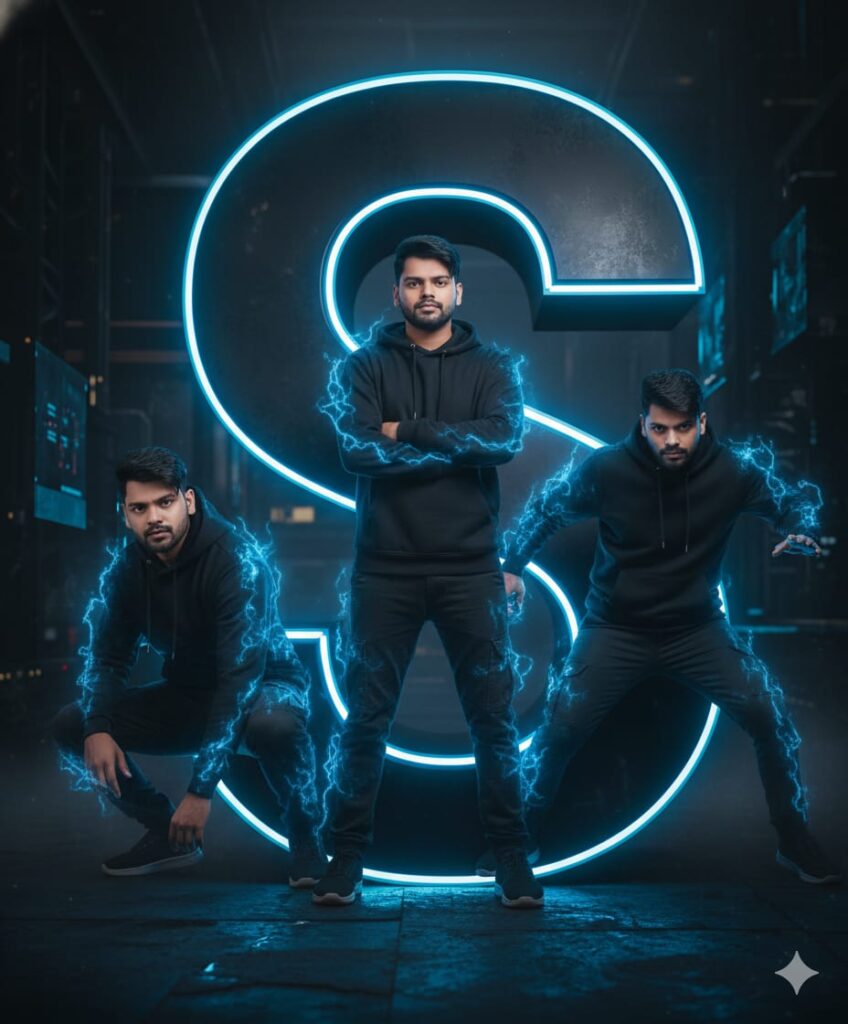
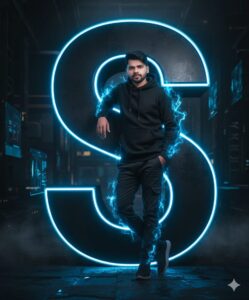
"A photorealistic portrait of the young man from the uploaded content image 1, but transformed to fit the aesthetic of image 2. He is wearing the black hoodie and cargo pants and leaning casually against a giant, 3D letter 'S'. The entire scene must be in a dark, moody, futuristic environment. The 'S' is rendered in a sleek, dark metallic finish with a vibrant, electric blue neon glow. This same blue neon energy should crackle and pulse around his figure, especially on his clothing..www.photo999.com
Step 3. And also required a ai plateform. which make your photo into ai model.
Step 4. Now your photo is ready. You can now upload on any Social Media plateform.
Step 5. If you don’t understand then you can watch the video.

Related Posts

Suraj
Nice pic


1 comment