













Gemini Photo Edit | Google Gemini Photo Editing | Gemini Photo Kaise Banaen | Trending Photo Editing (Part 1)

In This Article you will learn about how to convert real image into ai image.
Step 1. You will need to a your original photo.
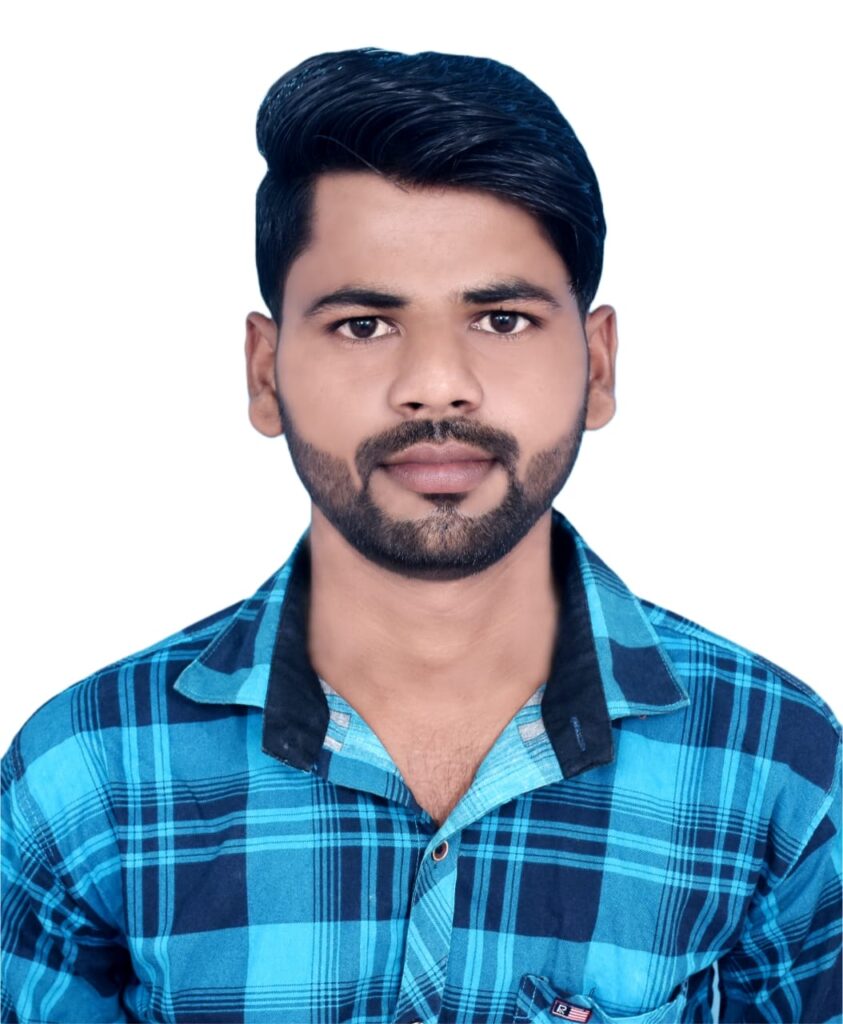
Step 2. You will also need a ai Prompts. Which help to conver your real image to ai image.
Prompt✨🤯


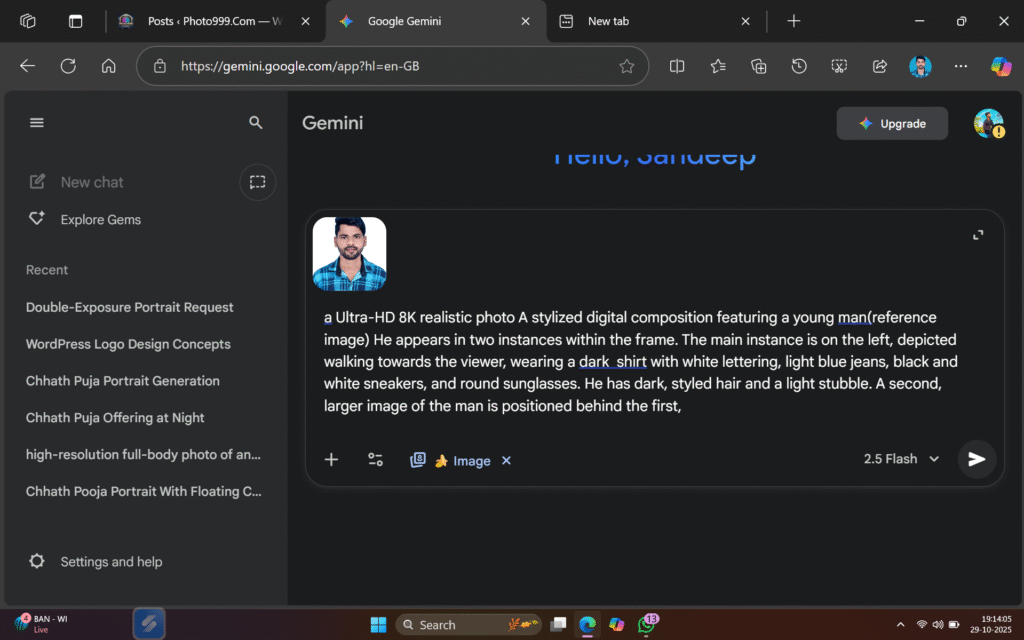
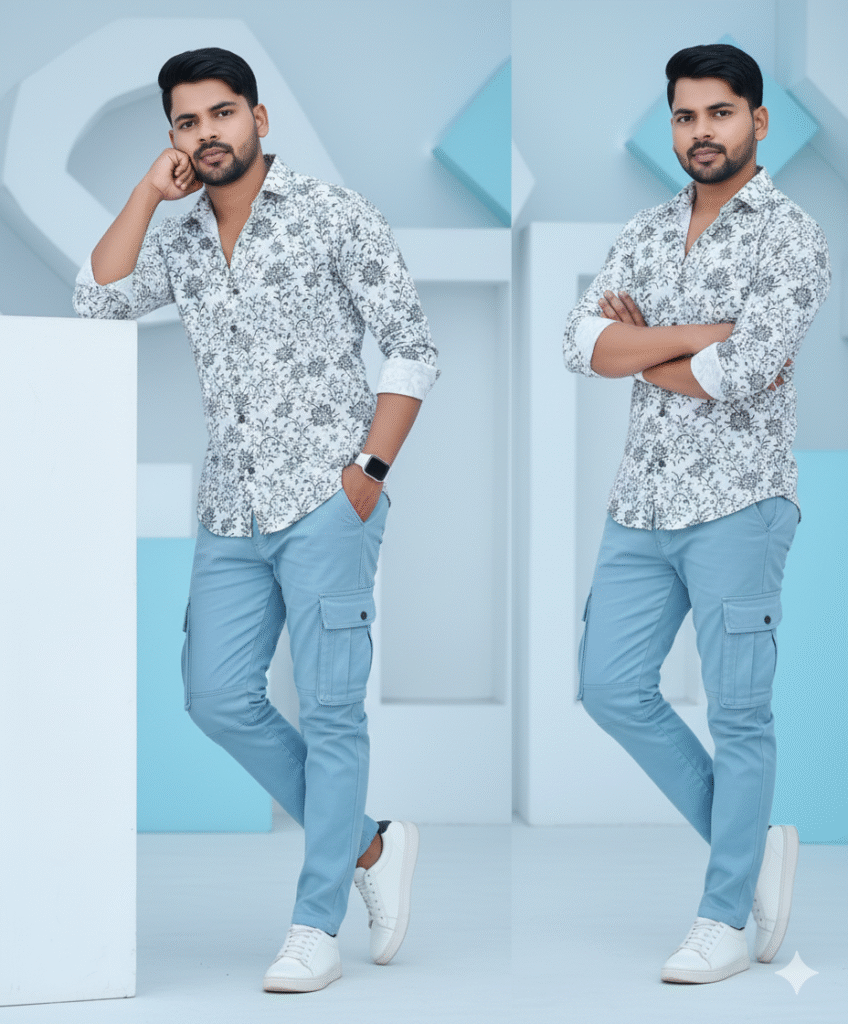
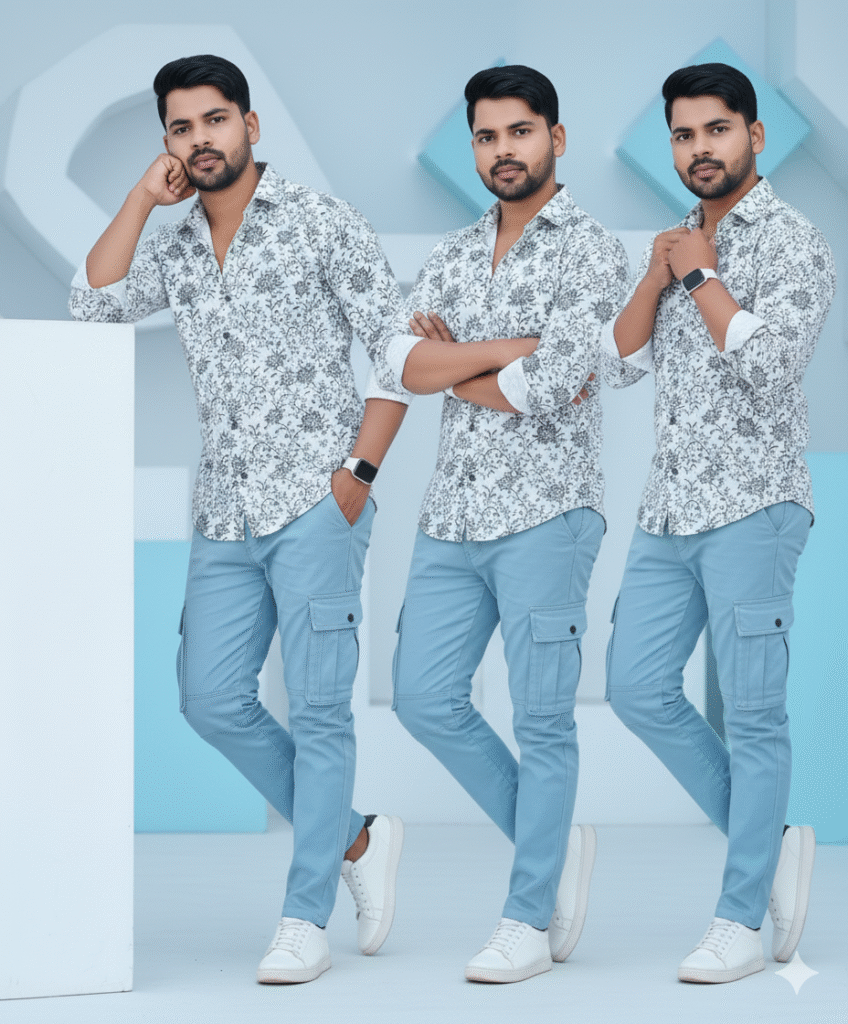
Ultra-realistic 20 stylish young man (refrence image given) with dark hair and a beard is seated in a cool pose. He's wearing a vibrant white black hoodie with a black floral pattern, open at the collar, paired with light blue cargo pants. White sneakers complete his casual yet fashionable look. 100% He is so stylish &with a cool poses black sunglasses The background consists of abstract, textured white and light blue structures, creating a clean, modern, and slight
Step 3. And also required a ai plateform. which make your photo into ai model.
Step 4. Now your photo is ready. You can now upload on any Social Media plateform.


Step 5. If you don’t understand then you can watch the video.










Post Comment