













Ai se photo kaise banaye | Google Gemini Photo Editing | Gemini Photo Kaise Banaen | Trending Photo Editing (Part 1)

In This Article you will learn about how to convert real image into ai image.
Step 1. You will need to a your original photo.
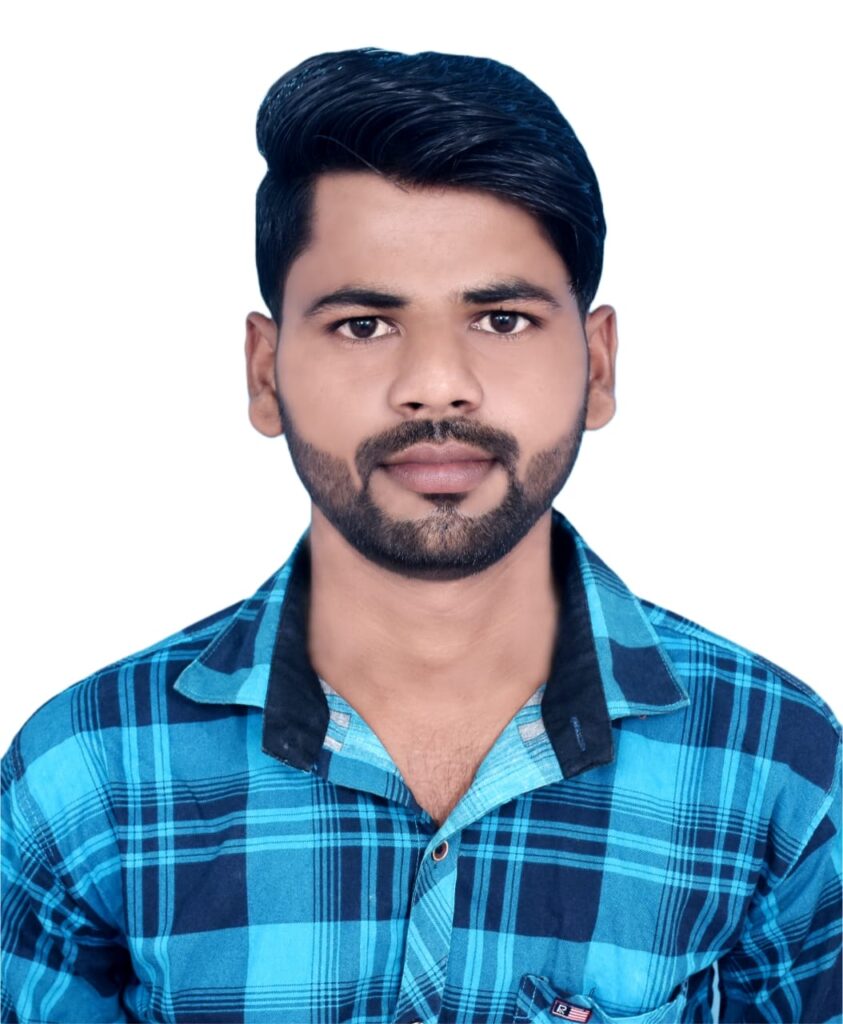
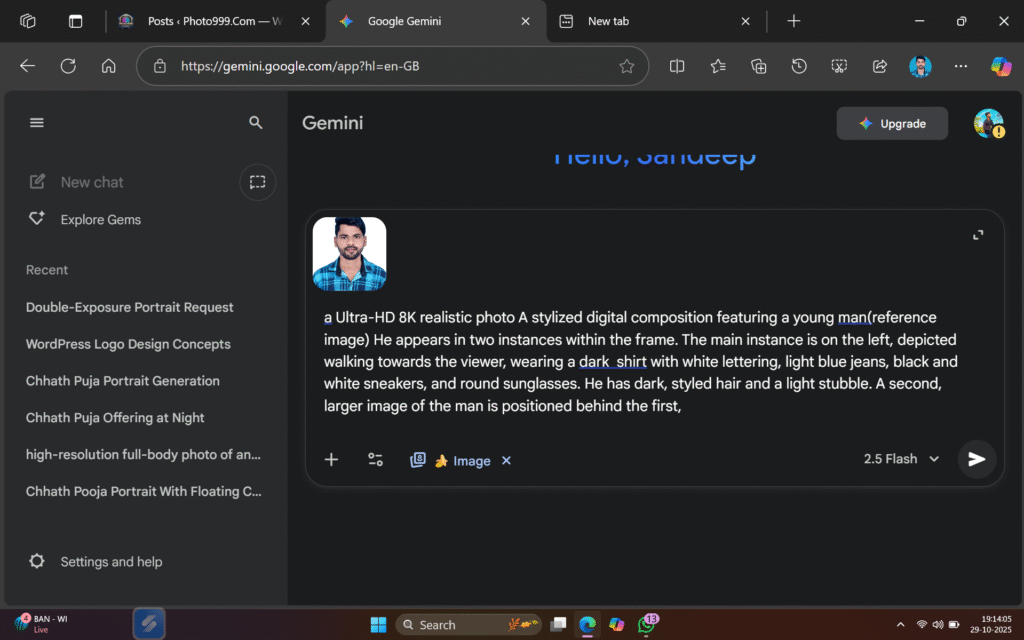
Step 2. You will also need a ai Prompts. Which help to conver your real image to ai image.
Prompt✨🤯


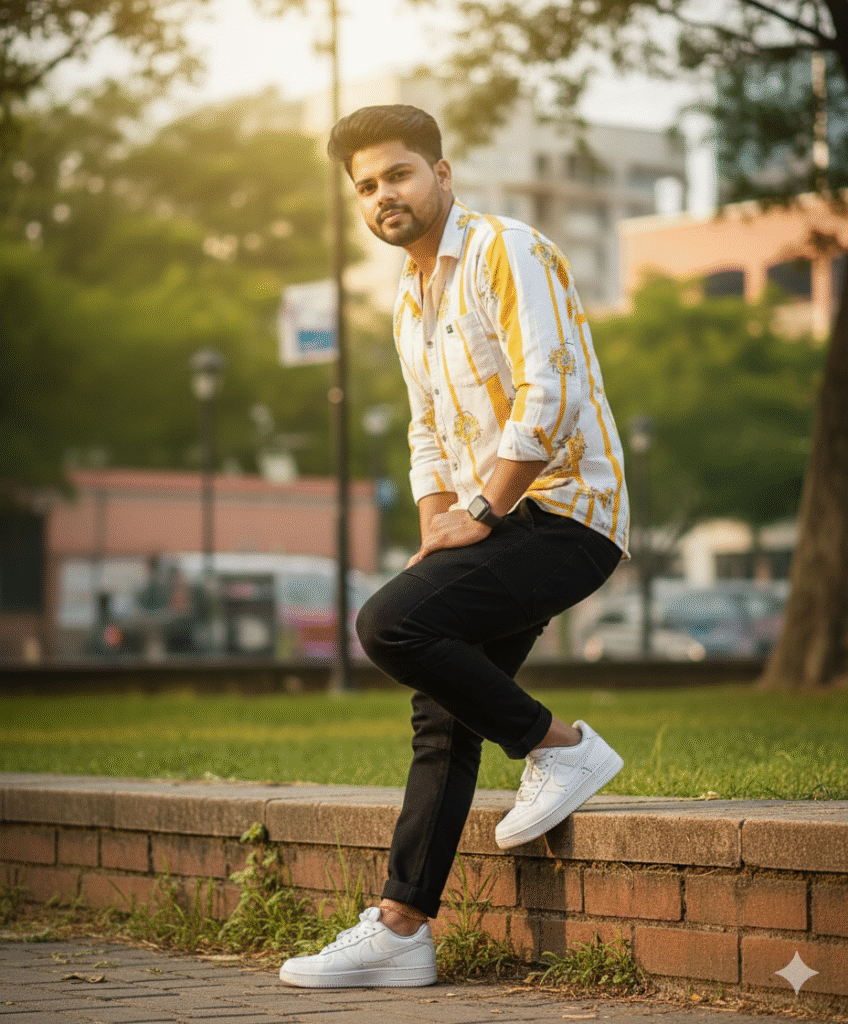
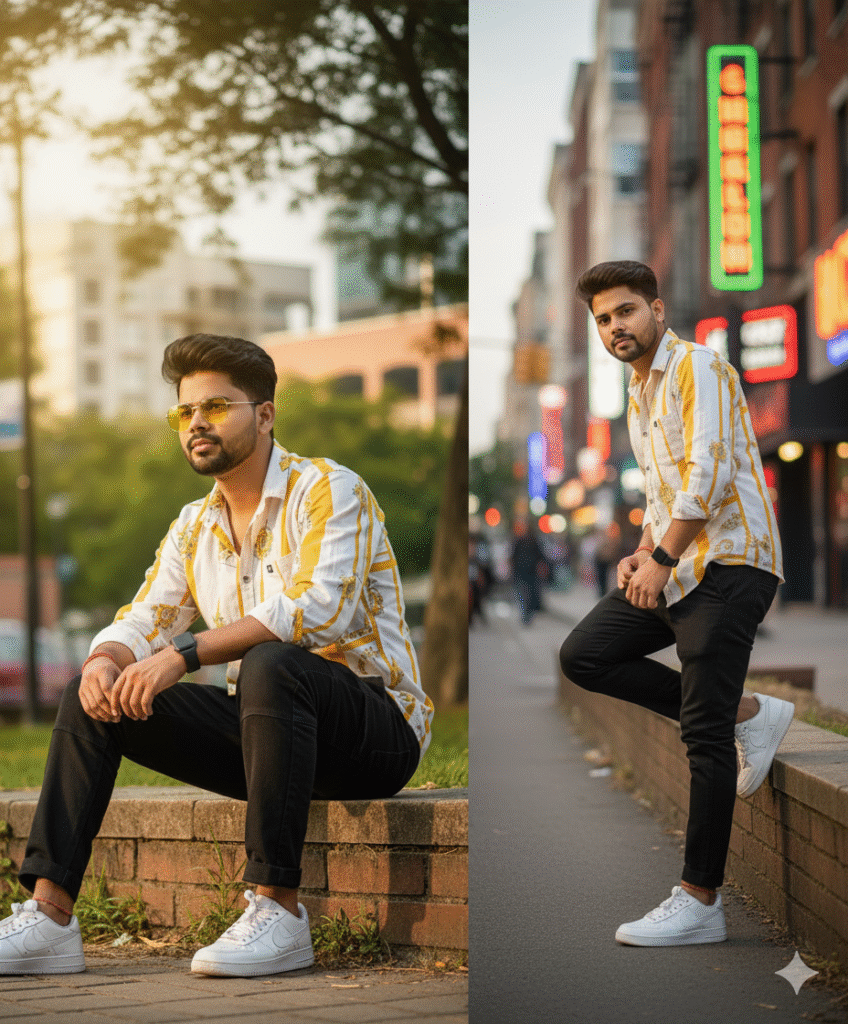
A stylish young man with messy  hair and attitude, wearing a  white and yellow shirt,  anklet dark black logger, and white Nike sneakers. He sports rimless yellow sunglasses, , and an smart Watch. Sitting casually outdoors on a low wall with one leg bent, looking to the side confidently. Background: lush greenery, urban vibe, cinematic lighting, ultra-realistic 8K DSLR image
Step 3. And also required a ai plateform. which make your photo into ai model.
Step 4. Now your photo is ready. You can now upload on any Social Media plateform.


Step 5. If you don’t understand then you can watch the video.










Post Comment