







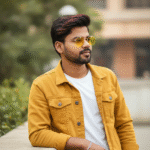
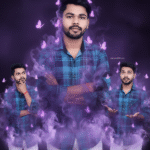
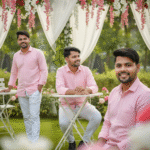
Gemini Photo Editing | Gemini Photo Kaise Banaen | Trending Photo Editing (Part 6)

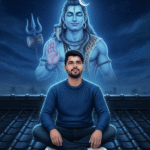
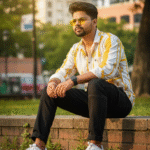
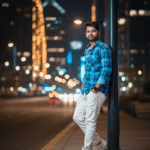
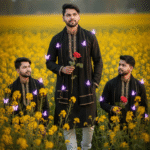
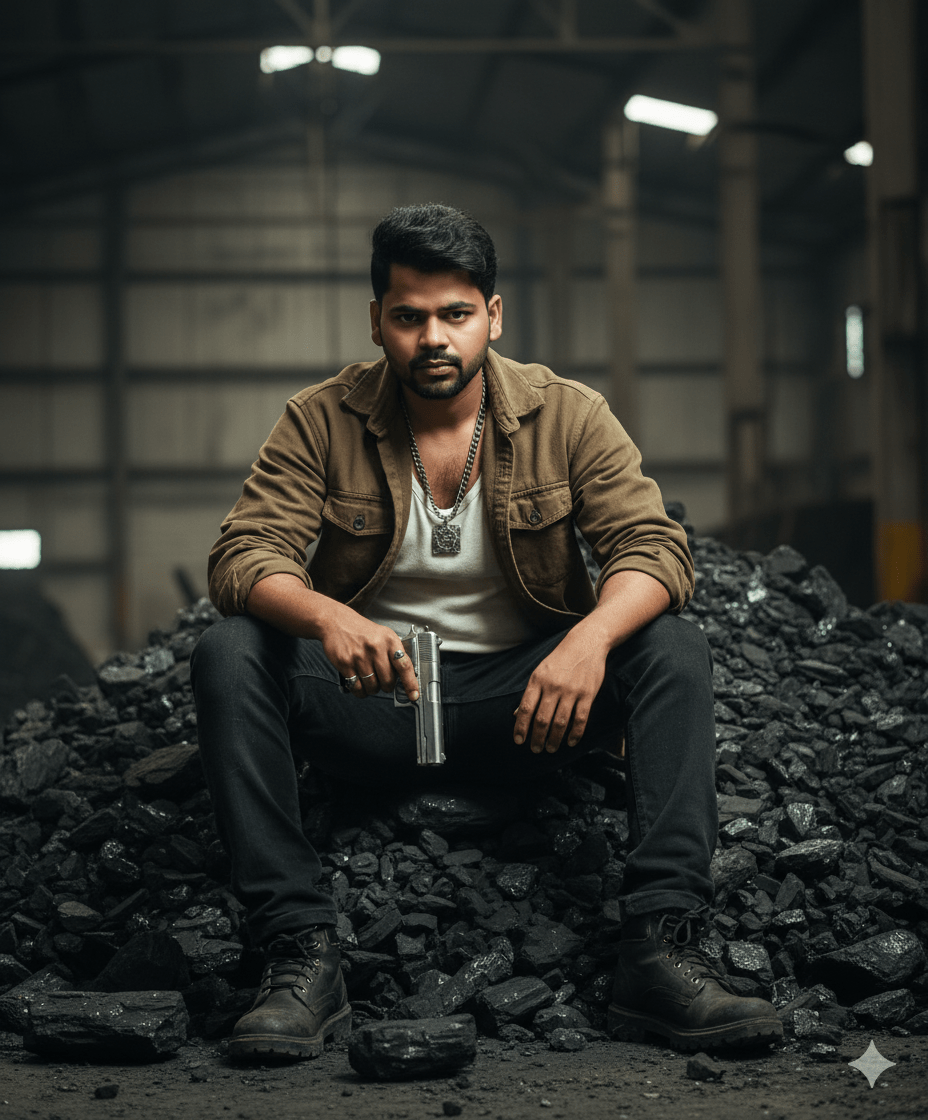
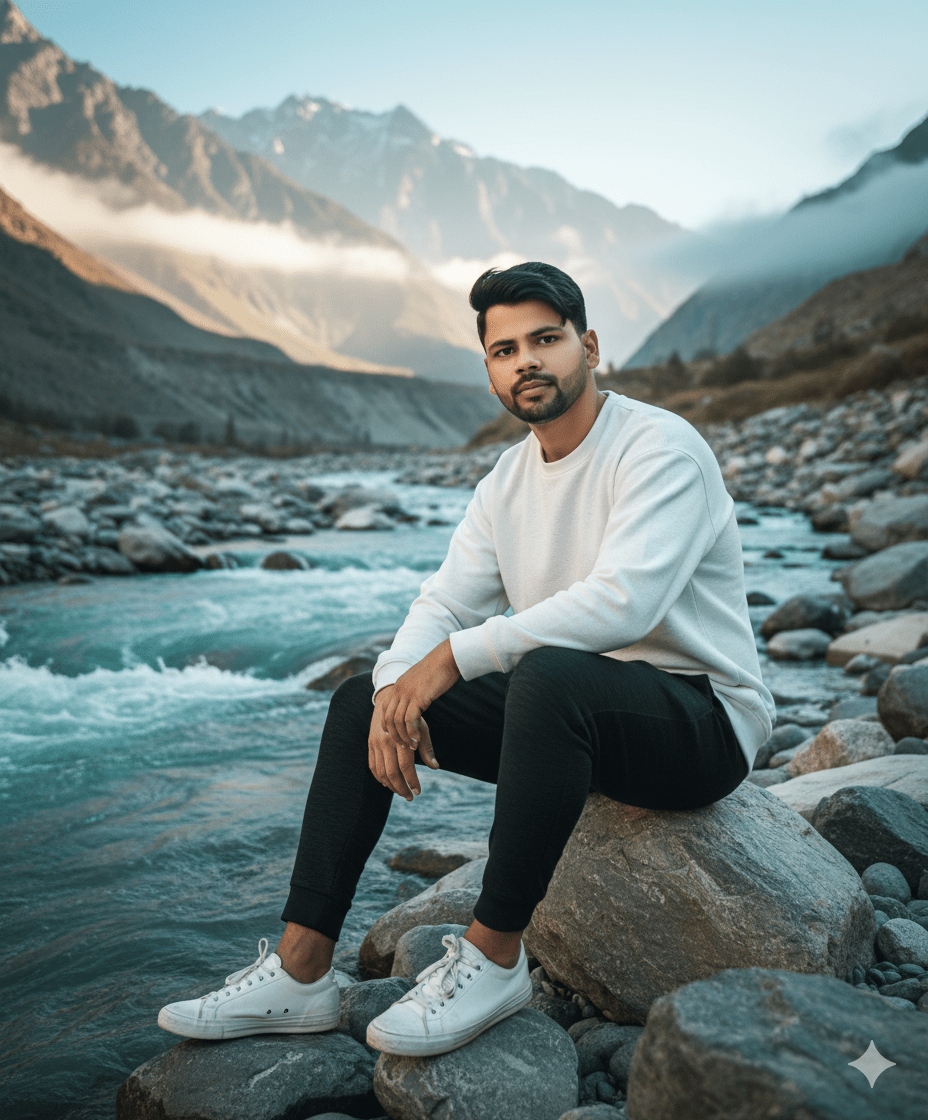
In This Article you will learn about how to convert real image into ai image.
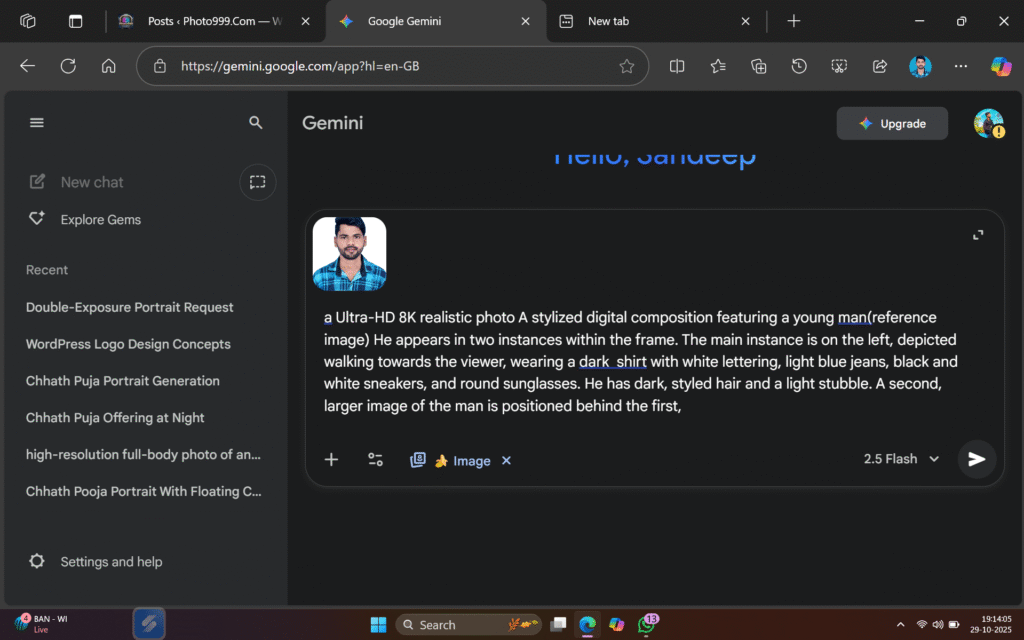
Step 1. You will need to a your original photo.
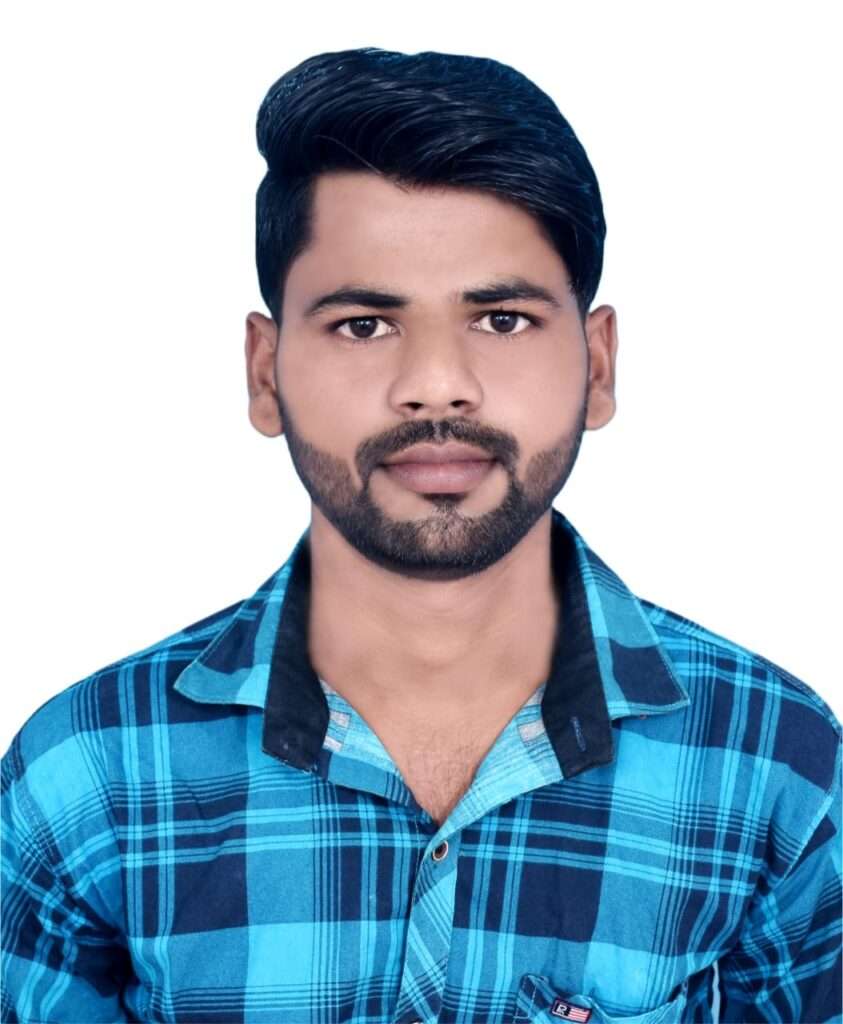
Step 2. You will also need a ai Prompts. Which help to conver your real image to ai image.
Prompt✨🤯

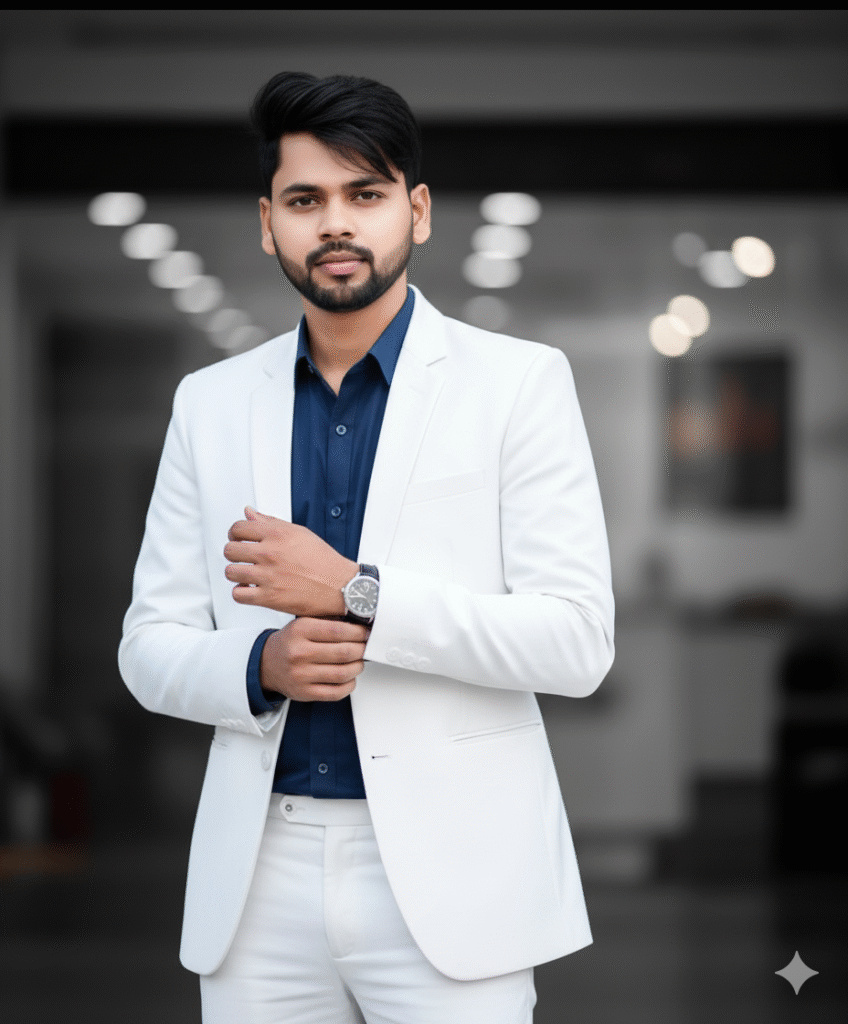
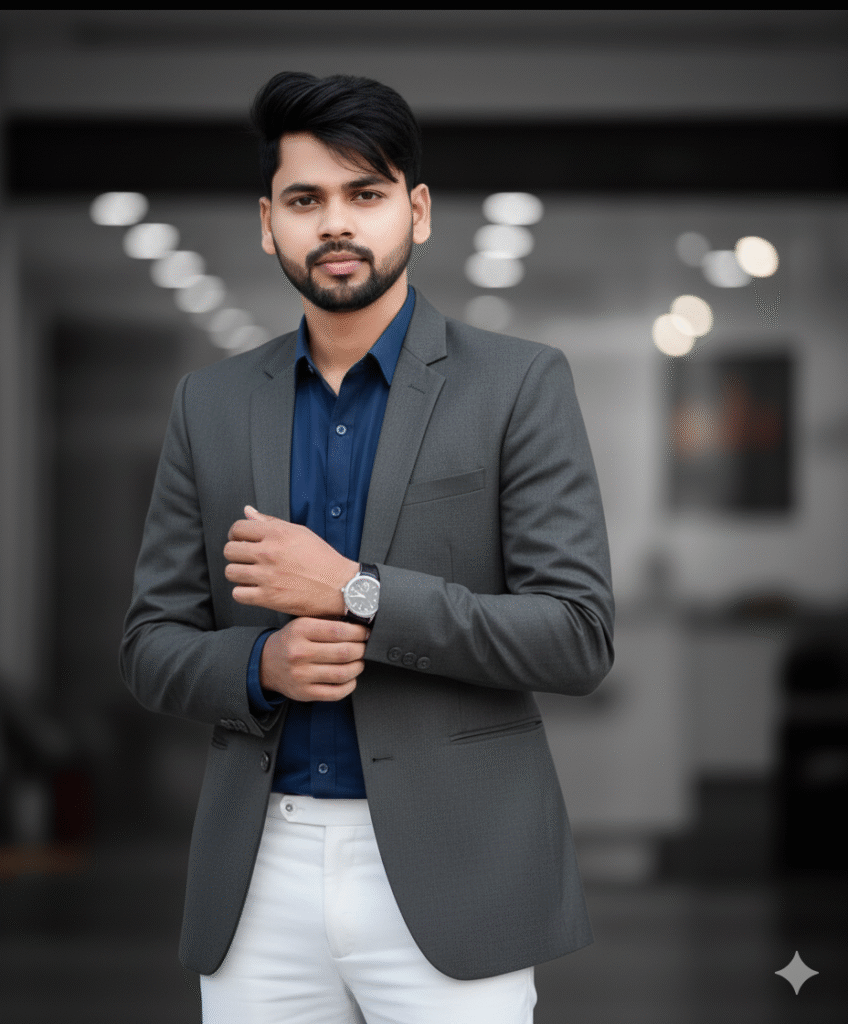
A Ultra-realistic, cinematic 8K close up half body portrait of a young handsome man Noor(exact same face from reference) height, standing casually with one hand in pocket. He wears a Navy Blue Shirt, White Formal Trouser pant white blazer, His hair is round puffing cut, tousled naturally with a few strands falling,The background is soft, minimal, and subtly blurred to emphasize a contemporary fashion-forward. Blue sun glasses change his standing look
Step 3. And also required a ai plateform. which make your photo into ai model.
Step 4. Now your photo is ready. You can now upload on any Social Media plateform.

Step 5. If you don’t understand then you can watch the video.

Related Posts



Post Comment