
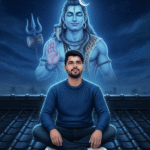
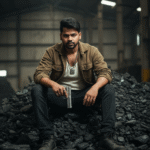


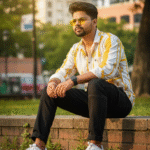



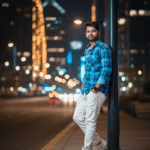
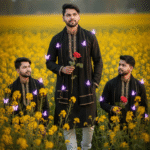
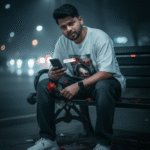
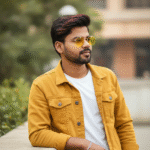
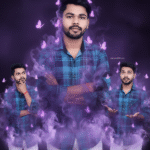
How to generate new styles image with Ai in Gemini (Part 05)
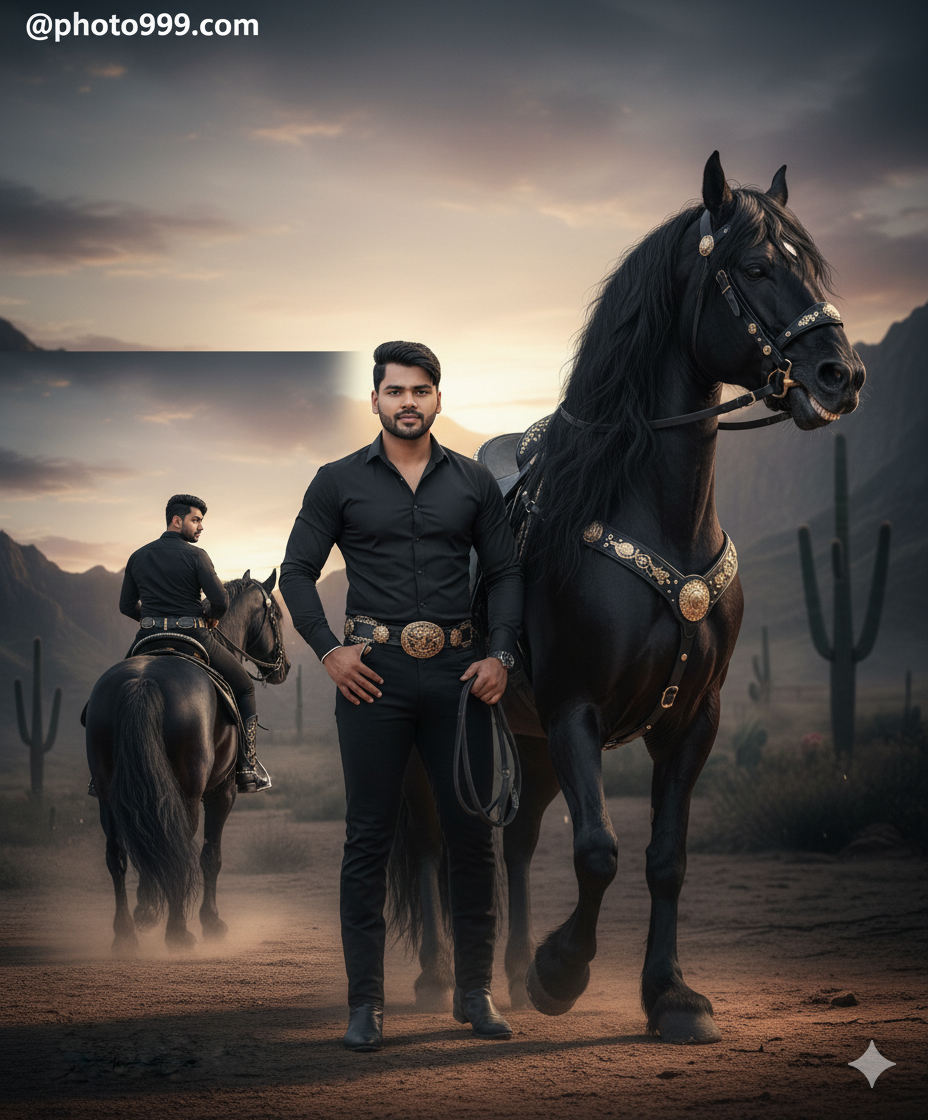
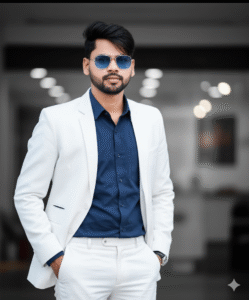
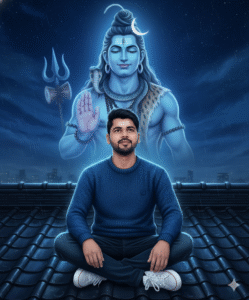
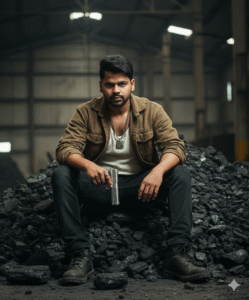
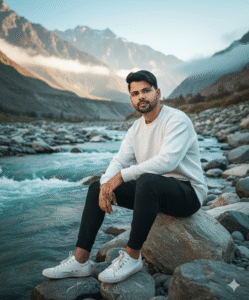
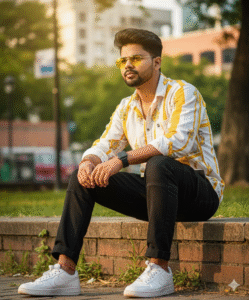
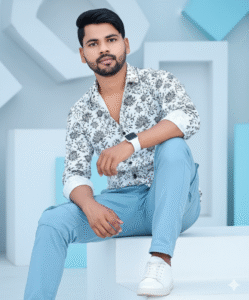
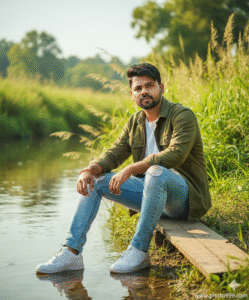
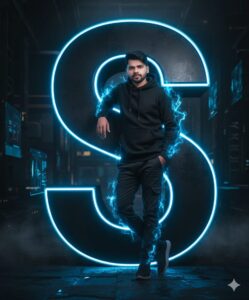
In This Article you will learn about how to convert real image into ai image.
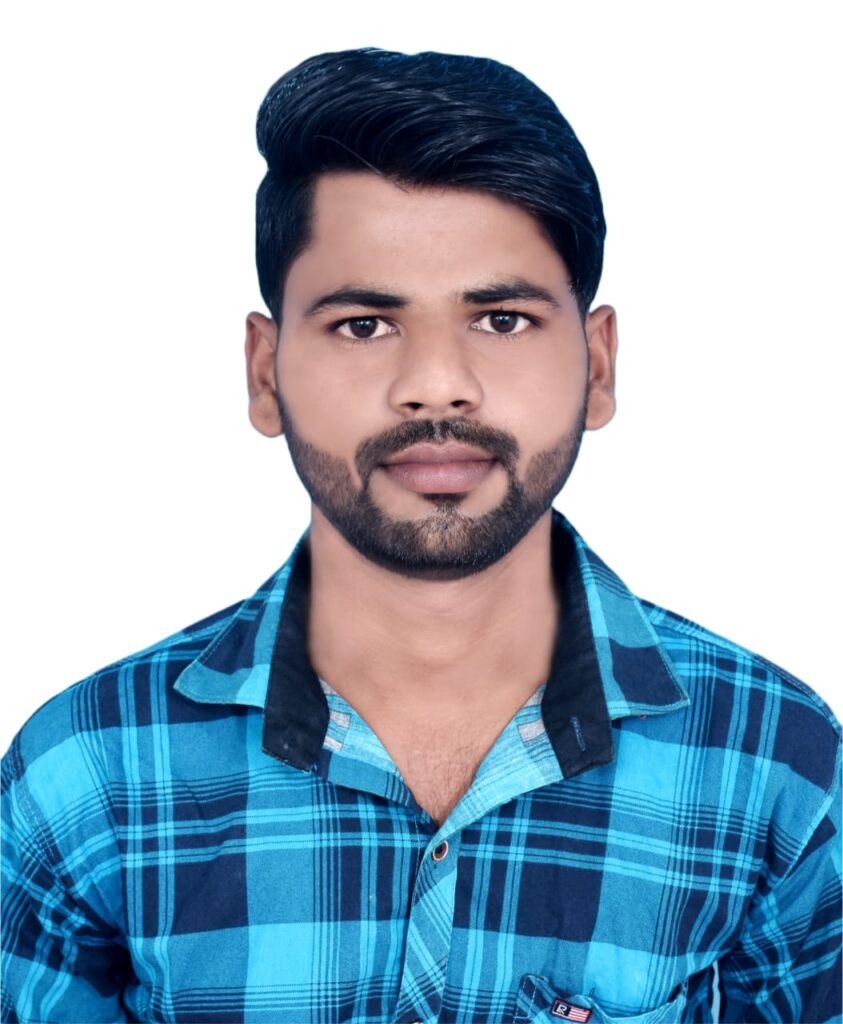
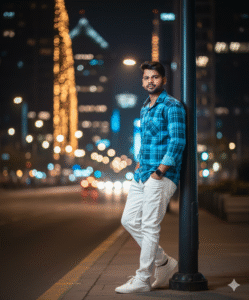
Step 1. You will need to a your original photo.
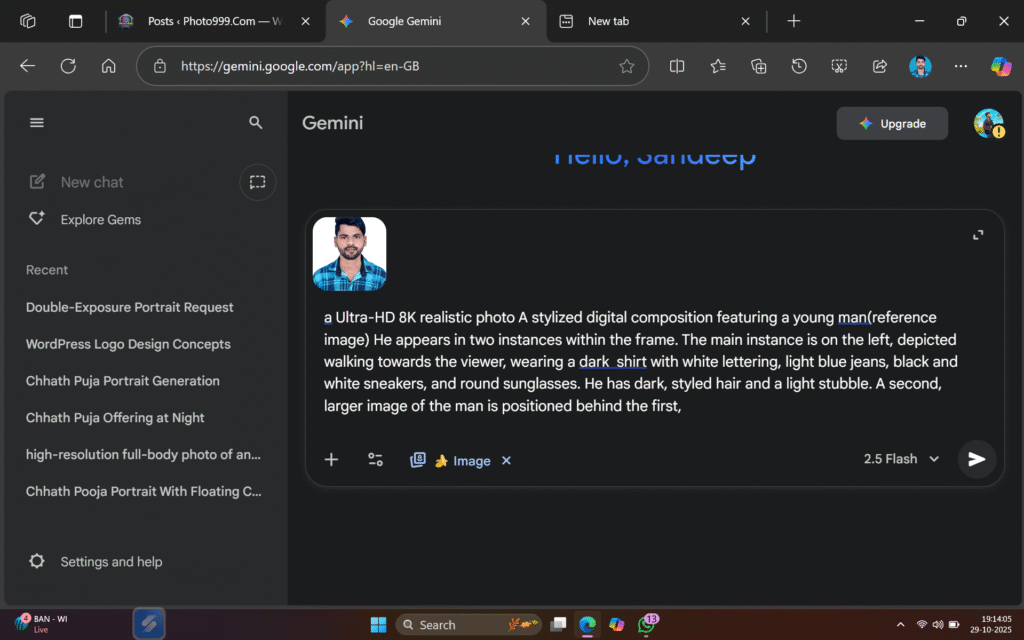
Step 2. You will also need a ai Prompts. Which help to conver your real image to ai image.
Prompt📷👀👇

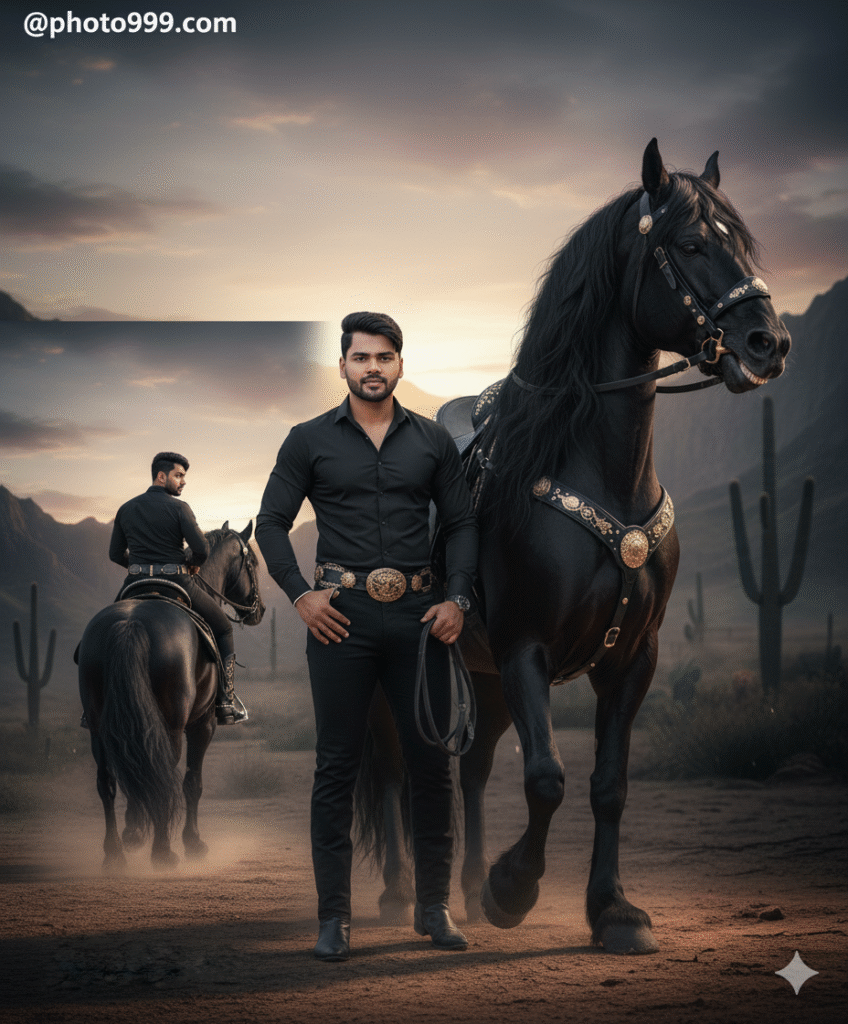
Make an image of a man in a cowboy-inspired outfit. He is posing while sitting on a majestic black Friesian horse with a black saddle decorated with golden details. The horse is neighing. The man keeps his original hairstyle exactly as in the reference image. His outfit consists of a fitted long-sleeved black shirt, tight black pants, and a black belt with western-style details around his waist. Completing the look are high black cowboy boots with golden accents.@photo999.com
Step 3. And also required a ai plateform. which make your photo into ai model.
Step 4. Now your photo is ready. You can now upload on any Social Media plateform.
Step 5. If you don’t understand then you can watch the video.

Post Comment