
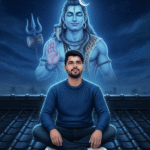
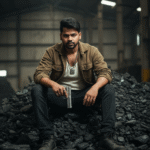


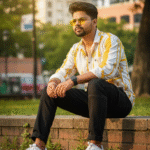




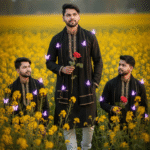

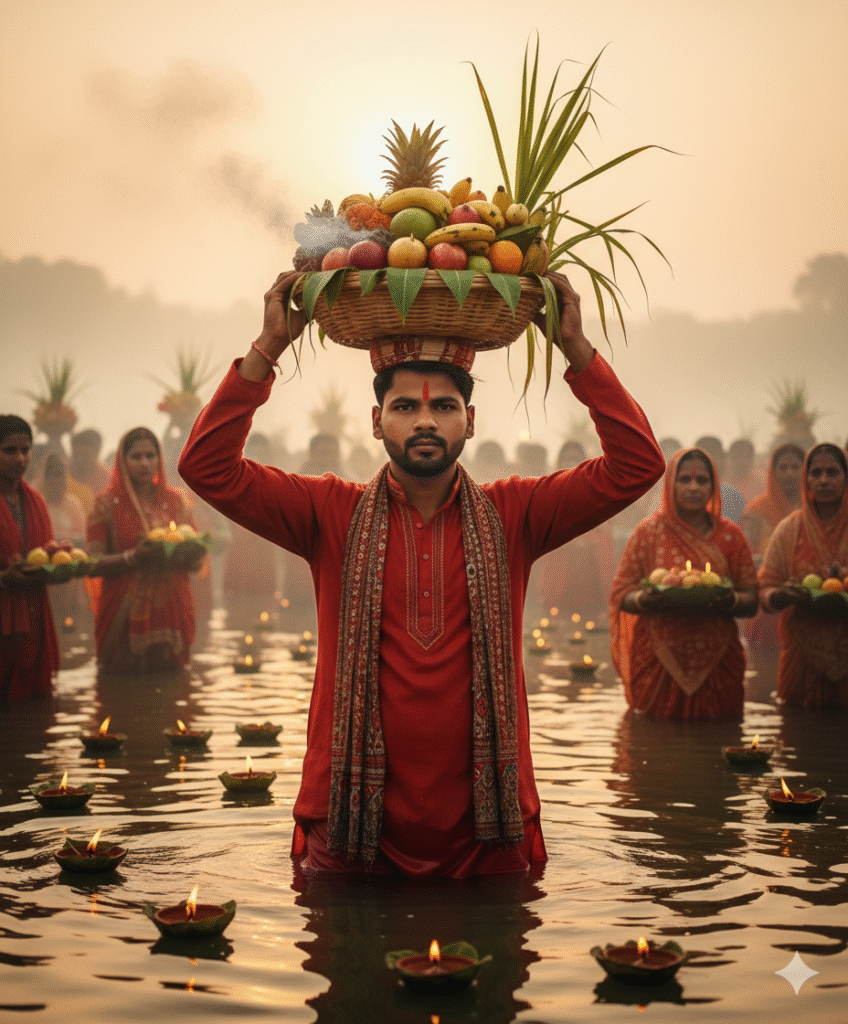
Chhath Pooja Photo Create with Ai
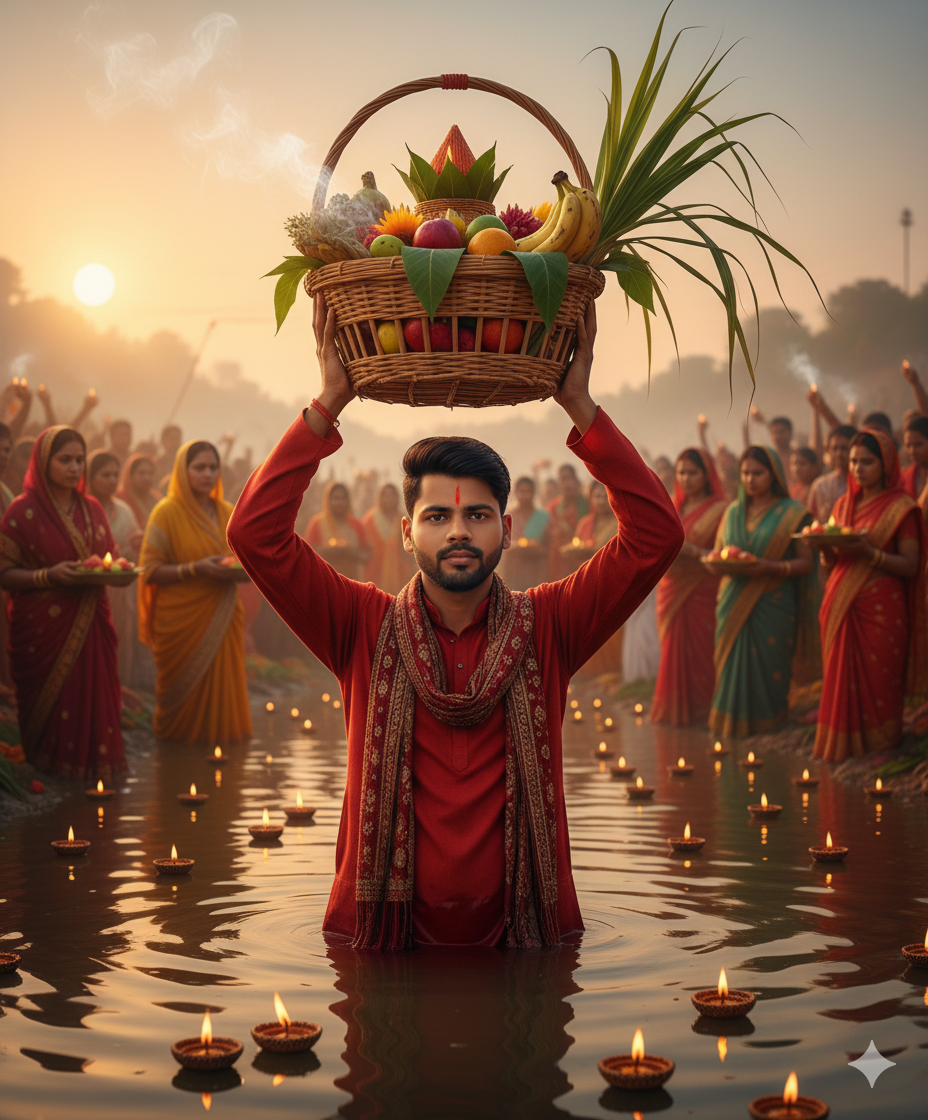
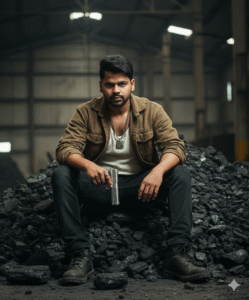
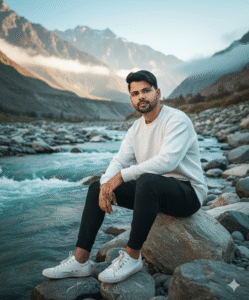
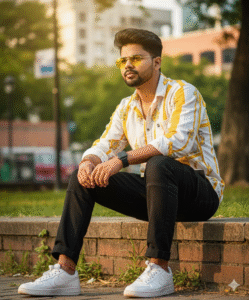
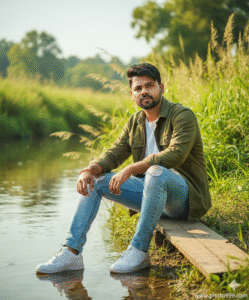
In This Article you will learn about how to convert real image into ai image.
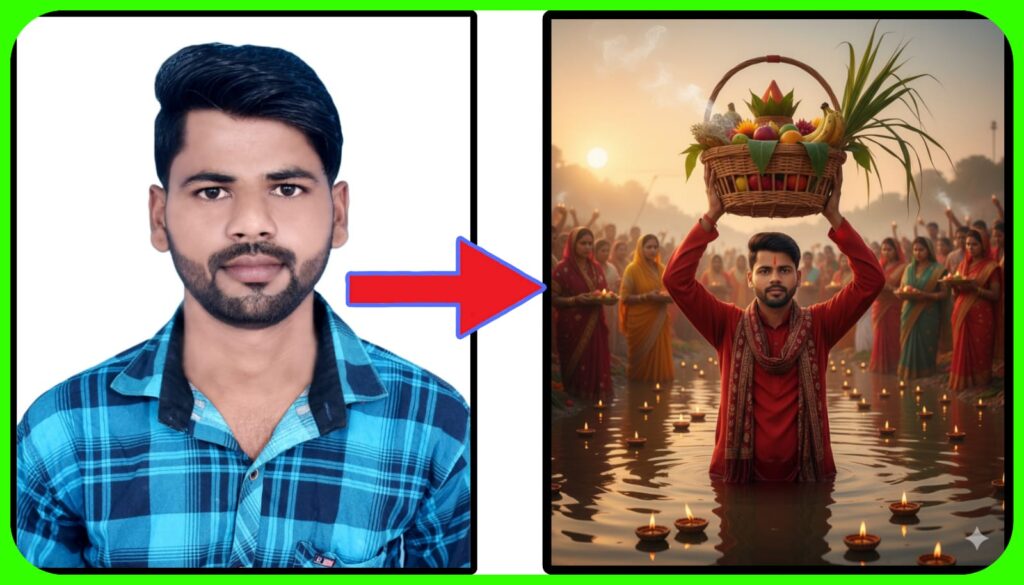
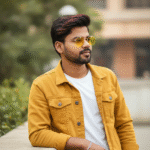
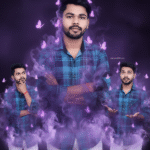
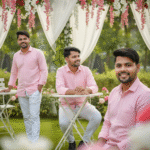
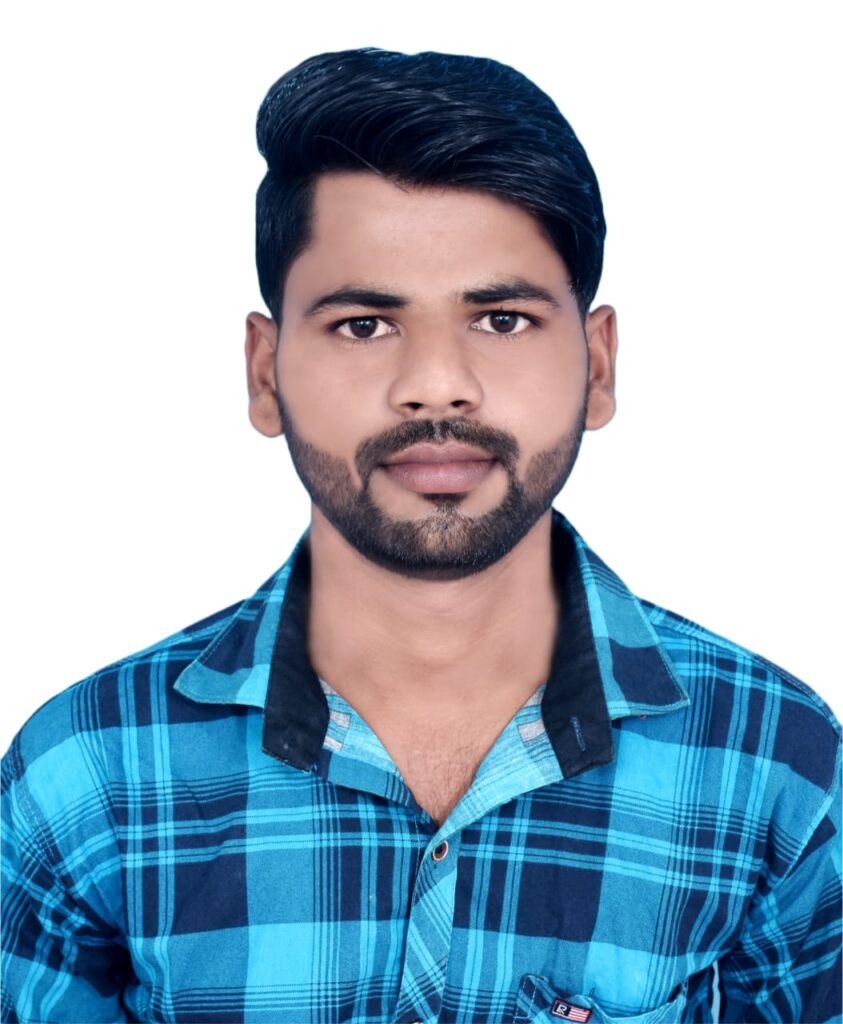
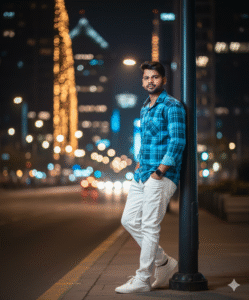
Step 1. You will need to a your original photo.
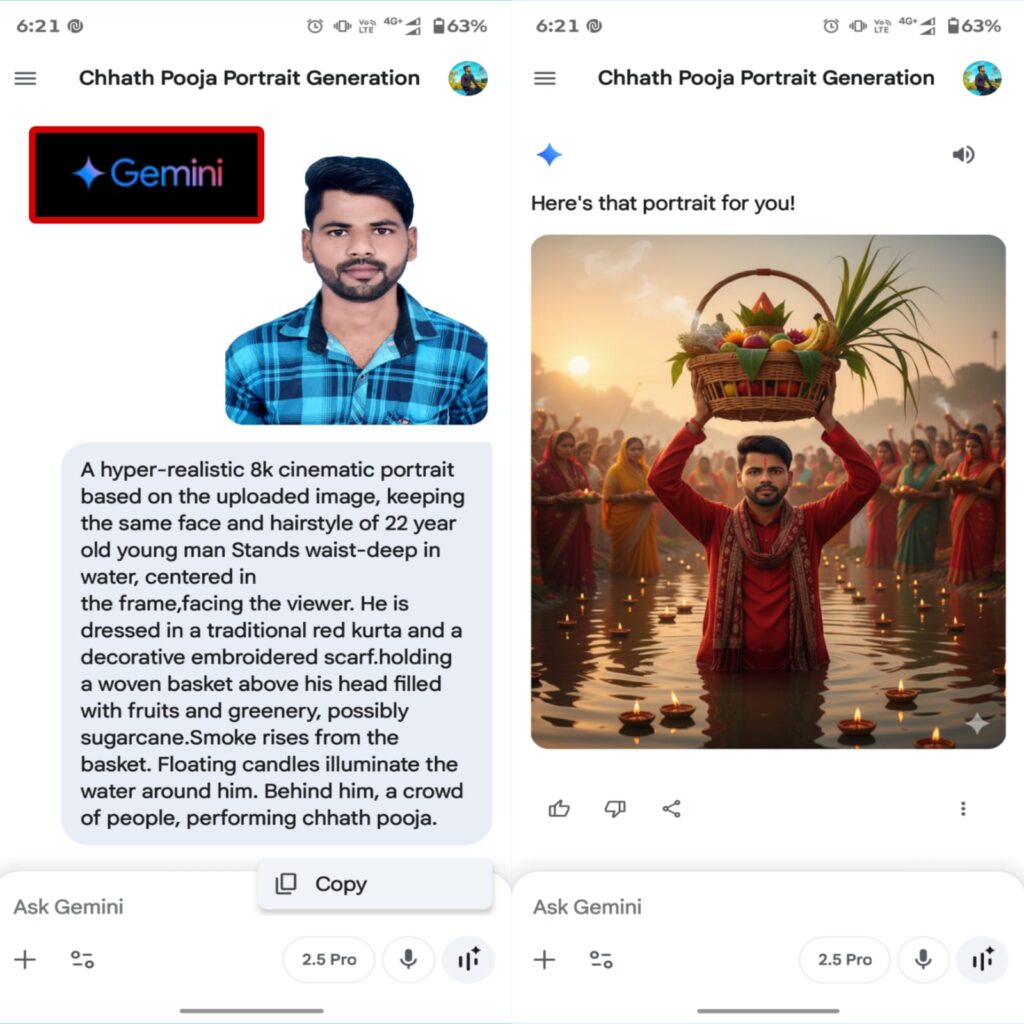
Step 2. You will also need a ai Prompts. Which help to conver your real image to ai image.
A hyper-realistic 4k cinematic portrait based on the uploaded image, keeping the same face and hairstyle of 22 year old young man Stands waist-deep in water, centered in the frame,facing the viewer. He is dressed in a traditional red kurta and a decorative embroidered scarf.holding a woven basket above his head filled with fruits and greenery, possibly sugarcane.Smoke rises from the basket. Floating candles illuminate the water around him. Behind him, a crowd of people, performing chhath pooja.
Step 3. And also required a ai plateform. which make your photo into ai model.
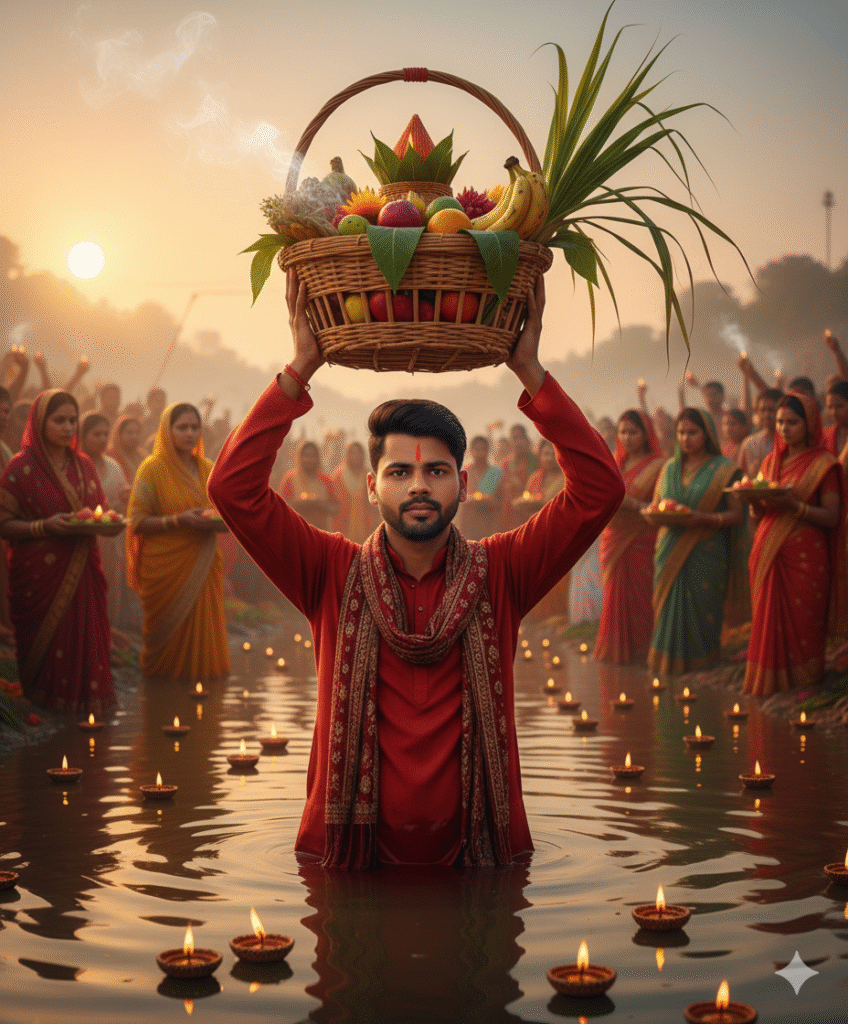
Step 4. Now your photo is ready. You can now upload on any Social Media plateform.
Step 5. If you don’t understand then you can watch the video.





Post Comment