





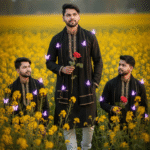
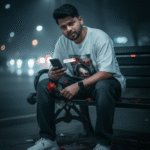
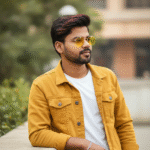
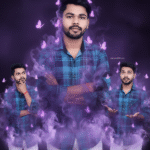
How to generate new styles image with Ai in Gemini (Part 01)
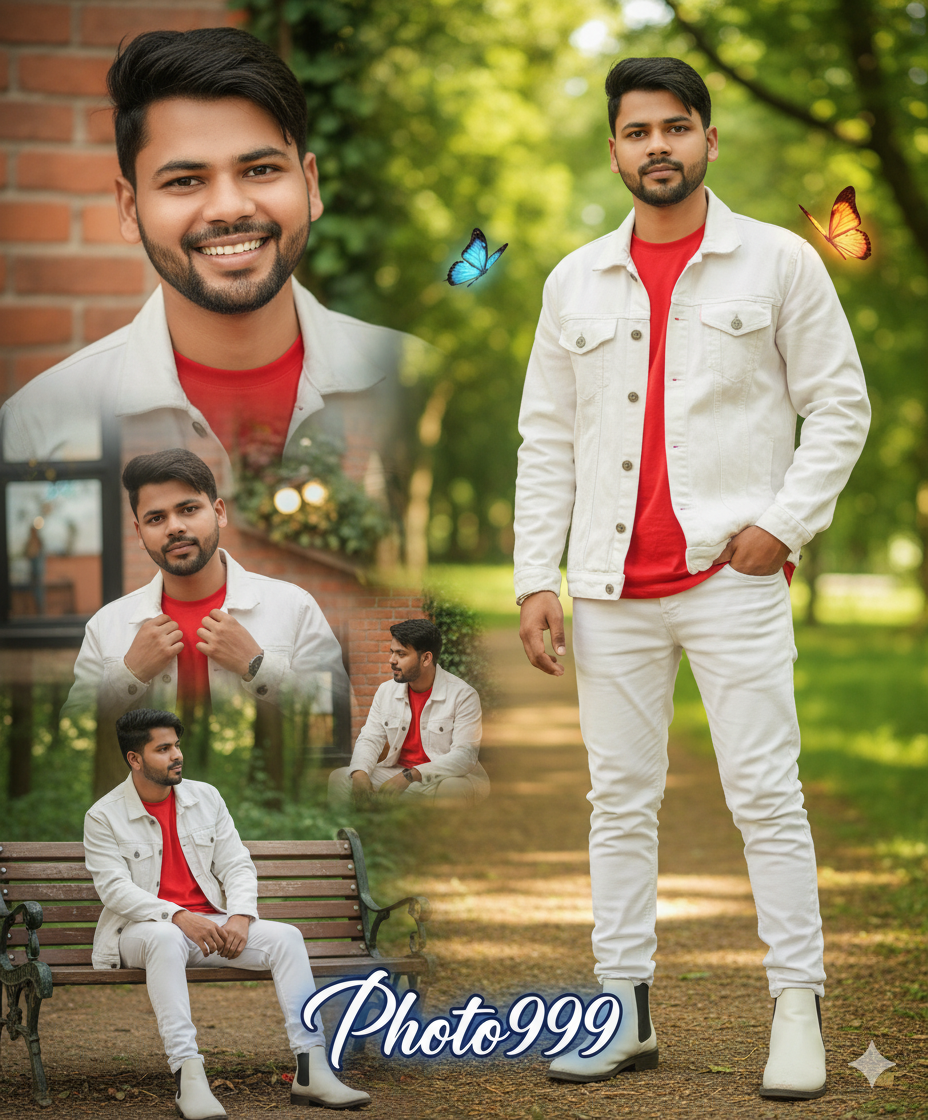
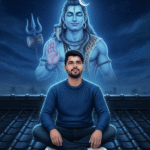
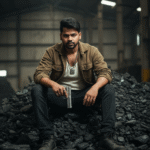
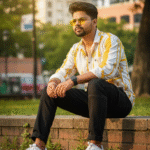
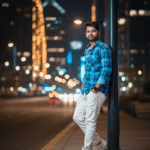
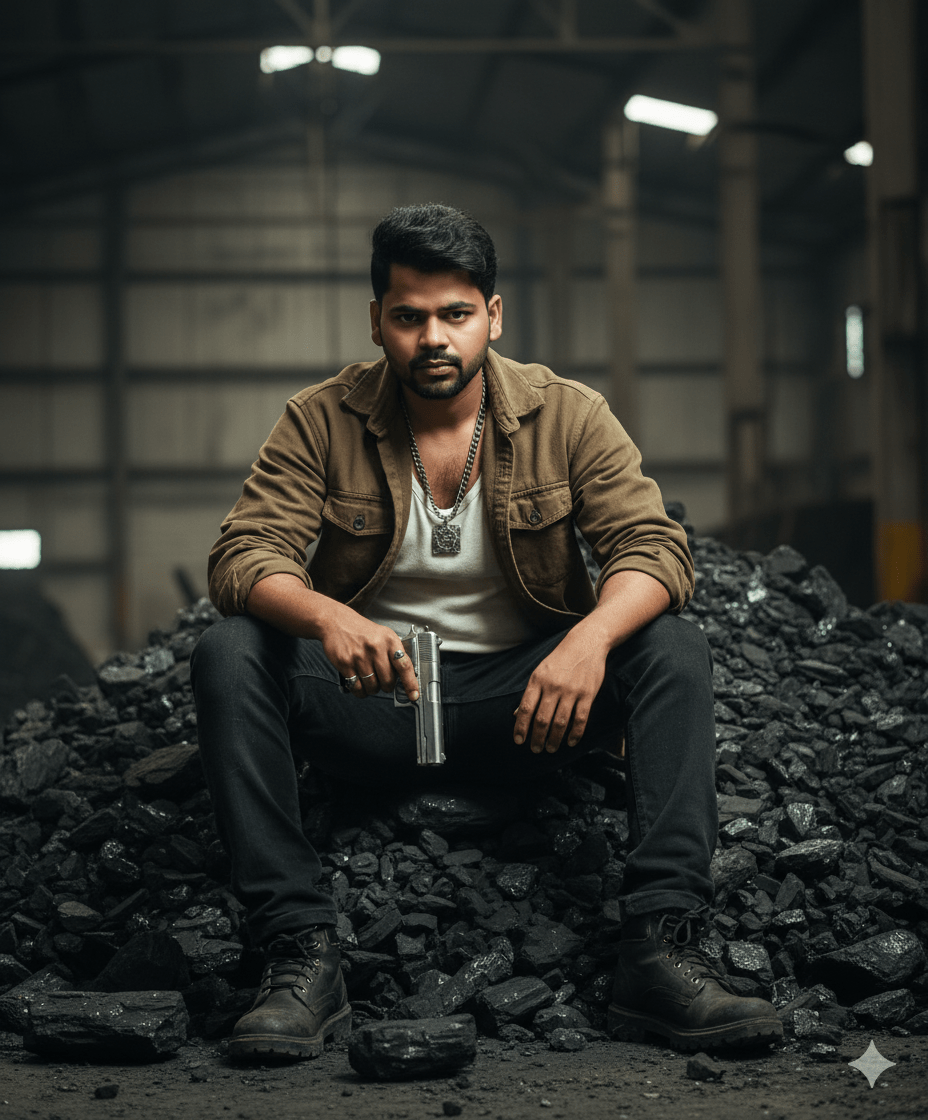
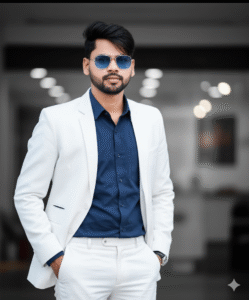
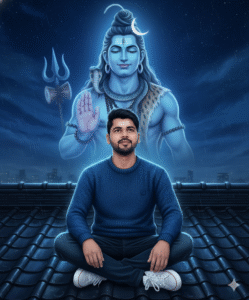
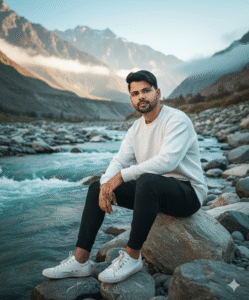
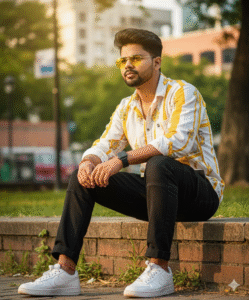
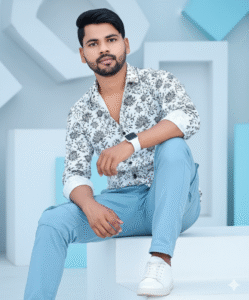
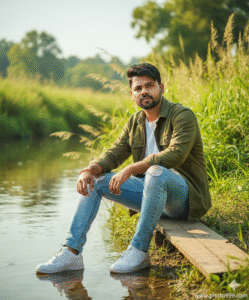
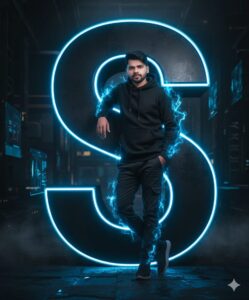
In This Article you will learn about how to convert real image into ai image.
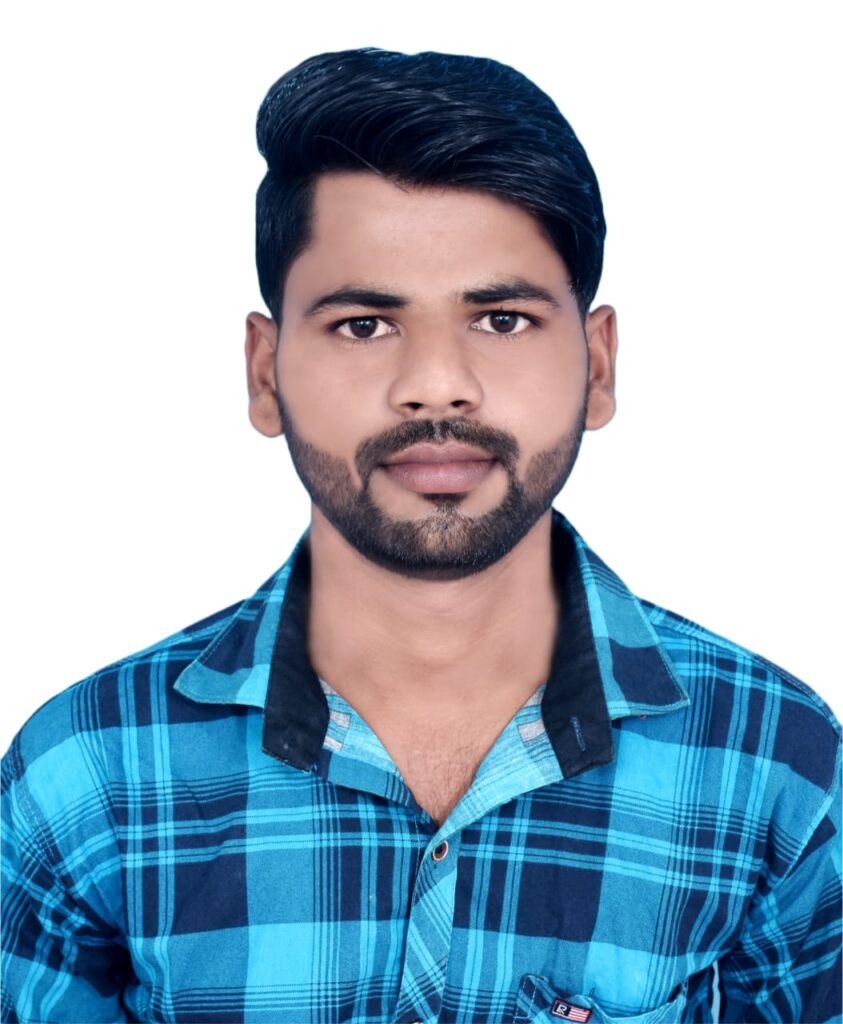
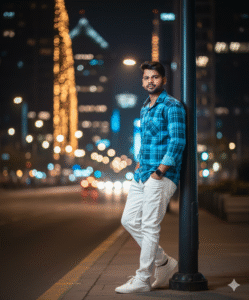
Step 1. You will need to a your original photo.
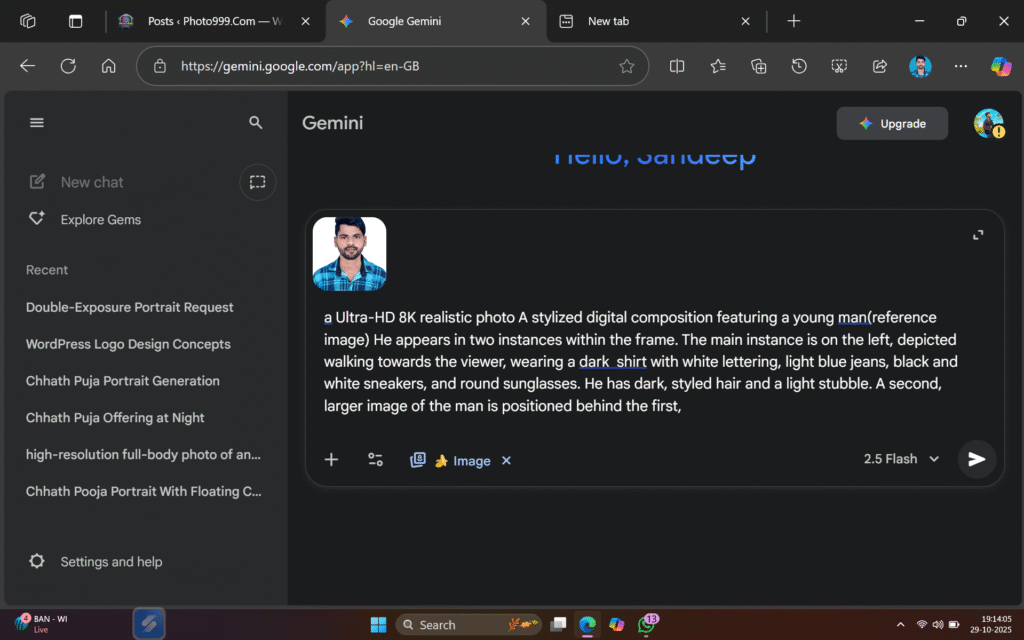
Step 2. You will also need a ai Prompts. Which help to conver your real image to ai image.
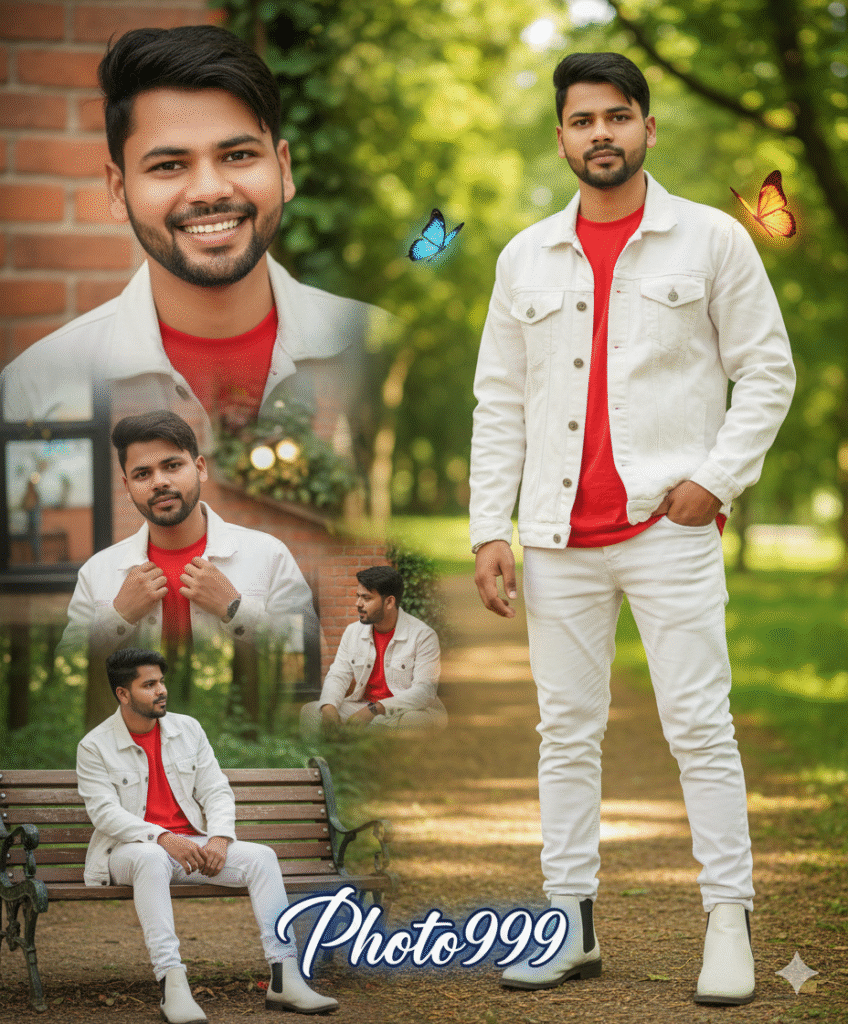
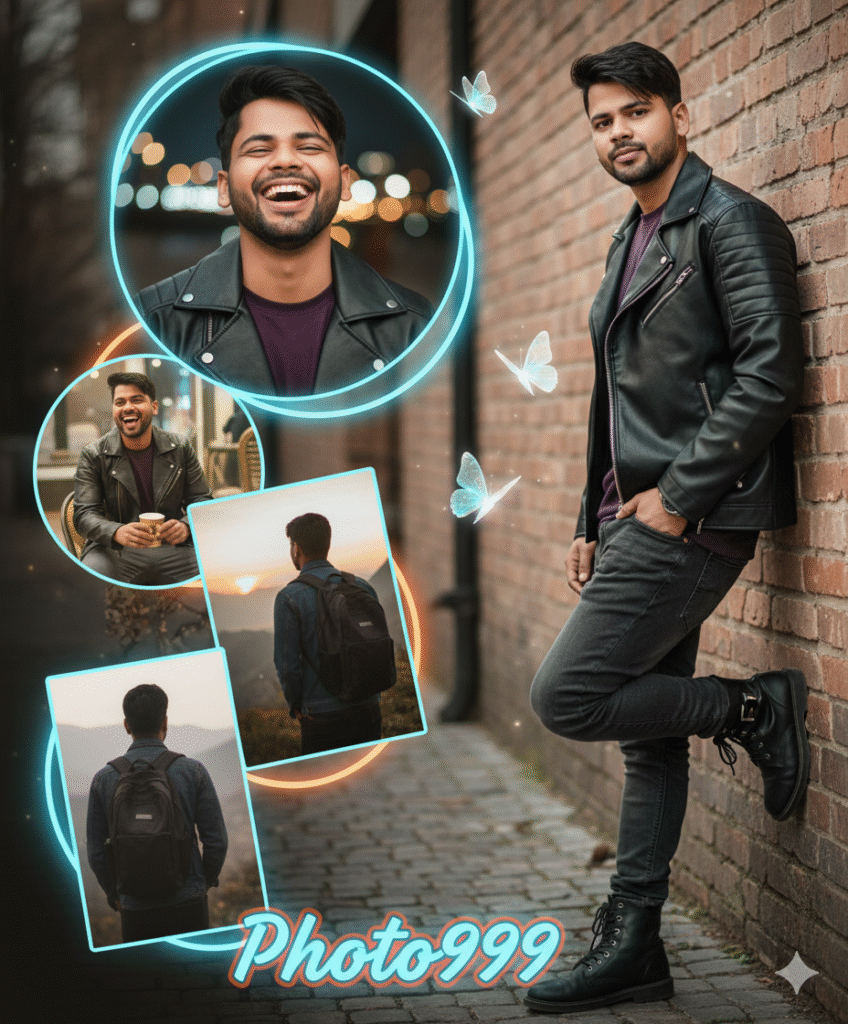
Creative photo collage of a young man. Full-body image on the right: wearing a white denim jacket, red T-shirt, and white boots confidently.close-up smile, adjusting jacket, sitting casually, and looking away. Add two glowing butterflies and stylish text with his "photo999.com" at the bottom in bold calligraphy.
The face should be as per the photo.  Different pose
Backgrounds are natural
Step 3. And also required a ai plateform. which make your photo into ai model.
Step 4. Now your photo is ready. You can now upload on any Social Media plateform.
Step 5. If you don’t understand then you can watch the video.

Related Posts

Rahul
❤️
1 comment